About this app
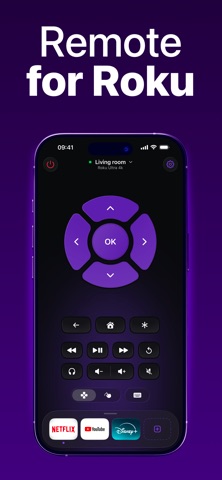
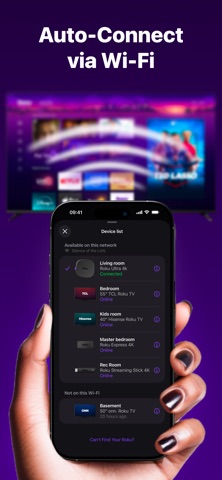
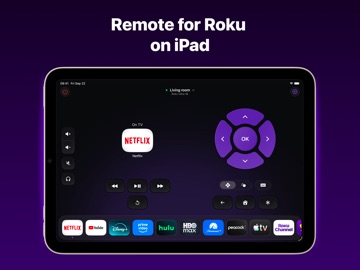
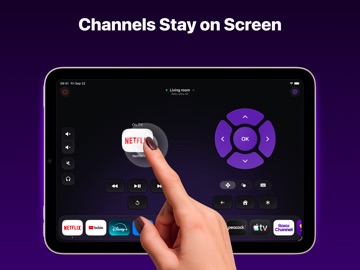
This app is developed by an independent developer and is not an official application. It is not affiliated with, endorsed by, or sponsored by Roku, Inc. Roku is a registered trademark of Roku, Inc. Control your Roku with ease — right from your iPhone or iPad! Turn your mobile device into a smart remote: switch channels, adjust the volume, launch your favorite apps and services — all in just one tap. Features you’ll love: - Quick and simple setup — connect your Roku and iPhone/iPad to the same Wi-Fi network - Channel switching and volume control with smooth navigation - Instant access to your favorite streaming services - Easy-to-use interface designed for everyone Enjoy seamless control of your Roku TV without searching for the physical remote. Privacy Policy: https://remotefortv.tilda.ws/privacy Terms of Use: https://remotefortv.tilda.ws/terms *Pricing may vary by region and charges may be converted to your local currency. *Payment will be charged to your iTunes account upon confirmation of purchase. *Subscriptions automatically renew unless auto-renew is turned off at least 24 hours before the end of the current period. *Your account will be charged for renewal within 24 hours prior to the end of the current period. *Manage your subscription and auto-renewal in your iTunes Account Settings. For more information, visit: - https://support.apple.com/en-us/HT202039 - https://support.apple.com/en-us/HT204084
Latest release
What’s New
* Performance improvement and bug fixes.
Audience growth
Ratings growth
Momentum comes from crawler snapshots for the tracked storefront. “Viral growth signal” means unusually fast recent rating gains; it is an indicator, not download data.
Price tracking
Price intelligence
- First observed Aug 16, 2026 · 3:01 AM Free
Screenshots