About this app
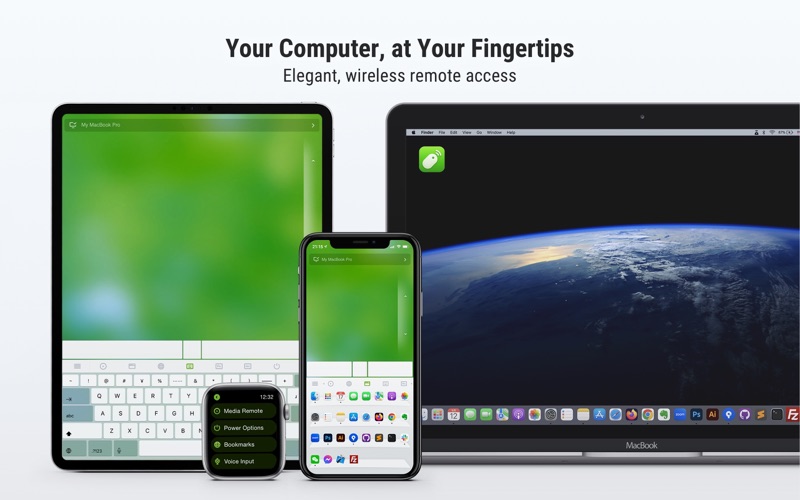
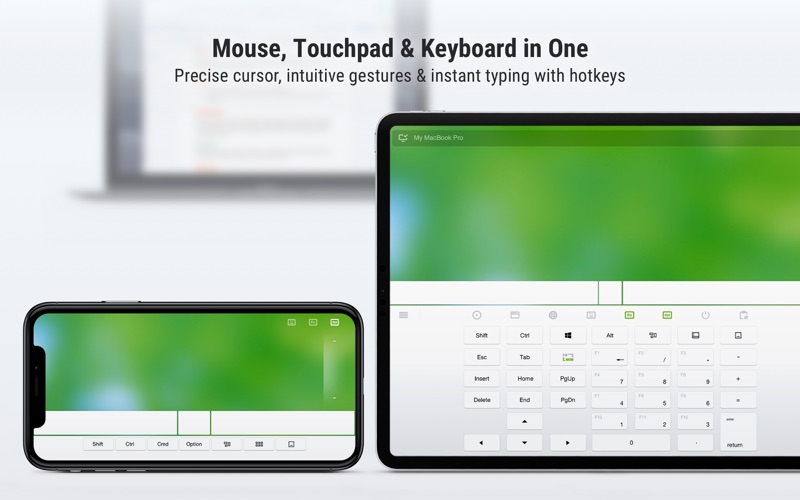
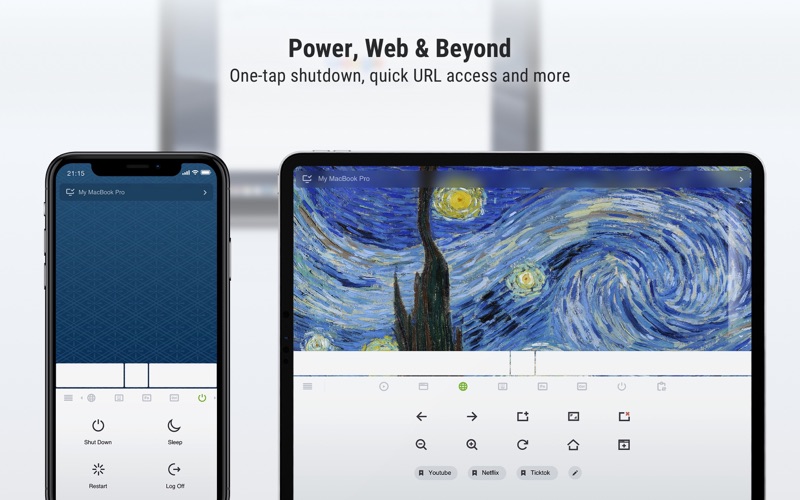
Turn your iPhone or iPad into a smart, wireless remote control for your Mac. Remote Mouse™ lets you use your mobile device as a trackpad, keyboard, and mouse, complete with multi-touch gestures and media controls—perfect for watching movies, controlling presentations, or simply lounging on the couch. With over 20 million users and features on CNET, Mashable, and Product Hunt, Remote Mouse™ is one of the most elegant and intuitive remote control apps available today. What you can do: Mouse • Control the cursor like a real mouse • Move using your phone’s gyroscope (Gyro Mouse) • Left-handed mode support Keyboard • Type remotely in any language • Use voice input (if supported by your soft keyboard) • Send system and app shortcuts • Adaptive layouts for Mac or PC Touchpad • Simulates Apple Magic Trackpad • Supports multi-touch gestures Specialty Panels • Media Remote: Control iTunes, VLC, PowerPoint, and more • Web Remote: Navigate Chrome, Firefox, and Opera • App Switcher: Launch and switch between apps • Power Options: Shut down, sleep, or restart remotely • Cross-device Clipboard: Copy and paste text/images across devices Other features • Control volume using physical phone buttons • Secure the connection with a password • Reorder specialty panels • Customize your remote with personal wallpapers • Switch between light and dark mode Easy to set up: 1. Download and install Remote Mouse Server on your Mac: https://remotemouse.net 2. Launch the server (it runs in the background) 3. Connect your iPhone or iPad to the same Wi-Fi Love Remote Mouse? Rate us 5 stars to support small developers like us! Questions or feedback? Contact us anytime at support@remotemouse.net — we’d love to hear from you.
Latest release
What’s New
Minor bug fixes
Audience growth
Ratings growth
Baseline captured. Growth appears after the crawler observes a changed rating count.
Momentum comes from crawler snapshots for the tracked storefront. “Viral growth signal” means unusually fast recent rating gains; it is an indicator, not download data.
Price tracking
Price intelligence
First snapshot captured. The trend line starts after the next crawler price observation.
- First observed Aug 14, 2026 · 12:03 AM Free
Screenshots