About this app
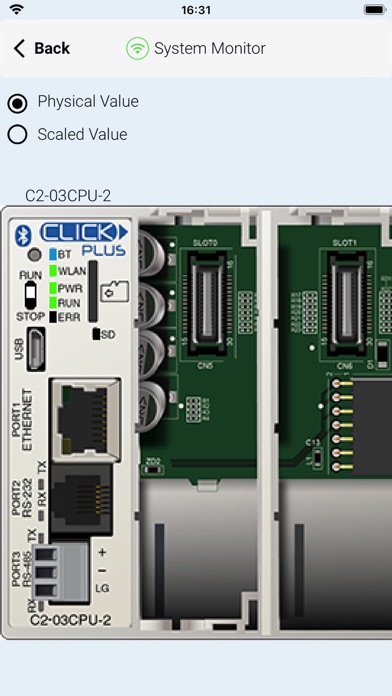
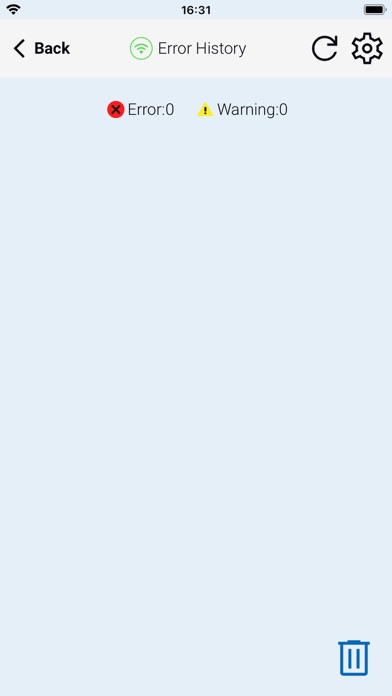
Remote PLC is an application for real time monitoring and control for the CLICK and CLICK PLUS Programmable Control product lines offered by Automationdirect.com. For this app to function as designed, a CLICK PLC with ethernet or Bluetooth support is required. The Remote PLC app offers a quick method of connecting to a PLC to view and edit values in the PLC registers, as well as check the PLC project information, including the Error logs. Main Features: -Multiple Level User Accounts. Once connected, the authorized users can view and edit Monitor Windows based on their permission levels setup in the project file. -Custom Monitor windows can be created and stored to the PLC using the CLICK Programming software version 3.60 or later. Monitor Window access can be based on the user permissions. - Monitor and edit designated discrete and integer values within the PLC. Timer / Counter values can easily be viewed and edited. - PLC type and status, such as PLC Error Logs, scan times (Min and Max), as well as Project file information. Requirements: • All current CLICK and CLICK PLUS PLCs with ethernet/Bluetooth support the Remote PLC app. • The PLC must be using firmware Version 3.60 or later. • CLICK Programming Software Version 3.60 or later is required to program and configure the PLC to support the Remote PLC App. • The CPU must have compatible network settings with the device running the Remote PLC App.
Latest release
What’s New
-Added support for Biometric Authentication sign-in. -Updated app to run on iOS 26. -Fixed garbled values displayed when typing in TXT1–TXT128. -Fixed entered value disappearing after writing in Edit Mode (BLE/Wi-Fi). -Fixed app getting stuck on "Reconnecting" when minimized and resumed repeatedly. -Fixed app crash when pressing Refresh repeatedly on Browse with BLE screen.
Audience growth
Ratings growth
Baseline captured. Growth appears after the crawler observes a changed rating count.
Momentum comes from crawler snapshots for the tracked storefront. “Viral growth signal” means unusually fast recent rating gains; it is an indicator, not download data.
Price tracking
Price intelligence
First snapshot captured. The trend line starts after the next crawler price observation.
- First observed Aug 19, 2026 · 10:03 AM Free
Screenshots