About this app
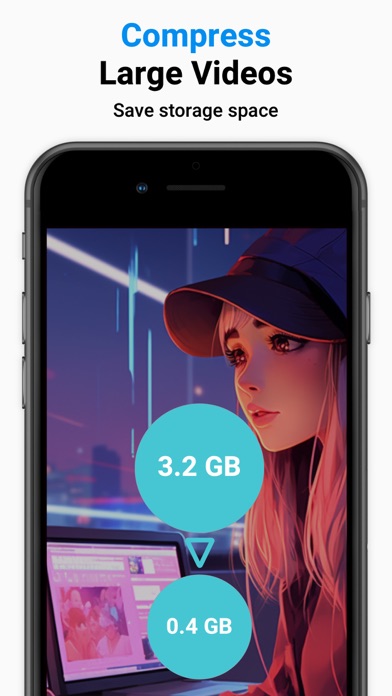
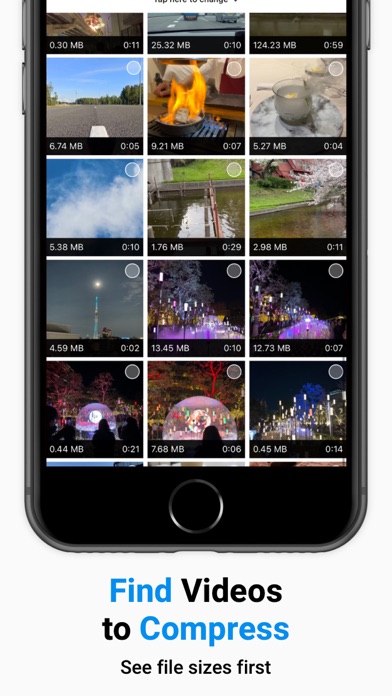
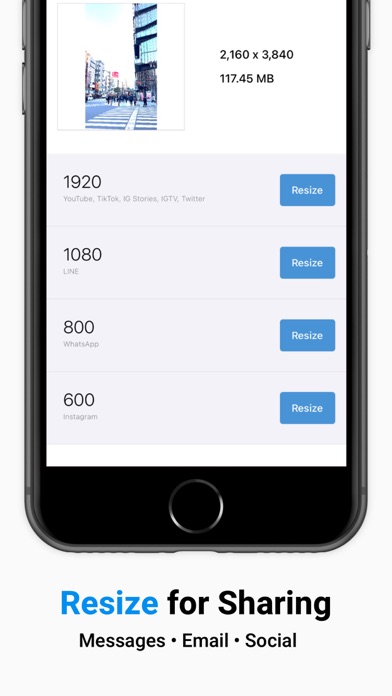
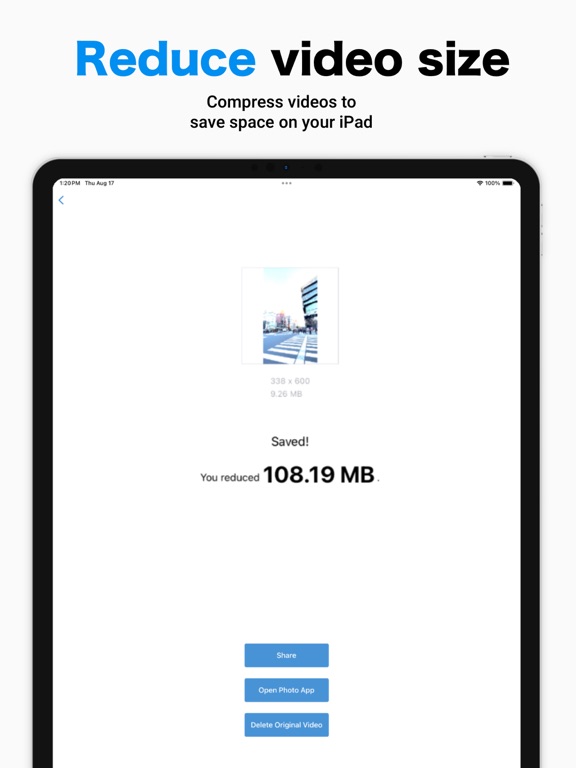
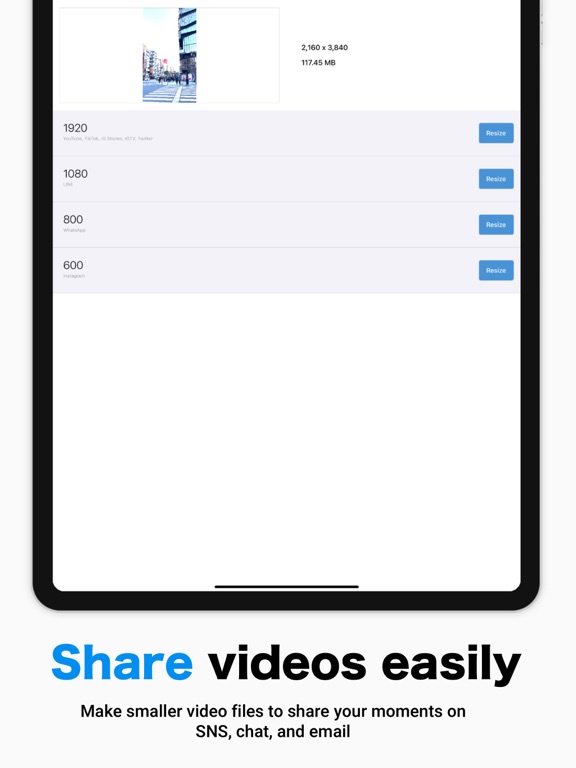
Resize Video Compressor helps you make large videos smaller by resizing and compressing them. Use it when your iPhone storage is getting full, when a video is too large to send, or when you want a lighter file for social media, messaging apps, or everyday sharing. Find large videos more easily and compress them to free up storage. ** Who Is This App For? ** - You want to free up iPhone storage by reducing large videos. - You need to make videos easier to send in messaging apps or on social media. - You want to prepare videos for social media before posting. - You record in high quality but do not need every video to stay full size. - You have many screen recordings and want to keep the content while reducing file size. - You received a large video and want to make it easier to share. ** Features & How to Use ** ■Find Large Videos Find videos that take up more storage in your Photo Library. Check size, duration, and resolution, then choose the videos you want to compress. ■ Select a Size Choose a preset resolution based on common social media and messaging needs. - 1920: YouTube, TikTok, Instagram Stories, IGTV, Snapchat, X (Twitter), Discord - 1080: LINE - 800: WhatsApp - 600: Instagram ■ Compress Tap "Resize" to create a smaller version of your original video and save it to your Photo Library. ■ Share & Delete - Share compressed videos directly to social media or messaging apps. - Share a result card that summarizes how much storage you saved. - Optionally delete the original video after saving the compressed version. Deleted videos move to "Recently Deleted" in your Photo Library. ** Paid Version ** We offer a subscription-based or one-time purchase option for the paid version. Paid version features: - Batch Compression: Select multiple videos and compress them in one batch. - Fine-Tune Output: Set size, FPS, bitrate, and codec to control quality and compatibility. - Quick Previews: Export a short preview to test settings before full compression. - Preserve Metadata: Keep creation date and location when possible, so videos stay organized. - Work Without Ads: Compress, resize, and review results without ad interruptions. Paid plans: - Subscription: $0.99/month - One-Time Purchase: $9.99 Note: Prices may vary by region and time. ** Terms and Conditions for Subscriptions ** - Auto-renewal occurs 24 hours before the end of each billing cycle unless canceled. - You will be charged through your Apple ID account. - The current billing period cannot be canceled. ■ How to Manage Your Subscription Navigate to Settings.app -> Apple ID -> Subscriptions -> Resize Video Compressor to manage your subscription. Note: If no active subscription is registered, the "Subscription" option may not appear. ** Terms for One-Time Purchases ** - You will be charged through your Apple ID account. - Cancellations are not permitted. ** Terms of Use ** Read full terms here: https://www.codepaint.app/terms/resize-video-compressor
Latest release
What’s New
- We have ended support for iOS 16 and earlier. - Fixed an issue that could cause the app to close unexpectedly when deleting the original video after resizing.
Audience growth
Ratings growth
Baseline captured. Growth appears after the crawler observes a changed rating count.
Momentum comes from crawler snapshots for the tracked storefront. “Viral growth signal” means unusually fast recent rating gains; it is an indicator, not download data.
Price tracking
Price intelligence
First snapshot captured. The trend line starts after the next crawler price observation.
- First observed Aug 10, 2026 · 5:17 PM Free
Screenshots