About this app
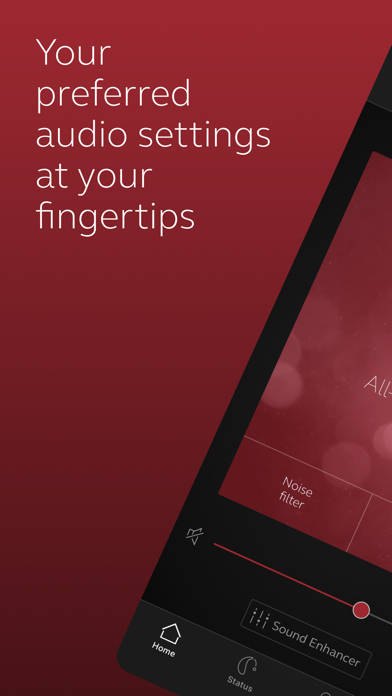
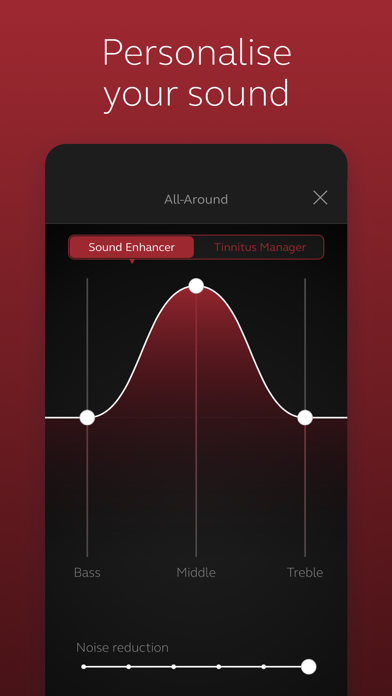
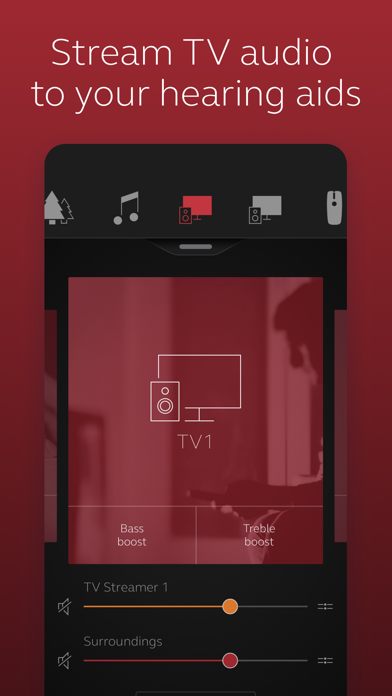
The ReSound Smart™ app is compatible with the following hearing aids: • ReSound LiNX2™ • ReSound LiNX™ • ReSound LiNX TS™ • ReSound ENZO2™ • ReSound ENZO™ • ReSound UpSmart™ The ReSound Smart app lets you control your hearing aids directly from your mobile device. You can change programs, and make simple or more advanced sound adjustments and save them as favorites. The app helps you learn what you can do and how to do it. It can even help you find your hearing aids if you lose them. Notes: Please contact your local ReSound representative for product and feature availability in your market. We recommend that the hearing aids run the latest software version. If in doubt, please contact your hearing care professional. Use the ReSound Smart app to: • Adjust volume settings on your hearing aids • Mute your hearing aids • Adjust volume of your optionally acquired ReSound streaming accessories • Adjust speech focus as well as noise and wind-noise levels with Sound Enhancer (feature availability depends on your hearing aid model and the fitting by your hearing care professional) • Change manual and streamer programs • Edit and personalize program names • Adjust treble, middle and bass tones to your preferences • Save your preferred settings as a Favorite – you can even tag to a location • Help locate lost or misplaced hearing aids • Tinnitus manager: Adjust sound variation and frequency of the Tinnitus Sound Generator. Select Nature Sounds (feature availability depends on your hearing aid model and the fitting by your hearing care professional) For more information please visit https://www.resound.com/hearing-aids/apps/smart or the support website via the link in the app store.
Latest release
What’s New
This update includes general performance and stability improvements.
Audience growth
Ratings growth
Baseline captured. Growth appears after the crawler observes a changed rating count.
Momentum comes from crawler snapshots for the tracked storefront. “Viral growth signal” means unusually fast recent rating gains; it is an indicator, not download data.
Price tracking
Price intelligence
First snapshot captured. The trend line starts after the next crawler price observation.
- First observed Aug 16, 2026 · 9:51 PM Free
Screenshots