About this app
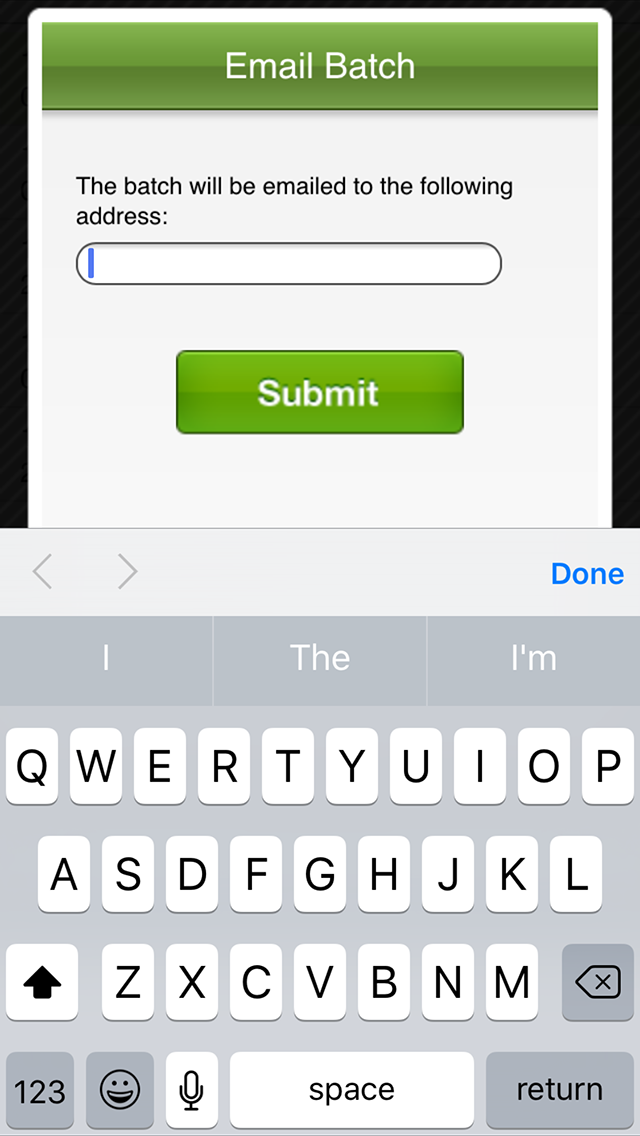
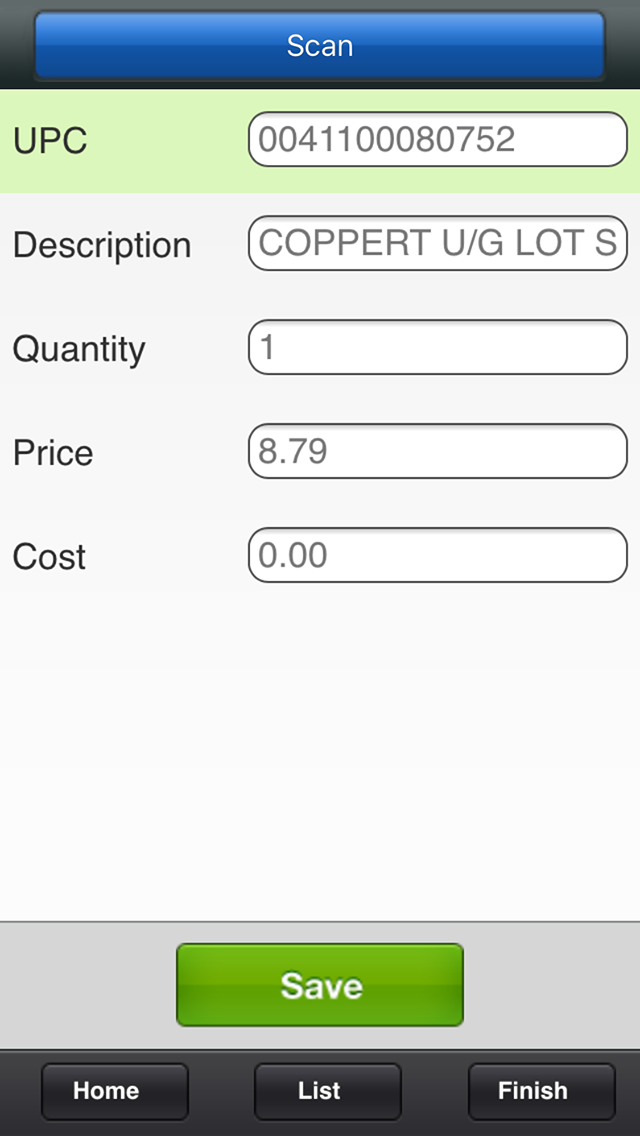
Now you can manage the inventory at your retail store with the help of your iPhone or iPod Touch, making the inventory counting process easier than ever before. Within seconds of downloading the app you’ll be ready to scan an item’s barcode, enter the quantity on hand, and sync it with your point-of-sale. ***** iPod Touch users: Please note that this app requires an active Internet connection. If you don’t have an Internet connection, you will not be able to use this app. ***** Getting started is easy! All you need to do is: 1. Download the app 2. Register your account 3. Scan your inventory 4. Export your inventory file, or sync it with your point-of sale Question: How does Retail Inventory sync with my point-of-sale? Answer: Retail Inventory is integrated directly with Cashier Live, the industry leader in web based point-of-sale software. When you register your Retail Inventory account, a Cashier Live free trial account is created for you automatically. As you scan your inventory, data is synced directly with your inventory inside of the Cashier Live system. Alternatively, you can also send your inventory file via email which can then be imported into your POS system of choice. You can learn more about Cashier Live at cashierlive.com. ***** Support Information ***** Have a question? Need help? Here’s a few options: Online: Visit our support forums at http://support.cashierlive.com Email: Please send support email to support@cashierlive.com Support requests sent via our support forums or email are answered very promptly.
Latest release
What’s New
This update from Apple will improve the functionality of this app. No new features are included. Updated to be compatible with newer iOS versions.
Audience growth
Ratings growth
Baseline captured. Growth appears after the crawler observes a changed rating count.
Momentum comes from crawler snapshots for the tracked storefront. “Viral growth signal” means unusually fast recent rating gains; it is an indicator, not download data.
Price tracking
Price intelligence
First snapshot captured. The trend line starts after the next crawler price observation.
- First observed Aug 20, 2026 · 5:06 AM Free
Screenshots