About this app
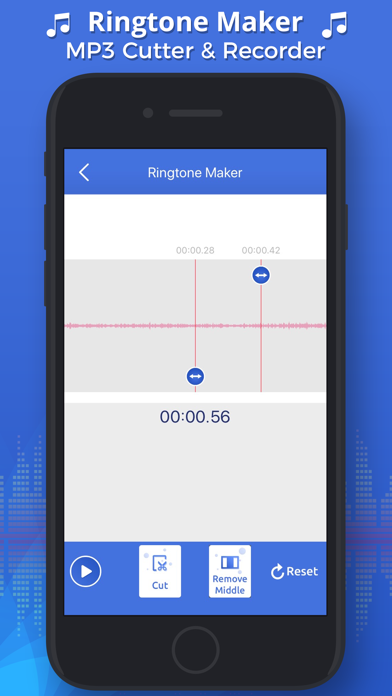
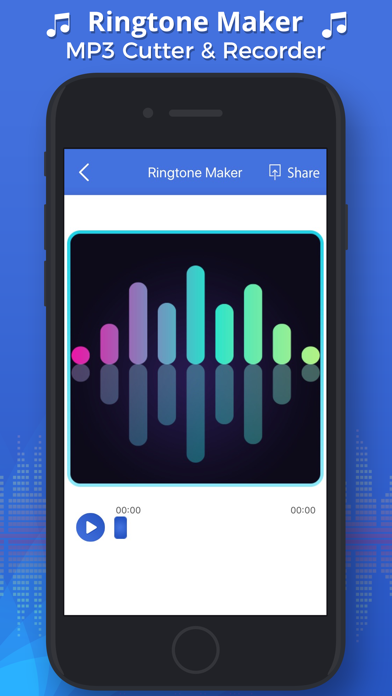
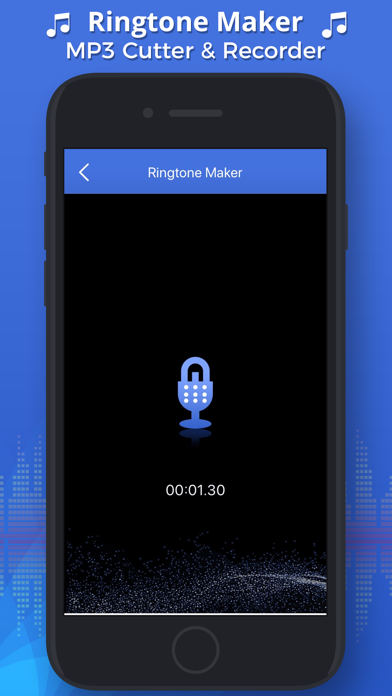
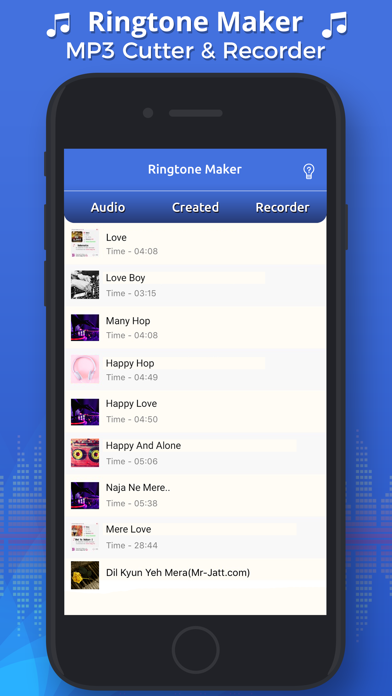
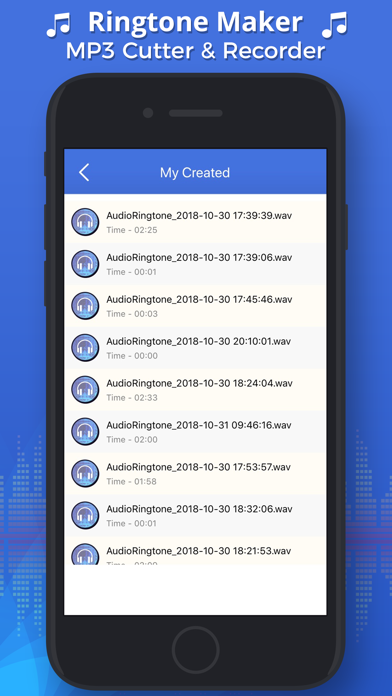
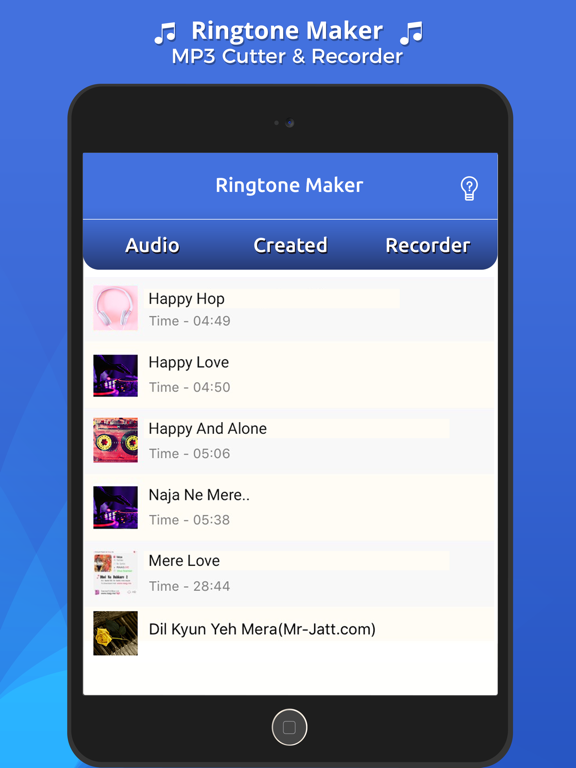
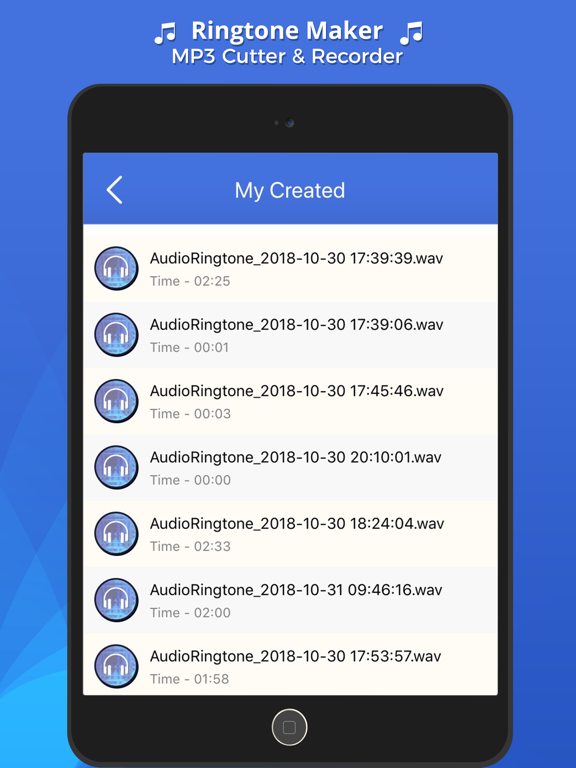
Select the best part from the Song then trim and cut the desired part of the song for using it to set your Ringtone. Inbuilt player for easy selection of ringtone cutter start location, end cut location and waveform support. How to use Ringtone Maker & Editor: 1.Select music from your device library or record your own audio. 2.Select Area to be Chopped & Trimmed from your audio. 3.Save as audio file to later set it as your ringtone. We also provided the help section to guide you about how to set a ringtone to your iPhone device.
Audience growth
Ratings growth
Baseline captured. Growth appears after the crawler observes a changed rating count.
Momentum comes from crawler snapshots for the tracked storefront. “Viral growth signal” means unusually fast recent rating gains; it is an indicator, not download data.
Price tracking
Price intelligence
First snapshot captured. The trend line starts after the next crawler price observation.
- First observed Aug 10, 2026 · 5:58 PM Free
Screenshots