About this app
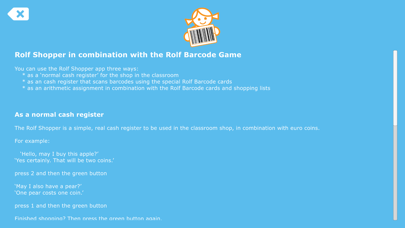
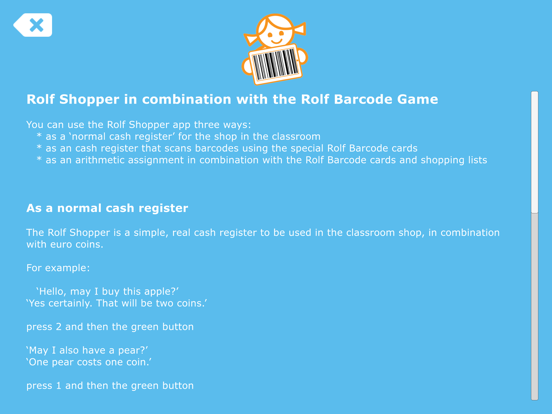
You can use Rolf Shopper in three ways: - as a 'normal iPad cash register' for pretend shop play in the classroom - as barcode scanning cash register in combination with the Rolf Barcode cards - as a math game counting to 10 with the Rolf Barcode cards and shopping list cards Cash Register Rolf Shopper is an easy to use cash register. You can use Rolf Shopper as cash register for the pretend shop in your classroom. Barcode scanning cash register Rolf Shopper can read the prices of the Rolf Barcode cards. Rolf Shopper uses the selfie camera on the back of the iPad. The little screen on the right hand top corner of the app shows what the camera sees. Hold a card to the camera and verify on the little screen if the camera registered the barcode. As soon as the camera recognizes the barcode, de iPad will sound 'Beeb', and shows the product. The product will also be added to the receipt. Have a look. Math game By using the Rolf Barcode game the children can practice counting up to 10 and learn to divide quantities. Organize a shopping situation in the classroom with fruit and vegetables. Put the Barcode cards next to the fruit and vegetables. The shopping list cards shows a QR code. Show this code to the iPad. This way the iPad knows which exercise you are doing. Rolf Shopper uses the camera on the back of the iPad. The little screen on the right hand top corner shows what the camera sees. Show the shopping card to the camera. As soon as the iPad recognizes the code, the iPad says 'Beep'. The iPad shows how much money you can spend, 5 or 10 coins. It also shows which items you have to buy. Now comes the fun part: when you buy these items, you have some money left. You can buy anything you want from this money. But you need to spend it all. Scan the products you had to buy and scan the products you bought for the extra money. When you are ready, tap the green button. If you did well, the iPad shows a thumb. Very good! You can start with the next exercise. If you have not spent everything, the iPad will show a stack of coins. Try again. If you have spent too much, the iPad shows an empty wallet. Try again. If you have not bought everything from the list, the iPad shows a shopping list. Try again.
Latest release
What’s New
- Several bug fixes
Audience growth
Ratings growth
Baseline captured. Growth appears after the crawler observes a changed rating count.
Momentum comes from crawler snapshots for the tracked storefront. “Viral growth signal” means unusually fast recent rating gains; it is an indicator, not download data.
Price tracking
Price intelligence
First snapshot captured. The trend line starts after the next crawler price observation.
- First observed Sep 5, 2026 · 6:21 PM Free
Screenshots