About this app
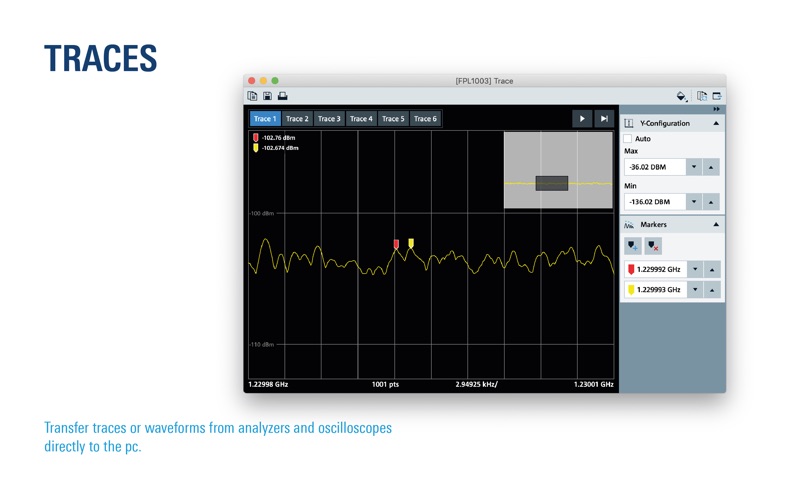
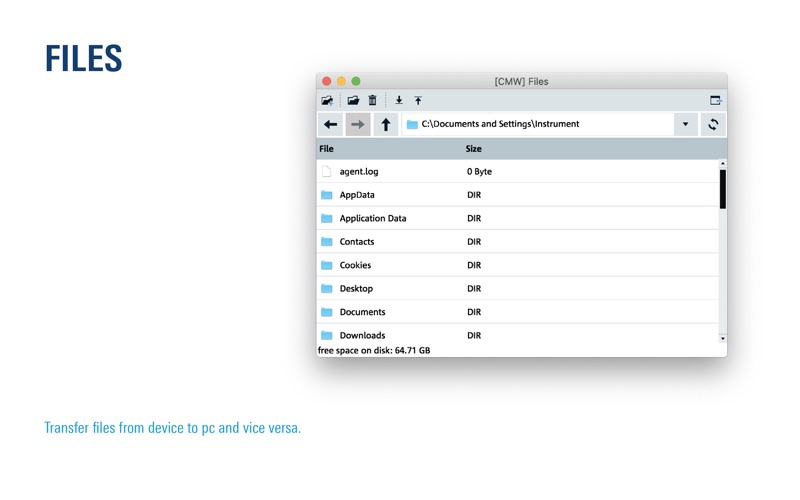
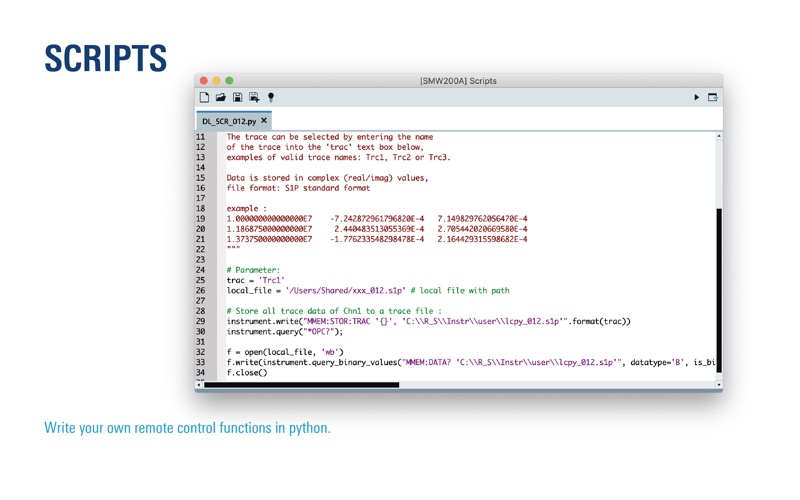
RSCommander is a versatile software tool for a wide range of Rohde & Schwarz instruments. It makes it possible to take screenshots for documentation purposes and read trace data for further processing. The software also allows for file management and interactive control of the instrument using its remote control commands. RSCommander automatically detects all supported Rohde & Schwarz instruments connected via GPIB, LAN and USB interfaces. The software has three essential functions: Hardcopy Take screenshots of your instrument and transfer them directly to your pc. ► Change between b/w and color pictures ► Save screenshots as PNG, JPG, BMP, PPM, XBM, XPM or to clipboard ► Print support Trace Transfer traces or waveforms from analyzers and oscilloscopes directly to the pc. ► Change between different traces / channels ► Edit the configuration of the displayed y-axis ► Save as TXT, CSV or image ► Print support Files Transfer files from device to pc and vice versa. ► Read the file catalog from any directory ► Open files directly from the instrument ► Drag&Drop files to transfer them to the instrument ► Create new folder, delete or rename files Scripts Write your own remote control functions in python. ► Full support of PyVisa ► Examples for reading traces from network analyzers ► Simple Python syntax highlighting Interactive Control Quickly execute individual SCPI commands. ► Control the instrument with simple queries ► Change the timeout ► Reads the available scpi commands Note: Not all R&S Instruments are supported with RSCommander, please check the documentation on https://www.rohde-schwarz.com/appnote/1MA074.
Latest release
What’s New
- saving traces as SVG vector graphics - corporate design changes
Audience growth
Ratings growth
Baseline captured. Growth appears after the crawler observes a changed rating count.
Momentum comes from crawler snapshots for the tracked storefront. “Viral growth signal” means unusually fast recent rating gains; it is an indicator, not download data.
Price tracking
Price intelligence
First snapshot captured. The trend line starts after the next crawler price observation.
- First observed Aug 13, 2026 · 11:59 PM Free
Screenshots