About this app
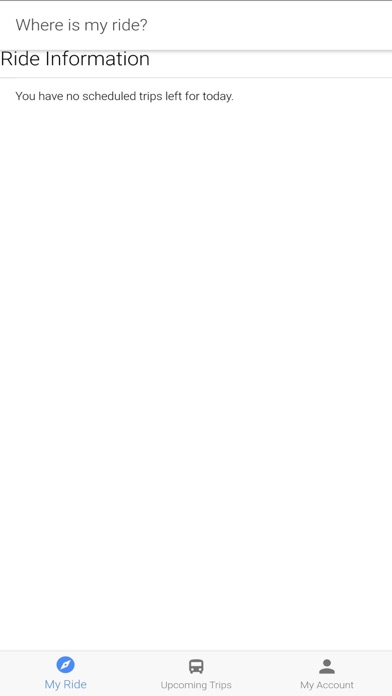
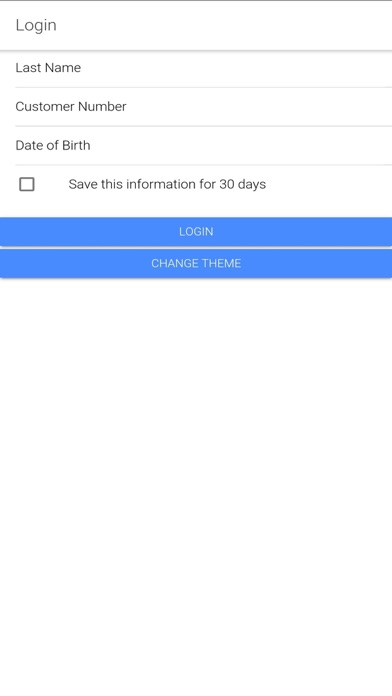
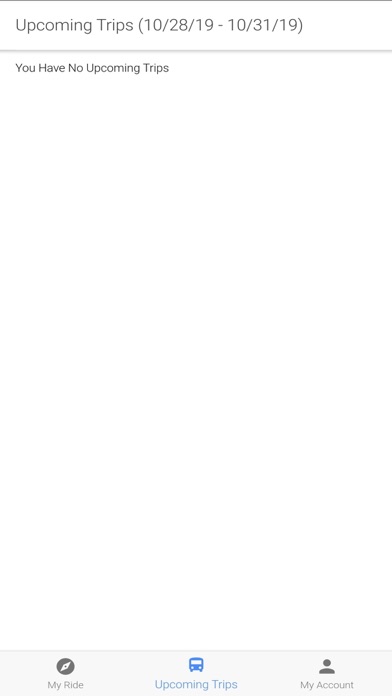
Using the RTC ACCESS Mobile App This app allows clients of the RTC ACCESS paratransit program to view vehicle ETA’s for same day trips as well as viewing and cancelling future trips. Login In order to login into the app you will be required to enter 3 pieces of PII (Personally Identifiable Information): Last Name, Customer Number and Date of Birth. (If you are unaware of your Customer Number or need to verify the information we have on file for you, please contact 775-348-5438.) If successfully logged in, you will be taken to the “My Ride” section. If your login attempt failed, you will see an Invalid Login message displayed. My Ride Once in the My Ride section, you will be able to view the details of your next trip for that day of service. These details include the pickup window, projected arrival time of the vehicle, vehicle type and the expected fare amount. Upcoming Trips The Upcoming Trips section displays trips for the day of service, as well as trips three days in the future. To view additional details about the trip, simply select the pickup window. From the trip details, you will also have the option to cancel the trip. Please be aware that clicking the cancel trip button immediately submits the cancel, this is not just a request. You may cancel a future trip and even a same day trip, unless that same day trip is within 1 hour of the pickup window. Upon cancelling, you will receive a cancellation success confirmation. **If attempting to cancel a trip within 1 hour of the pickup window you will be prompted to call Customer Service directly. My Account The My Account section displays your contact information, customer number and offers the option to change the color theme of the app to a darker contrast.
Latest release
What’s New
This is a minor bug fix release related to theming and display issues.
Audience growth
Ratings growth
Baseline captured. Growth appears after the crawler observes a changed rating count.
Momentum comes from crawler snapshots for the tracked storefront. “Viral growth signal” means unusually fast recent rating gains; it is an indicator, not download data.
Price tracking
Price intelligence
First snapshot captured. The trend line starts after the next crawler price observation.
- First observed Aug 18, 2026 · 5:32 AM Free
Screenshots