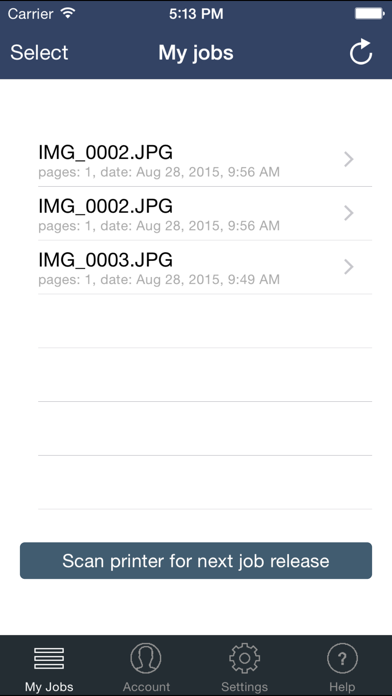
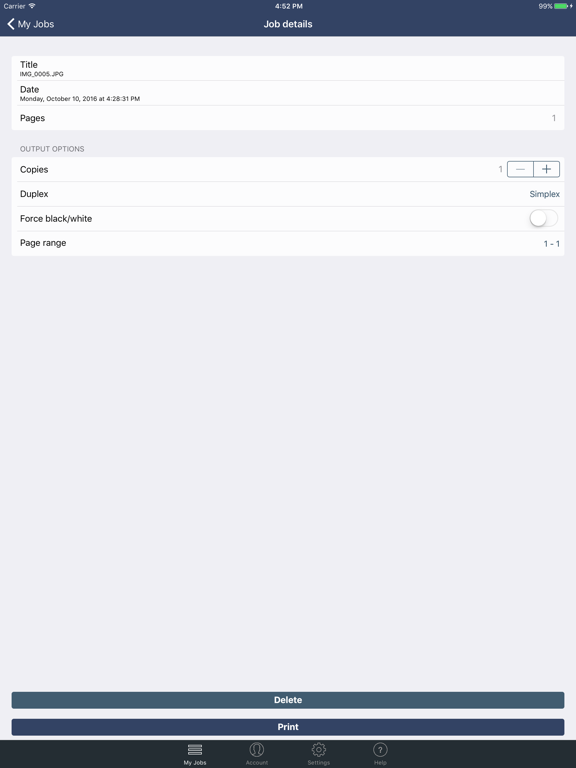
About this app
Use the SafeCom Mobile Print app to print from your iPhone and iPad to SafeCom Mobile Print enabled printers in your organizations network. SafeCom Mobile Print is a private cloud mobile and driverless print solution, which lets users print from smartphones and tablets, laptops and workstation PC's with extreme ease, with full integration to existing print accounting systems. The SafeCom Mobile Print app is free, but requires that SafeCom Mobile Print is installed and configured in the network.
Latest release
What’s New
- fixes and enhancements for QR code scanning - Fixes to submit/release of jobs. - Security enhancements. - fixed issue with iOS 13 dark mode - fixed issue where keyboard was not dismissed - fix for an issue which showed the wrong printer types for submission of documents - fix for 'Open in...' which was broken in iOS 13 - fixed sending output options for copy and duplex when nothing was explicitly selected
Audience growth
Ratings growth
Baseline captured. Growth appears after the crawler observes a changed rating count.
Momentum comes from crawler snapshots for the tracked storefront. “Viral growth signal” means unusually fast recent rating gains; it is an indicator, not download data.
Price tracking
Price intelligence
First snapshot captured. The trend line starts after the next crawler price observation.
- First observed Aug 11, 2026 · 2:19 AM Free
Screenshots