About this app
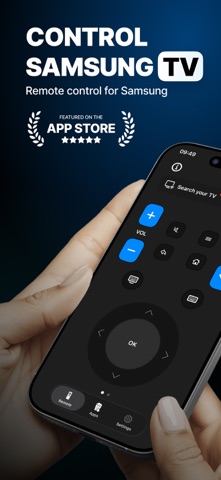
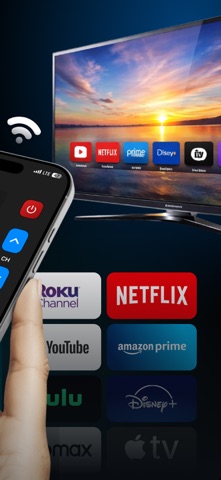
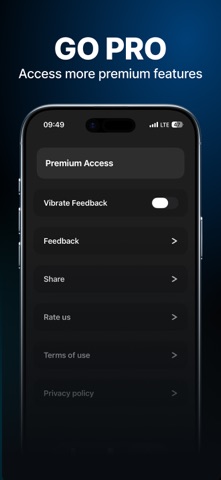
App Store Description Control your Samsung Smart TV directly from your iPhone — no extra hardware needed. QuickZap turns your phone into a powerful remote control. Connect via Wi-Fi in seconds and enjoy full control of your TV from anywhere in the room. WHAT YOU CAN DO • Navigate menus with the directional pad • Adjust volume, switch channels, and power on/off • Type text on your TV using your iPhone keyboard • Launch your favorite streaming apps instantly • Switch between HDMI sources with one tap • Use number pad for direct channel access EASY SETUP 1. Make sure your iPhone and Samsung TV are on the same Wi-Fi 2. Open QuickZap and tap Search 3. Select your TV and approve the connection That's it — you're ready to go. WORKS WITH Samsung Smart TVs with Tizen OS (2016 and newer), including: • Crystal UHD, QLED, Neo QLED, The Frame, and more • No Bluetooth or IR needed — works over Wi-Fi FREE TO USE Get 150 button presses per day for free. Upgrade to Premium for unlimited access and an ad-free experience. QuickZap is not affiliated with Samsung. Samsung is a trademark of Samsung Electronics Co., Ltd. DISCLAIMER - TV Remote for Samsung TVs is not an official product of Samsung Electronics. - TV Remote for Samsung TVs is not affiliated with or endorsed by Samsung Electronics. - Tolgahan Sönmez (the developer) is not affiliated with Samsung Electronics company. - TV Remote for Samsung TVs is not affiliated with or endorsed by any of the companies in the App bar feature. https://www.apple.com/legal/internet-services/itunes/dev/stdeula/
Latest release
What’s New
Bugs fixed.
Audience growth
Ratings growth
Baseline captured. Growth appears after the crawler observes a changed rating count.
Momentum comes from crawler snapshots for the tracked storefront. “Viral growth signal” means unusually fast recent rating gains; it is an indicator, not download data.
Price tracking
Price intelligence
- First observed Aug 19, 2026 · 3:43 PM Free
Screenshots