About this app
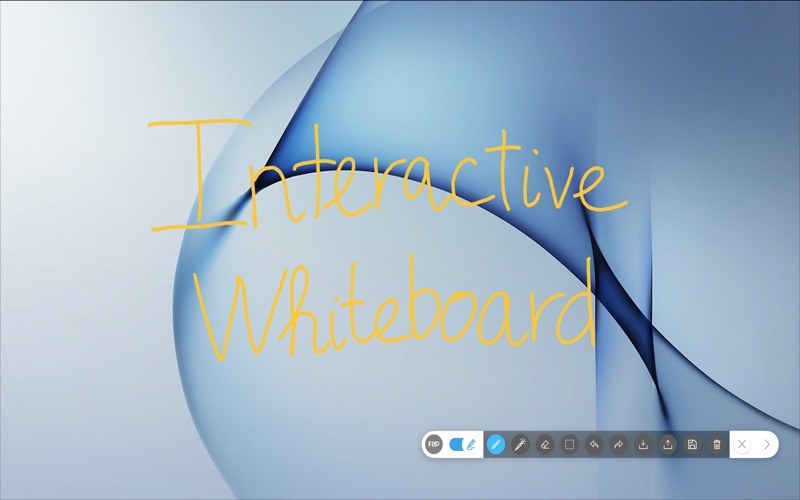
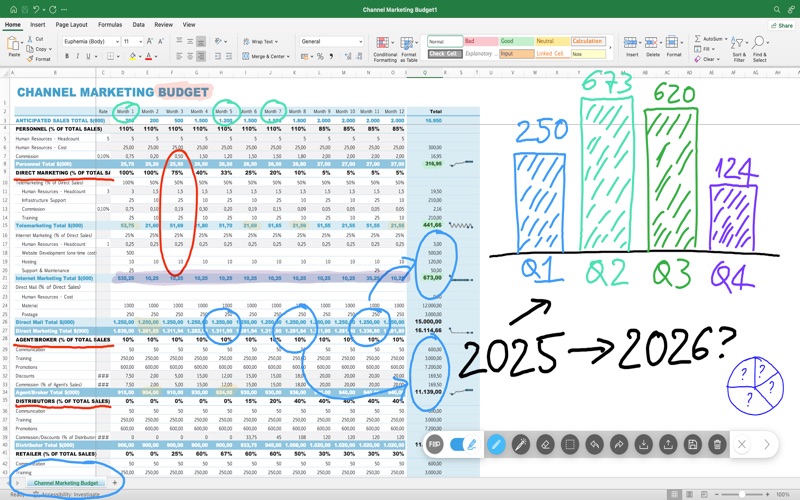
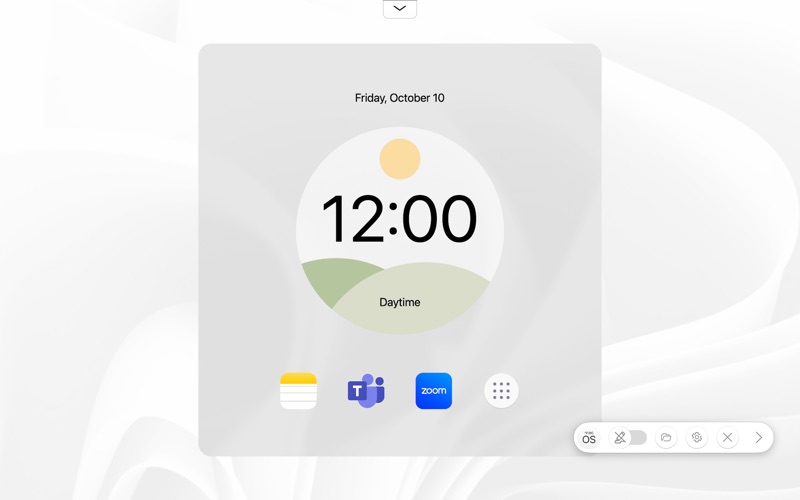
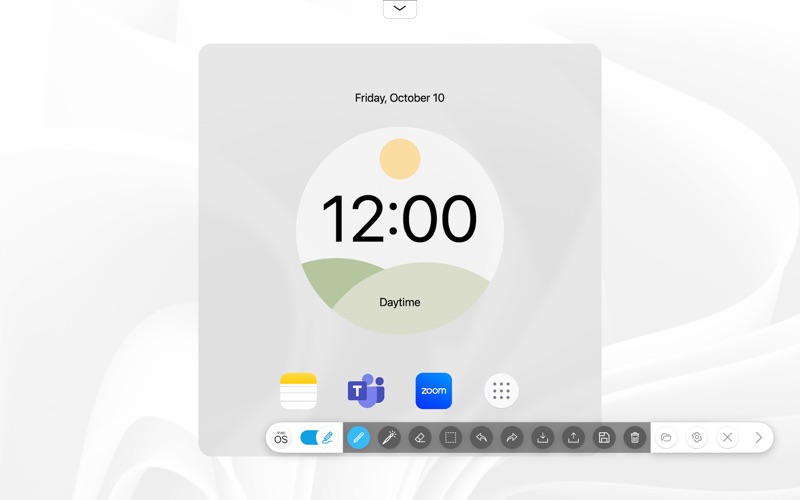
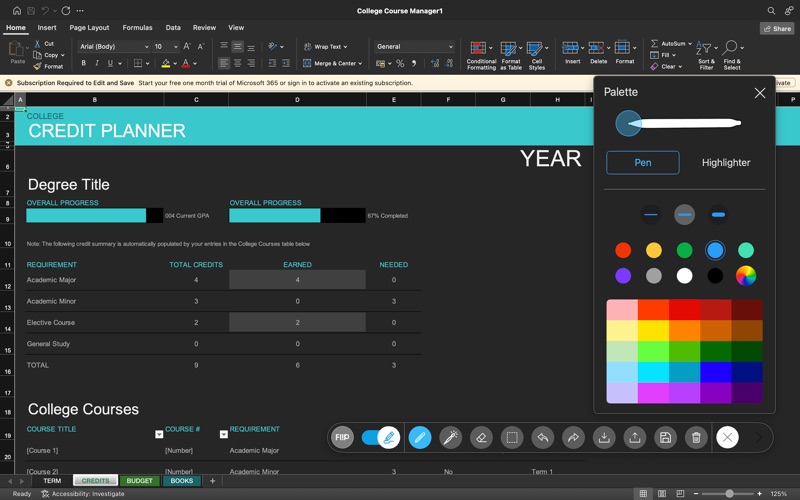
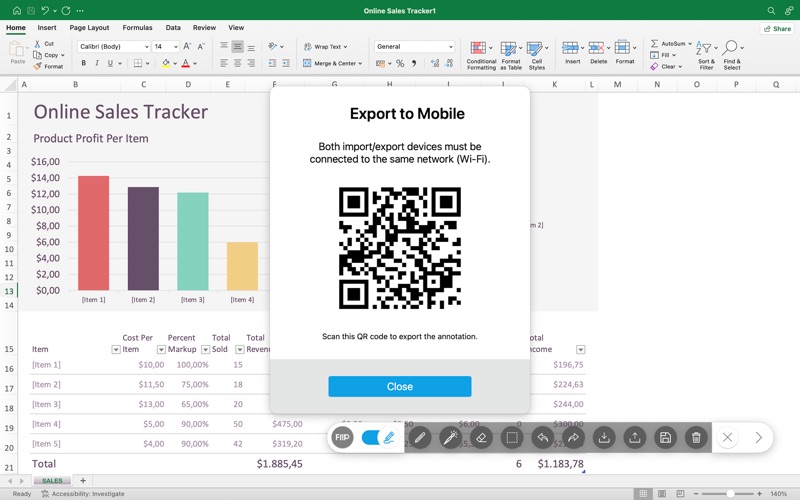
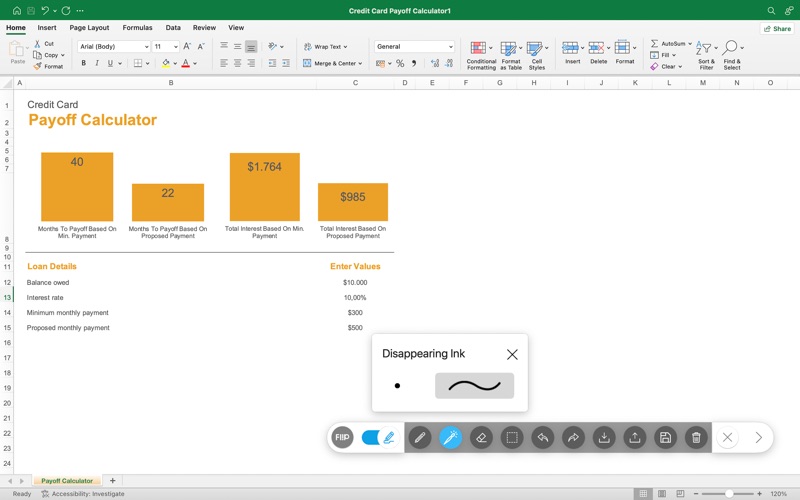
Interactive whiteboard solution for macOS The new Samsung Whiteboard App enables smooth handwriting on the whiteboard to be reflected on a MacBook in real time. Users will be able to feel the intuitive writing experience as if they were writing on the Flip’s native whiteboard application. Save and share written content in real time The Samsung Whiteboard App provides an optimized Home UI with app shortcuts, which enables users to easily bring content or applications stored on macOS, ultimately saving time to prepare for lectures or meetings. Also, any annotation made to on-screen content can now be easily saved to a personal device and shared in real time via MacBook or mobile with multiple participants. ※ The Samsung Whiteboard App is only compatible with Samsung Flip display (Flip Pro/ Flip 3/ Flip 2/ Flip 1), and connection through USB-C or HDMI & Touch-Out cable is required.
Latest release
What’s New
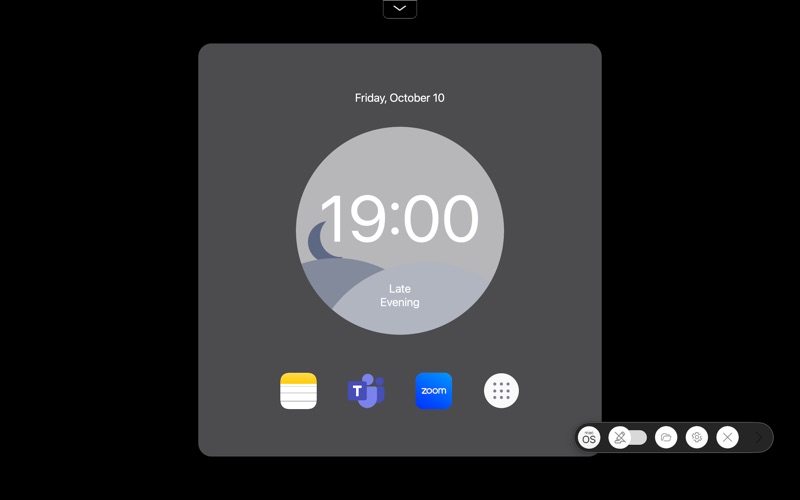
- Add theme feature - Change Icon / Image / Size Menu - Add Undo / Redo feature - Change background dashboard base on time of day - Bug fixed
Audience growth
Ratings growth
Baseline captured. Growth appears after the crawler observes a changed rating count.
Momentum comes from crawler snapshots for the tracked storefront. “Viral growth signal” means unusually fast recent rating gains; it is an indicator, not download data.
Price tracking
Price intelligence
First snapshot captured. The trend line starts after the next crawler price observation.
- First observed Aug 10, 2026 · 8:43 AM Free
Screenshots