About this app
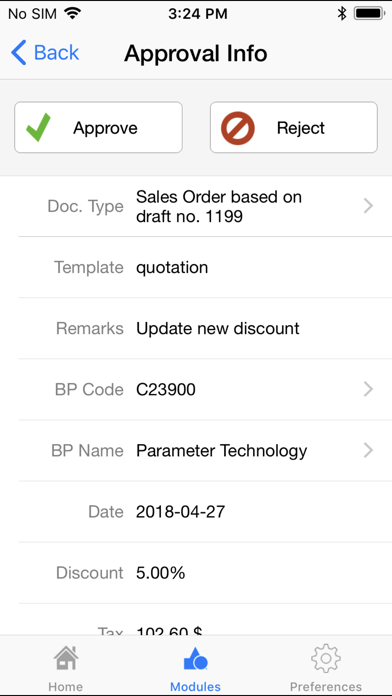
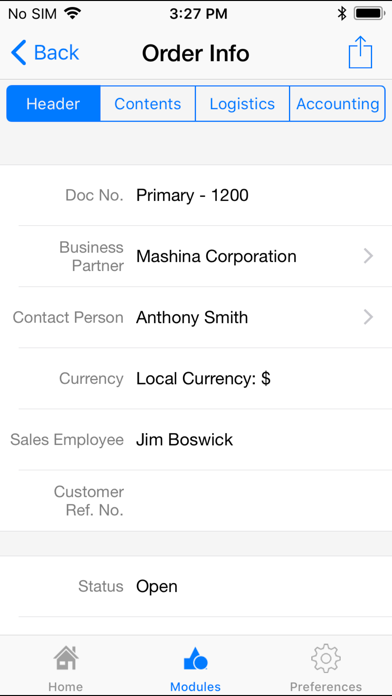
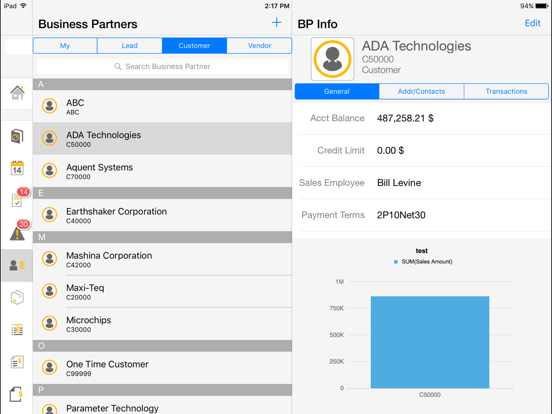
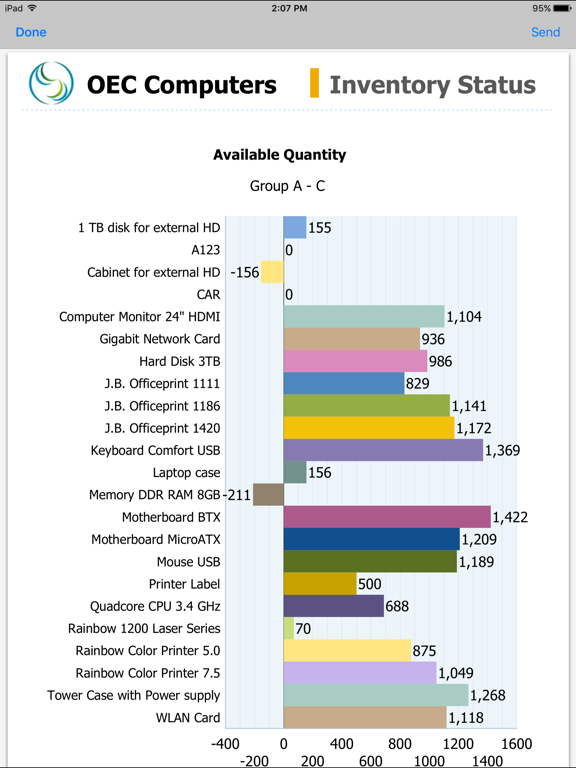
With the SAP Business One mobile app for iPhone and iPad, you can access SAP Business One, SAP’s enterprise resource planning application for small businesses, anywhere, anytime. The mobile app lets managers, executives, sales reps, and service techs stay informed about their business, view reports, manage contacts, and handle sales and service activities. Key features of SAP Business One for iPhone and iPad • Get alerts on events, like deviations of approved prices, credit limits, or targeted gross profits • Visualize key information about your business in real time with reports and interactive dashboards • Create, edit, or view sales opportunities, quotations, and orders, and handle service call activities • Manage contacts and activities; all info is synced with SAP Business One and the on-device calendar • Monitor inventory levels and get product details, including purchasing and sales prices and photos Note: To use the SAP Business One mobile app with your own business data, you must be running SAP Business One application as your back-end system. You can try out the mobile app now using a demo login.
Latest release
What’s New
BUG FIXES • Issue where app stops responding on iPhone Air running iOS 26.1 or higher has been fixed. (SAP Note 3694714)
Audience growth
Ratings growth
Baseline captured. Growth appears after the crawler observes a changed rating count.
Momentum comes from crawler snapshots for the tracked storefront. “Viral growth signal” means unusually fast recent rating gains; it is an indicator, not download data.
Price tracking
Price intelligence
First snapshot captured. The trend line starts after the next crawler price observation.
- First observed Aug 10, 2026 · 1:45 PM Free
Screenshots