About this app
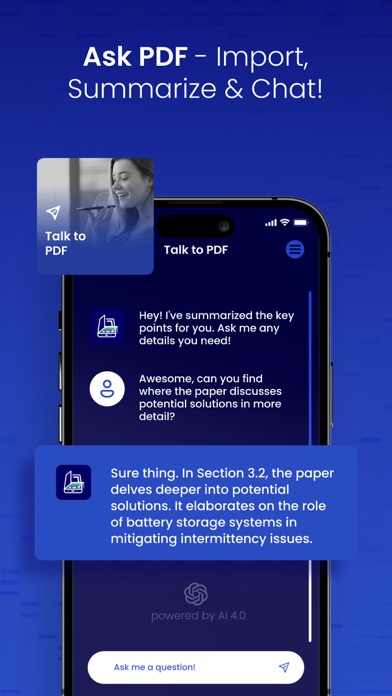
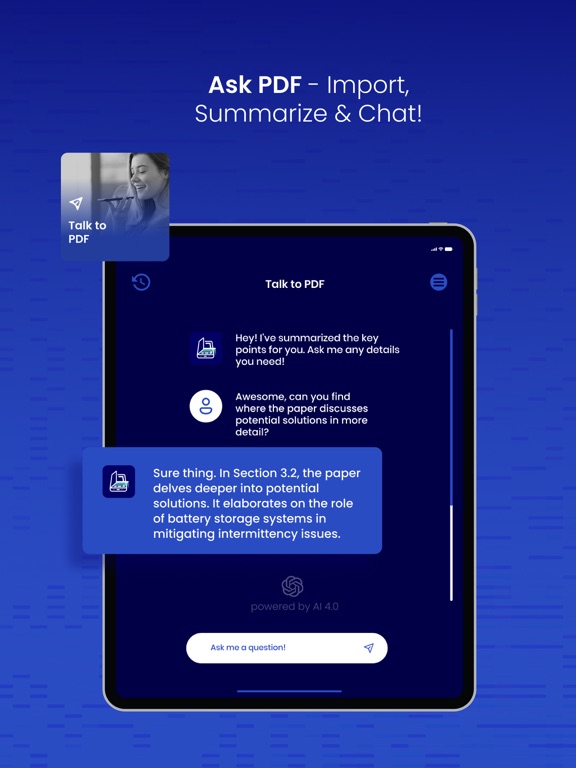
Scan AI: Your Ultimate AI-Powered PDF Editor & QR Generator Elevate your document management experience with Scan AI, the all-in-one app that seamlessly combines the prowess of AI with advanced PDF tools. Discover a new level of efficiency as Scan AI empowers you to revolutionize tasks like scanning, editing, signing, and sharing documents. >Master Your PDF Documents with AI Precision: Experience the future of document management with AI at your side. Scan AI is your hub for scanning, editing, signing, and sharing PDFs, all seamlessly integrated into one powerful tool. >Explore the World of QR Codes: Discover the potential of QR codes with Scan AI. Seamlessly scan and generate QR codes for websites, contact details, Wi-Fi access, and more. Bridge the gap between physical and digital with AI-driven QR capabilities. >Interactive Document Experience: Chat with your PDFs Engage with your PDFs on a whole new level using the unique "Ask PDF" feature. Import PDFs and have interactive conversations with their content. Extract information, seek clarifications, and gain insights, all through intuitive AI-powered interactions. >AI Summarize for Swift Understanding: Effortlessly distill lengthy PDFs into their core essence with Scan AI's summarization tool. Access concise summaries that allow you to swiftly absorb crucial information, optimizing your productivity without compromising on depth. Download Scan AI and join us in shaping the future of document management through AI innovation! For any questions or inquiries, contact us at help.scanai@gmail.com About Subscriptions and Terms of Use: - For Unlimited Features of Scan AI, some Premium subscriptions are needed. - Payment will be made from your iTunes account after you confirm the purchase. - Subscriptions will auto-renew at the end of each term if it is not canceled 24 hours before the end of the purchasing term. - The user can manage subscriptions. Auto-renew can be turned off from iTunes account settings. - You can cancel your subscriptions by entering:http://support.apple.com/en-us/HT202039 - Privacy Policy: https://sites.google.com/view/scanai/privacy-policy - Terms of Use: https://sites.google.com/view/scanai/terms-of-use
Latest release
What’s New
Minor Bug fix for PDF import.
Audience growth
Ratings growth
Baseline captured. Growth appears after the crawler observes a changed rating count.
Momentum comes from crawler snapshots for the tracked storefront. “Viral growth signal” means unusually fast recent rating gains; it is an indicator, not download data.
Price tracking
Price intelligence
First snapshot captured. The trend line starts after the next crawler price observation.
- First observed Aug 5, 2026 · 1:20 PM Free
Screenshots