About this app
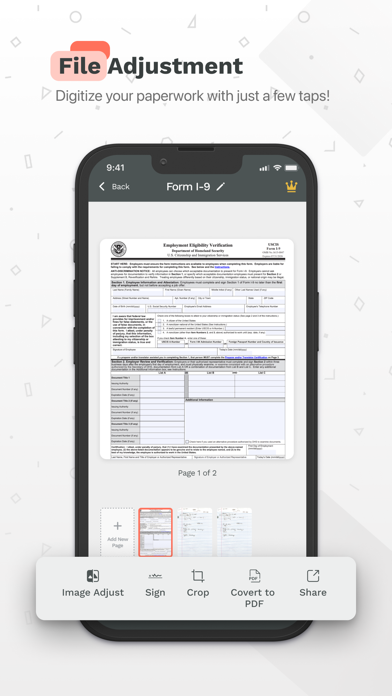
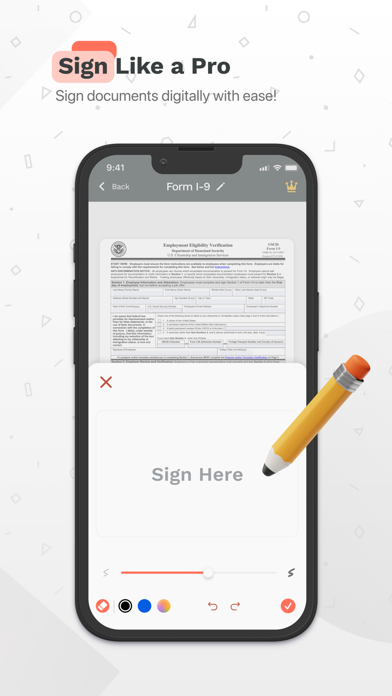
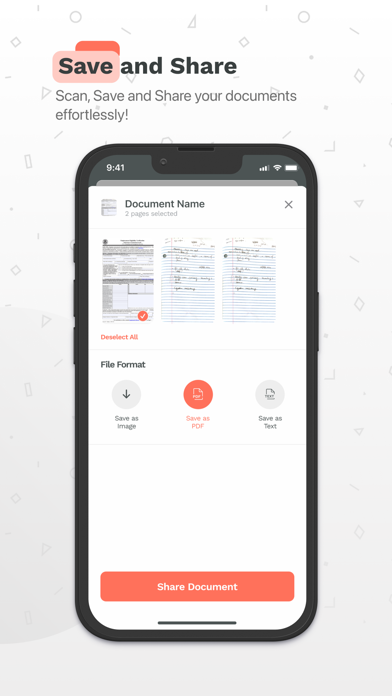
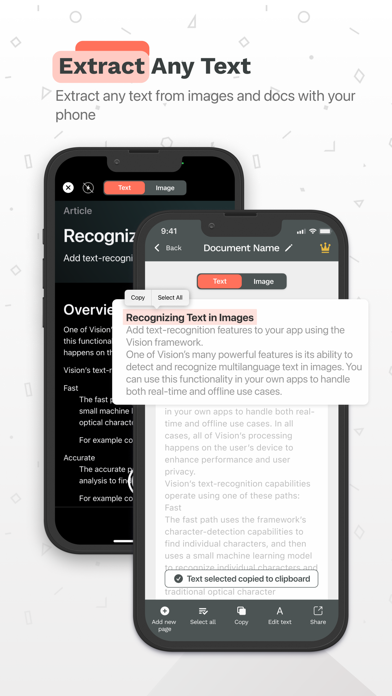
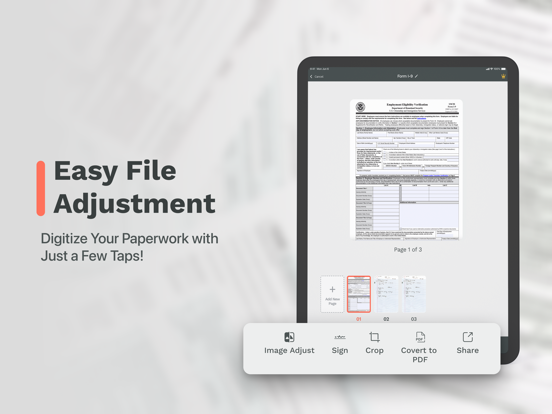
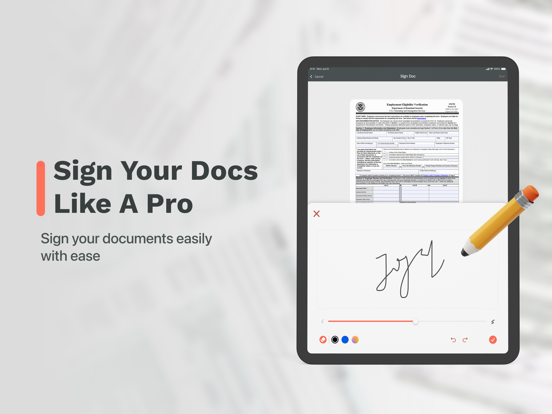
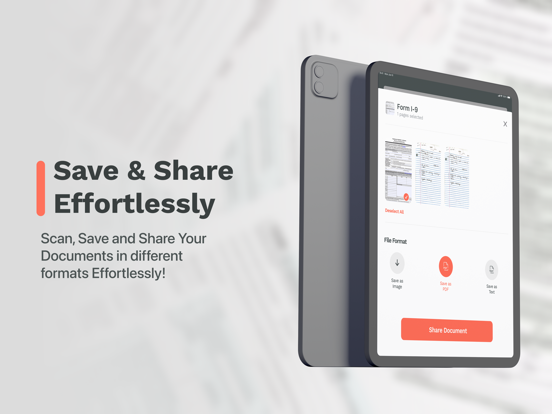
Introducing Scan Now, the ultimate PDF document scanner app for your iPhone. With Scan Now, you can quickly digitize any document with your iPhone camera or import existing documents. Edit your PDFs, add your signature, organize them into groups, and easily convert them to PDF format. Share your scanned documents with ease and keep your digital files organized like never before. Try Scan Now today and streamline your document workflow. * SUBSCRIPTIONS You can subscribe to Scan Now: PDF Document Scanner to get access to premium features, like unlimited conversions and shares, sign, edit and group your documents. Options: - 3-day free trial, then renews weekly for $9.99 * Link to Terms of Use: https://pdfcamerascanner.com/terms.html * Link to Privacy Policy: https://pdfcamerascanner.com/privacy.html
Latest release
What’s New
In this version update we've included a few bug fixes and general improvements.
Audience growth
Ratings growth
Momentum comes from crawler snapshots for the tracked storefront. “Viral growth signal” means unusually fast recent rating gains; it is an indicator, not download data.
Price tracking
Price intelligence
- First observed Aug 11, 2026 · 1:51 AM Free
Screenshots