About this app
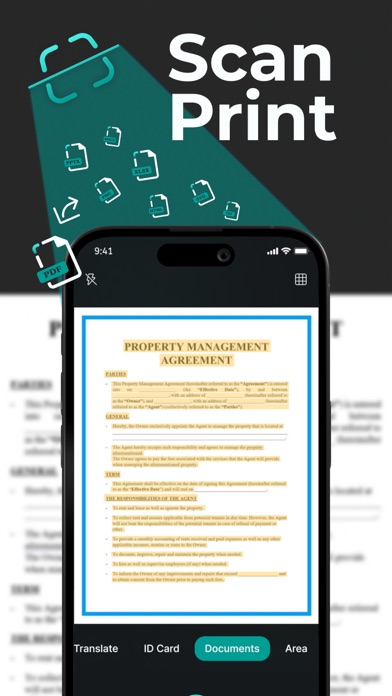
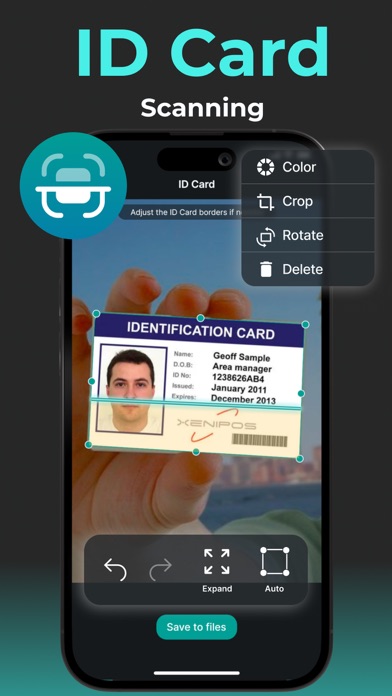
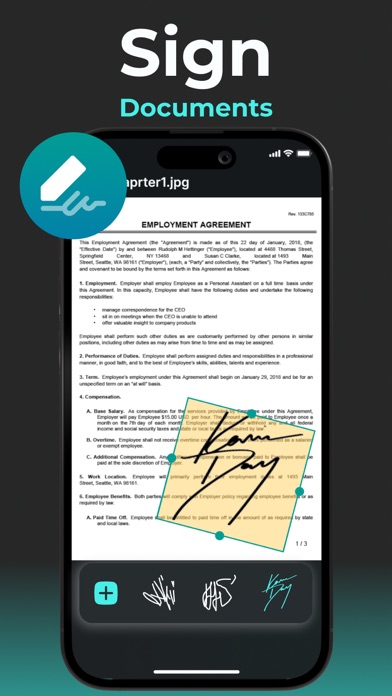
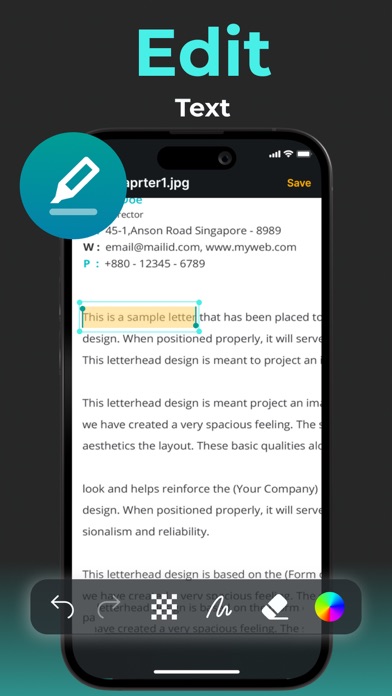
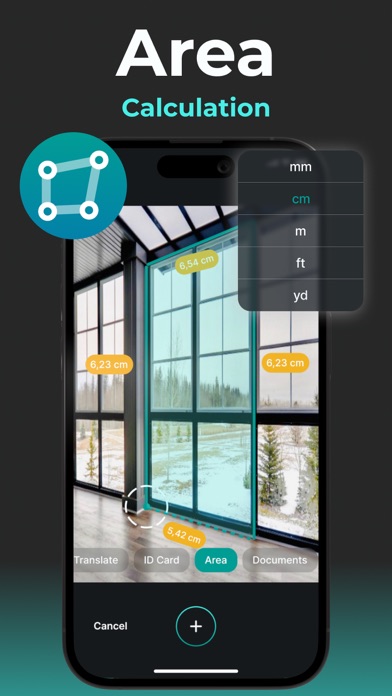
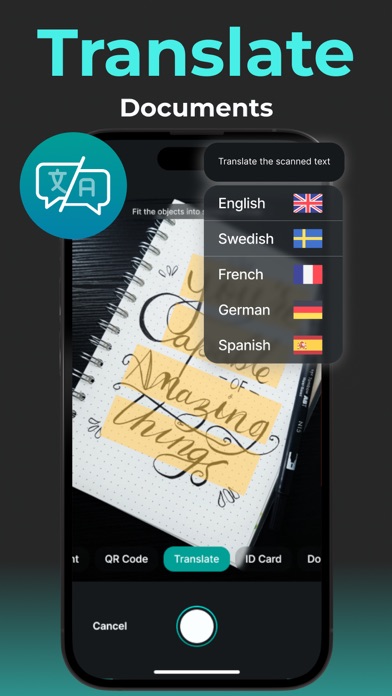
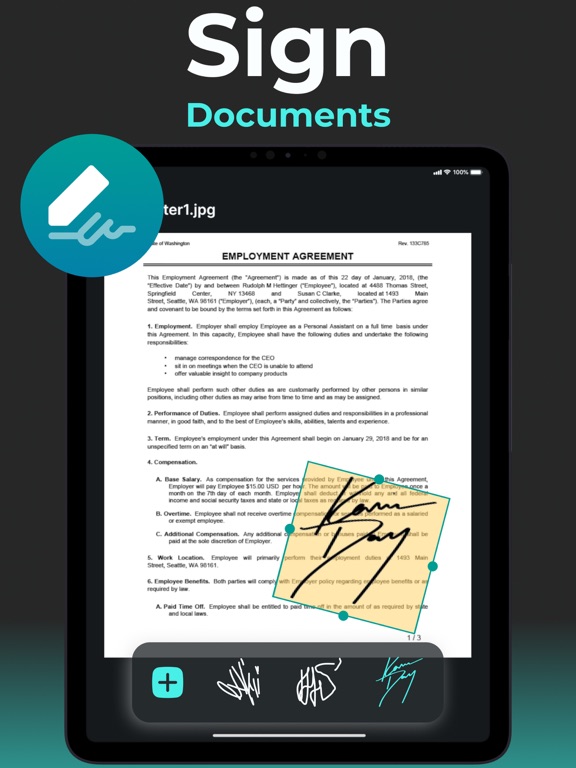
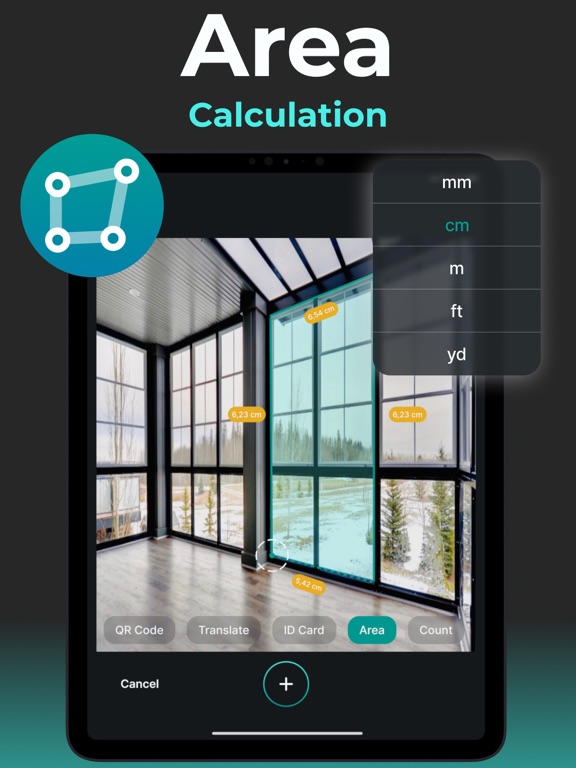
Welcome to Scan Print - PDF Scanner APP, your all-in-one document management solution! Empower your productivity with an array of cutting-edge features designed to streamline your document handling process. Effortless Document Capture Begin your journey with Scan Print - PDF Scanner APP by effortlessly capturing your physical documents. Our advanced mobile scanner ensures that every detail is captured with clarity and precision, turning your paper documents into digital assets in seconds. Seamlessly Sign and Edit Take control of your documents with our comprehensive suite of editing tools. Sign contracts and agreements on the go with our signature and e-signature features, eliminating the need for pen and paper. Edit text with precision, add or remove content, and ensure your documents are always up to date and accurate. Break Language Barriers With Scan Print - PDF Scanner APP, language is no longer a barrier. Our built-in translation tool allows you to translate text instantly, facilitating seamless communication and collaboration across borders and languages. Customize and Convert with Ease Tailor your documents to your exact needs with our customization options. Add or hide text, scan QR codes effortlessly, and convert files to various formats such as JPG, PDF, and Word with just a few clicks. Streamlined Management and Printing Manage your documents with ease directly from your mobile device. Organize, merge, split, and edit text within photos seamlessly, ensuring optimal organization and efficiency. Print documents directly from the app or share them with your printer for hassle-free printing, anytime, anywhere. Unlock the Full Potential of Your Documents Transform, manage, and print your documents with ease using Scan Print - PDF Scanner APP. Experience the power of streamlined document workflow and unlock new levels of productivity and efficiency today! If you wish to stay updated on all the latest updates in Scan Print - PDF Scanner APP and be among the first to experience all the innovations, we have introduced a subscription option tailored for you. This subscription service ensures you're always informed about the changes ahead. Your subscription will automatically renew unless it is cancelled at least 24 hours before the end. Please ensure to manage your subscriptions and automatic renewal settings within your Account Settings. By opting Scan Print - PDF Scanner APP you acknowledge and agree to abide by the terms and conditions outlined in our Privacy Policy and Terms of Use. Continued utilization of our platform signifies your acceptance of these terms. For comprehensive details, kindly visit our Privacy Policy and Terms of Use pages accessible via the provided https://docs.google.com/document/d/1QTdrt--9GnwutfPEL3t32kqYy5Ep-MTywHIUGguC7yc/edit#heading=h.a56jhlxs5ncd link. Privacy Policy: https://docs.google.com/document/d/1QTdrt--9GnwutfPEL3t32kqYy5Ep-MTywHIUGguC7yc/edit#heading=h.a56jhlxs5ncd Terms of Use: https://docs.google.com/document/d/1QTdrt--9GnwutfPEL3t32kqYy5Ep-MTywHIUGguC7yc/edit#heading=h.a56jhlxs5ncd
Latest release
What’s New
User experience improvements and bug fixing
Audience growth
Ratings growth
Baseline captured. Growth appears after the crawler observes a changed rating count.
Momentum comes from crawler snapshots for the tracked storefront. “Viral growth signal” means unusually fast recent rating gains; it is an indicator, not download data.
Price tracking
Price intelligence
First snapshot captured. The trend line starts after the next crawler price observation.
- First observed Aug 19, 2026 · 10:03 AM Free
Screenshots