About this app
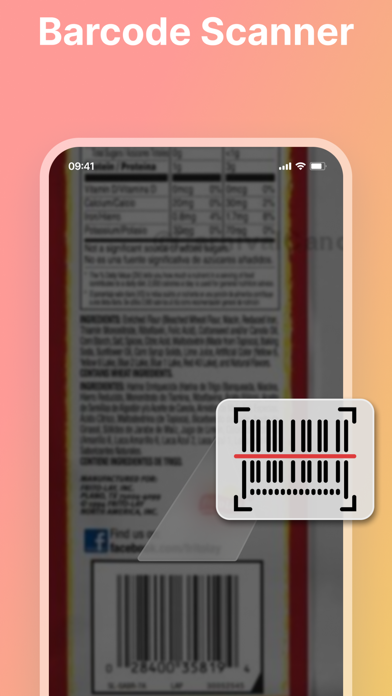
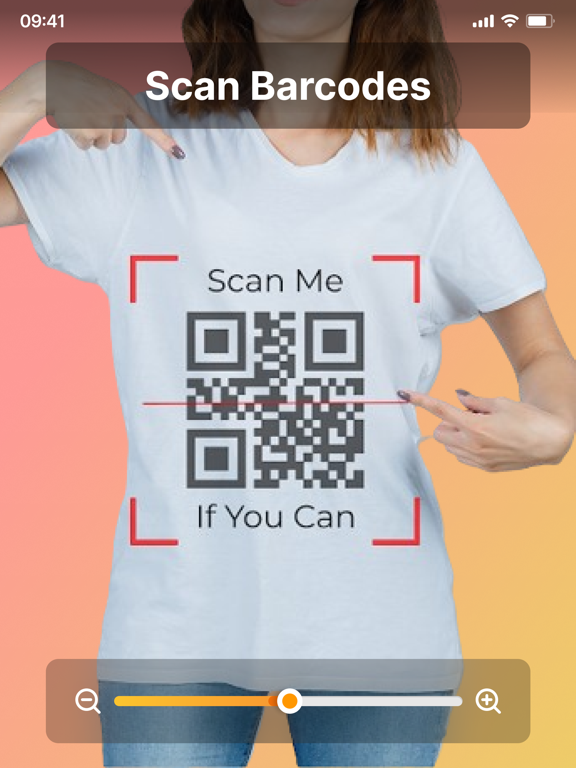
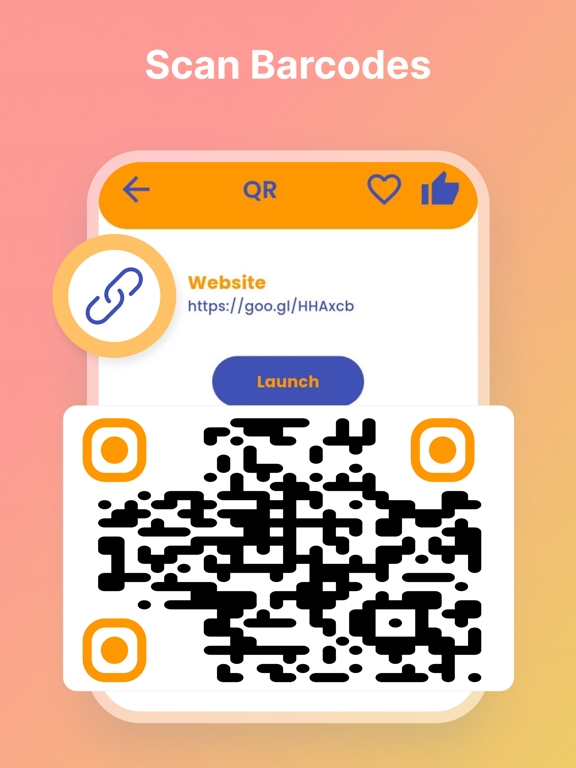
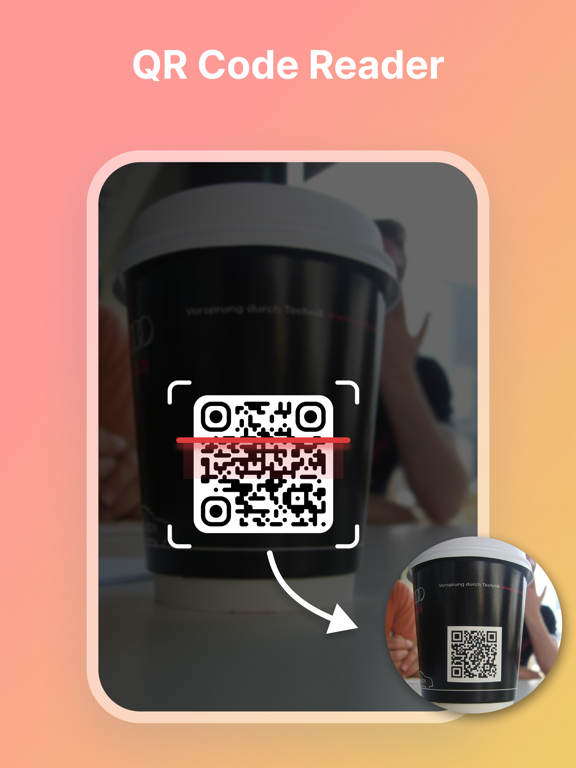
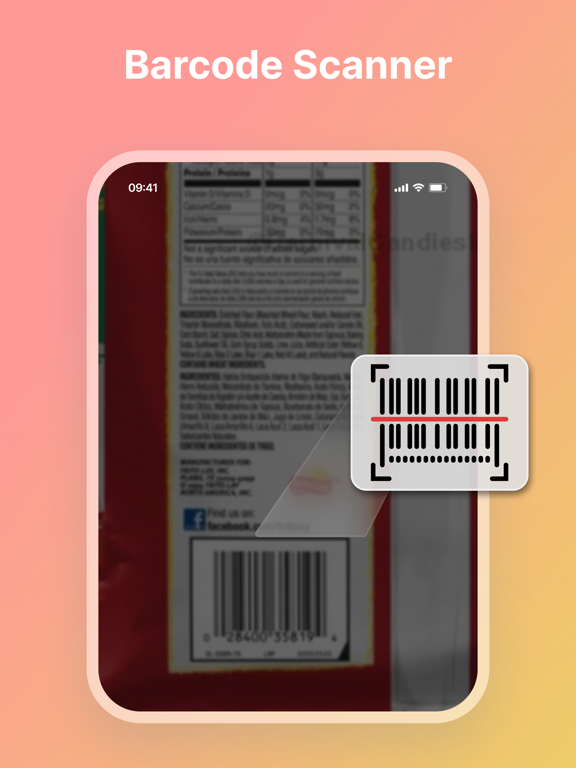
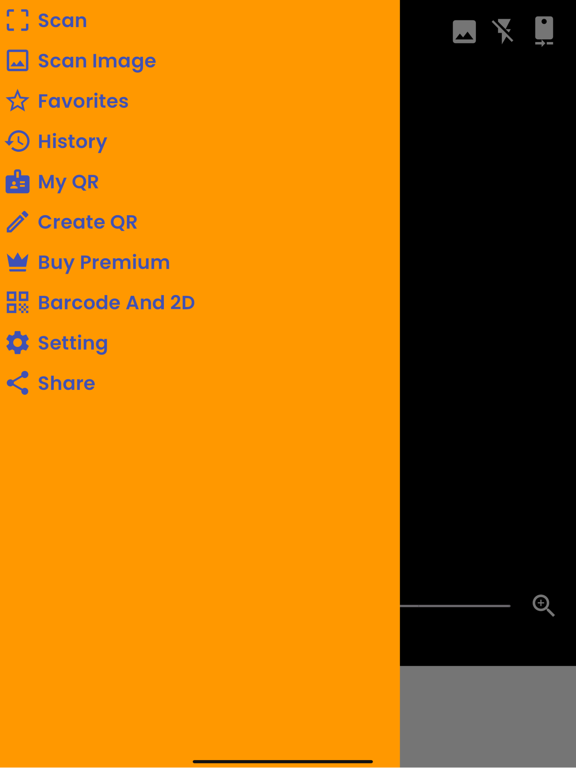
Embark on a seamless digital journey with Scanner app, the all-encompassing iOS app designed to meet all your scanning and QR code needs. Meticulously crafted for both personal and professional use, this app is a powerhouse that combines advanced document scanning capabilities with a sophisticated QR code creation and generation toolkit. Whether you're managing documents or diving into the dynamic world of QR codes, this is your go-to solution. Key Features: Advanced Document Scanning: High-quality scans with just a tap: Convert your paper documents into crystal-clear digital copies. Auto-edge detection: Smart technology automatically detects document edges, ensuring perfect scans every time. Multiple scan modes: Choose from color, grayscale, or black and white to suit the nature of your documents. Versatile QR Code Generator: Create QR codes: Generate QR codes for URLs, text, Wi-Fi networks, contacts, events, and more. Customization options: Personalize your QR codes with different colors, patterns, and logos to make them stand out. Easy sharing: Share your QR codes through email, social media, or directly within the app. Efficient OCR (Optical Character Recognition): Text extraction: Turn scanned documents into editable text. Multilingual support: OCR supports various languages, enhancing its utility for global users. Smart Document Organization: Folders and tags: Keep your scans organized with custom folders and tagging options. Search functionality: Quickly find any document or QR code with a simple search. Seamless Cloud Integration: Sync with cloud services: Store your scans and QR codes on iCloud, Google Drive, Dropbox, etc. Access anywhere: Retrieve your documents and QR codes from any device, ensuring you're always connected. Batch Scanning and Creation: Multiple documents: Scan and create multiple pages or QR codes in one streamlined process. Save time: Ideal for handling large documents or creating a series of QR codes efficiently. User-Friendly Interface: Intuitive design: Enjoy a smooth, user-friendly experience, making scanning and QR code creation easy and enjoyable. Quick tutorials: Get started with easy-to-follow guides and tips. Customizable Settings: Tailor the app to your needs: Adjust scan quality, QR code size, and more to suit your specific requirements. Why Choose this app? All-in-One Functionality: With its dual capabilities of scanning and QR code creation, [App Name] is the only app you'll need for your document handling and digital encoding tasks. Time-Saving and Efficient: Streamline your workflow with fast, accurate scanning and QR code generation. Universally Compatible: Whether for business, education, or personal use, [App Name] is versatile enough to fit all contexts. Transform the way you handle documents and embrace the digital age with QR codes. Download [App Name] now and step into a world of efficiency and convenience! Note: We value your privacy and never use or share your personal data with any third parties. None of the text or document uploaded on our app is stored or shared with any third party. This app is completely safe and secure to use for everyone. Payment will be charged to your iTunes account at confirmation of purchase.Your subscription will automatically renew unless auto-renew is turned off at least 24-hours before the end of the current subscription period. Your account will be charged for renewal within 24-hours prior to the end of the current subscription period. Automatic renewals will cost the same price you were originally charged for the subscription. You can manage your subscriptions and turn off auto-renewal by going to your Account Settings on the App Store after purchase. Terms of use: https://www.systecltd.ca/2023/06/systec-ltd-terms-of-use.html?m=1 Privacy Policy: https://www.systecltd.ca/2023/06/systec-ltd-privacy-policy.html?m=1
Latest release
What’s New
UI improvements Fix bugs
Audience growth
Ratings growth
Baseline captured. Growth appears after the crawler observes a changed rating count.
Momentum comes from crawler snapshots for the tracked storefront. “Viral growth signal” means unusually fast recent rating gains; it is an indicator, not download data.
Price tracking
Price intelligence
First snapshot captured. The trend line starts after the next crawler price observation.
- First observed Sep 18, 2026 · 10:09 PM Free
Screenshots