About this app
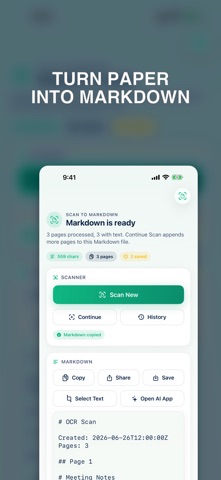
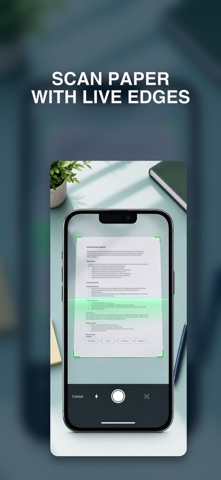
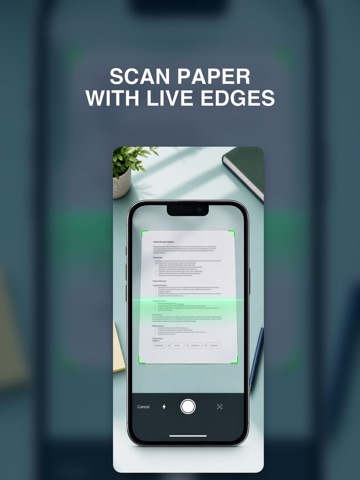
Scan to Markdown turns paper documents into clean Markdown text on your iPhone or iPad. Use the document scanner to capture pages, then review the generated Markdown, copy it, share it, save it, or select only the lines you need. Historic scans are saved on device so you can reopen previous runs after relaunching the app. For AI workflows, the app includes an explicit Open AI App action. When you tap it, Scan to Markdown copies the generated Markdown to the clipboard and opens ChatGPT or Claude using the installed app or web fallback. The OCR text is not sent to an AI app unless you choose that action. Features: - Document scanning with page continuation - On-device OCR to Markdown - Copy, share, and export Markdown - Saved history of previous scans - Line-based text selection tools - Optional ChatGPT and Claude handoff
Audience growth
Ratings growth
Baseline captured. Growth appears after the crawler observes a changed rating count.
Momentum comes from crawler snapshots for the tracked storefront. “Viral growth signal” means unusually fast recent rating gains; it is an indicator, not download data.
Price tracking
Price intelligence
First snapshot captured. The trend line starts after the next crawler price observation.
- First observed Aug 8, 2026 · 4:18 PM Free
Screenshots