About this app
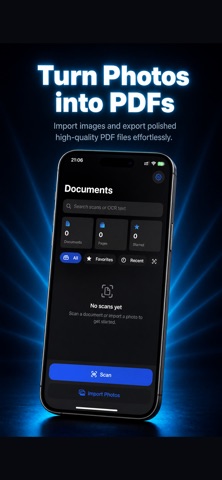
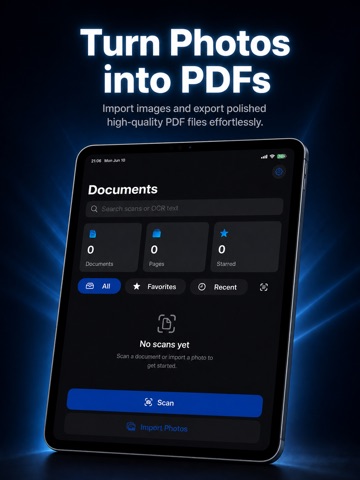
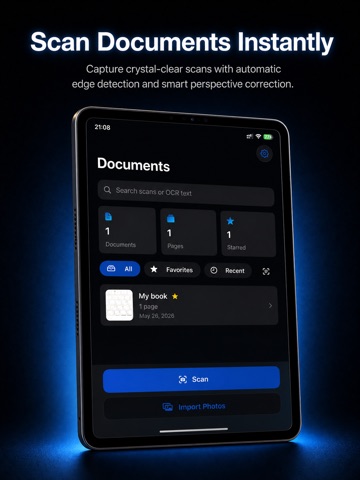
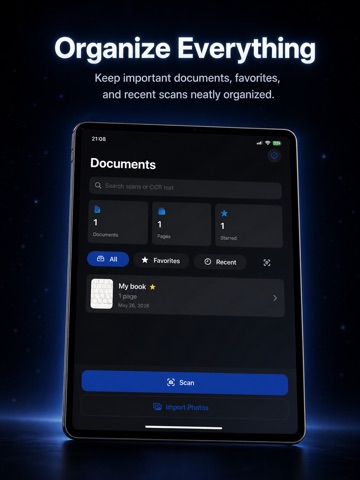
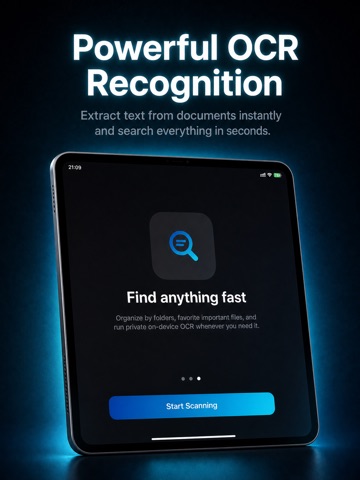
ScanFlow transforms photos into clean, professional PDF documents in seconds. Scan receipts, notes, contracts, books, IDs, invoices, and paperwork using Apple’s powerful document scanner with automatic edge detection and perspective correction. Designed with a beautiful modern dark interface, ScanFlow makes scanning fast, simple, and elegant. FEATURES • High-quality document scanning • Automatic edge detection • Smart perspective correction • Fast OCR text recognition • Export scans as PDF files • Import photos from gallery • Rotate, crop, and enhance pages • Organize important documents • Favorite important scans • Search documents using OCR text • Clean dark mode interface • Private on-device processing PERFECT FOR • Students • Office work • Receipts and invoices • Notes and books • Contracts and forms • Personal document storage PRIVATE & FAST Your scans and OCR processing stay private and are processed directly on your device whenever possible. Download ScanFlow and turn your iPhone into a powerful portable scanner.
Audience growth
Ratings growth
Baseline captured. Growth appears after the crawler observes a changed rating count.
Momentum comes from crawler snapshots for the tracked storefront. “Viral growth signal” means unusually fast recent rating gains; it is an indicator, not download data.
Price tracking
Price intelligence
First snapshot captured. The trend line starts after the next crawler price observation.
- First observed Aug 16, 2026 · 4:47 PM Free
Screenshots