About this app
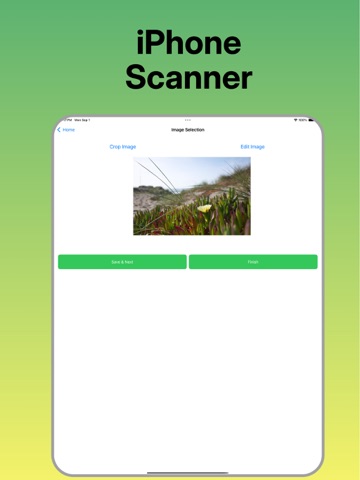
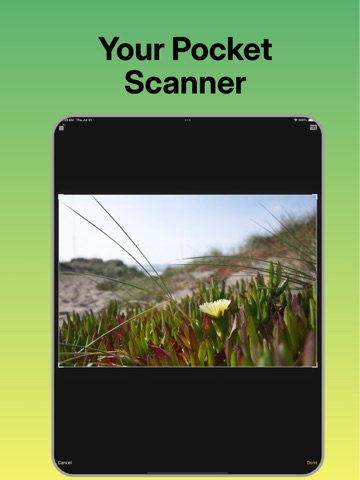
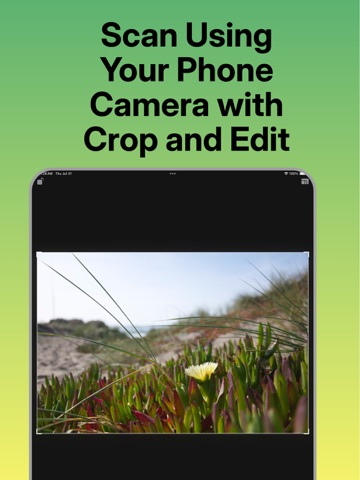
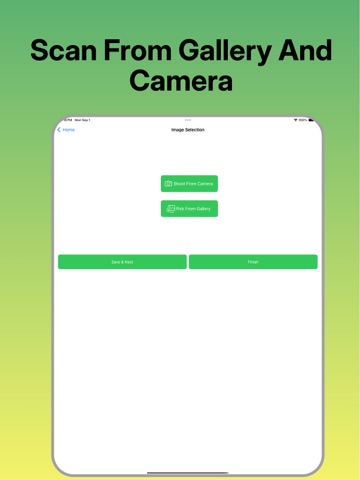
Scanner-Documents PDF transforms your device into a powerful portable scanner. Capture multi-page documents, whiteboards, business cards, and receipts instantly. Our app automatically adjusts scans to fit the screen, crops unnecessary parts, and optimizes brightness so every document is perfectly clear and ready to share. Don't let a lack of a scanner slow you down. With Scanner-Documents PDF, you can create and manage professional-looking digital copies of any document, anywhere you are. Key Features: Scan Anything: Digitize documents, books, posters, and more using your camera. Smart Enhancements: Automatically crop and adjust brightness for high-quality scans. Multi-Page Scanning: Capture many pages in a single document. Flexible Saving: Save your scans in full color or grayscale. Easy Sharing n Printing: Share documents via email or print them. Photo Gallery Import: Scan from your existing photo gallery for added convenience. Scanner-Documents PDF is your go-to solution for a paperless and organized life.
Latest release
What’s New
*) Bug Fixes *) Layout Improved
Audience growth
Ratings growth
Baseline captured. Growth appears after the crawler observes a changed rating count.
Momentum comes from crawler snapshots for the tracked storefront. “Viral growth signal” means unusually fast recent rating gains; it is an indicator, not download data.
Price tracking
Price intelligence
First snapshot captured. The trend line starts after the next crawler price observation.
- First observed Sep 8, 2026 · 1:34 AM Free
Screenshots