About this app
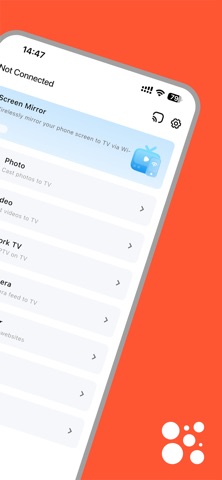
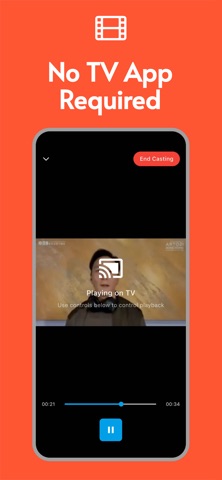
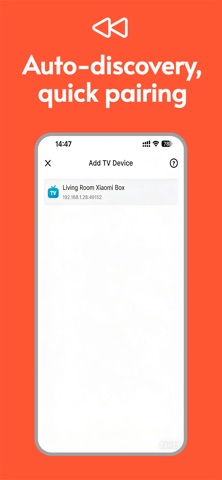
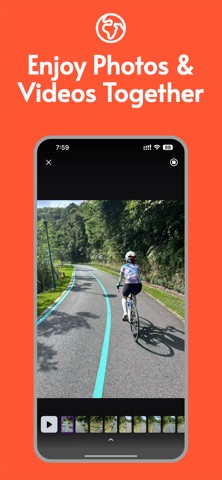
Transform your small screen into a home theater big screen in an instant! Screen Mirroring - Fire TV "is a powerful and easy-to-use wireless screen mirroring tool that allows you to easily project all the exciting content on your iPhone/iPad onto your smart TV or streaming device via WiFi. 【 Application Core Functions 】 One click wireless screen mirroring: Real time mirroring of your entire phone screen to the TV, whether it's the application interface, game graphics, or operation demonstrations, makes sharing on the big screen more enjoyable. Multimedia Projection: Photo/Video Projection: Share precious memories and exciting videos from the album with family and friends on the big TV, and enjoy high-definition picture quality. Online Image Projection: Directly project your favorite images, designs, or wallpapers onto the TV from the internet. Massive online content: Enjoy streaming: Easily project content from YouTube and various video websites, and enjoy an immersive viewing experience on TV. IPTV (Internet Protocol Television): You can play live streaming channels on your TV by adding custom playlist URLs or directly opening streaming links. Real time creative tools: Camera Projection: Transform your iPhone camera into a wireless network camera and project real-time footage onto the TV screen. Browser screen mirroring: projecting videos, music, and other content from web pages in browsers such as Safari onto a television for large screen viewing. 【 Application Core Advantages 】 Simple and easy-to-use: intuitive interface, just a few clicks to complete connection and screen mirroring. Wide compatibility: Supports AirPlay, Chromecast, and mainstream smart TV brands. Stable high-speed: Optimize WiFi transmission, striving for a smooth experience with low latency and high image quality. Private and secure: Local network connection ensures the security of your personal media content. Experience now and embark on a new chapter of big screen entertainment and sharing! Support and Feedback: We continuously improve to provide the best experience. If you have any questions or suggestions, please contact us through the "Settings" within the app. Subscription instructions: 1. Subscription service: VIP membership, $6.99 per week. 2. Subscription Price: The subscription price is based on the selected order package and is subject to the actual subscription price. 3. Payment: After the user confirms the purchase and makes the payment, it will be credited to their iTunes account. 4. The subscription will automatically renew unless you turn off automatic renewal at least 24 hours before the end of the current subscription period. Privacy Policy: https://www.kdocs.cn/l/ctML02ZFovCT User Agreement: https://www.kdocs.cn/l/cizIlxutCz9R
Latest release
What’s New
Update content: 1. Prompt when there is no WiFi connection 2. Prompt when scanning device fails 3. Receive external shared file screen mirroring function
Audience growth
Ratings growth
Baseline captured. Growth appears after the crawler observes a changed rating count.
Momentum comes from crawler snapshots for the tracked storefront. “Viral growth signal” means unusually fast recent rating gains; it is an indicator, not download data.
Price tracking
Price intelligence
First snapshot captured. The trend line starts after the next crawler price observation.
- First observed Aug 19, 2026 · 3:49 PM Free
Screenshots