About this app
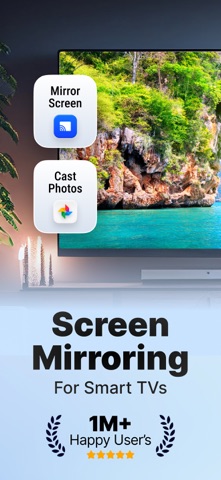
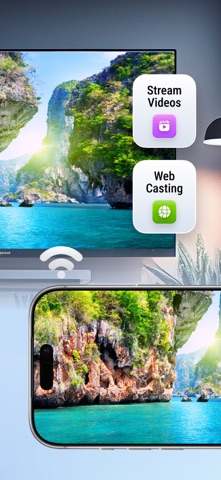
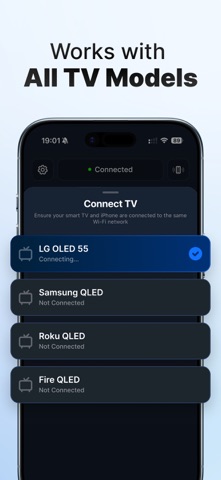
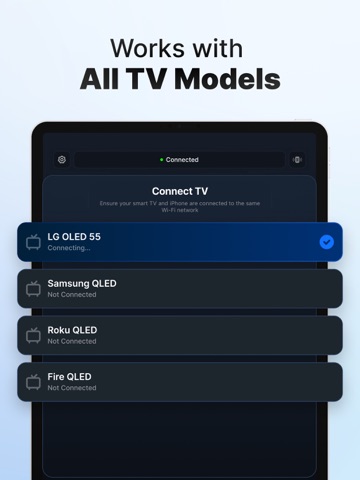
Pair with any AirPlay Devices and Smart TV Brands via wifi connection. Roku, Samsung, Chromecast, and more! Screencast, screen sharing, and mirroring from your own phone! TV Cast - Screen Mirroring allows you to effortlessly pair your iPhone with various Smart TV brands through a simple Wi-Fi connection. This versatile app is compatible with Roku, Samsung, Chromecast, and more, making it an ideal choice for screencasting, screen sharing, and mirroring directly from your phone. With just a few taps, you can mirror your iPhone screen to your Smart TV, sending your favorite media, including photos and videos, directly to your TV. The setup and connection process is quick and hassle-free, ensuring a seamless experience. To establish the connection, ensure that both your Smart TV and your device are connected to the same Wi-Fi network. This app is compatible with devices supporting DLNA/UPNP, such as Roku, Samsung, Sony, LG, Philips, Toshiba, and Panasonic Smart TVs. Enjoy the convenience and versatility of TV Cast for all your screen mirroring and media sharing needs. DISCLAIMER: This is not an official application. We are not affiliated with any brand mentioned in any way. SUBSCRIPTION INFO - Choose between Weekly and Yearly plans. - Your subscription will be charged to your iTunes Account upon confirmation of purchase and will be renewed automatically at the original price 24 hours before the end of the subscription period, unless auto-renew is turned off at least 24 hours prior to the end of the current period. - You can manage your subscription or turn off auto-renew anytime through your iTunes Account settings. No refunds are available for unused portions of the subscription period. - If applicable, any unused portion of a free trial will be forfeited upon purchasing a subscription. By using our app, you agree to our Terms of Use, Privacy Policy & EULA Terms of Use: https://blastly.es/legal.php?app_id=11&doc=terms Privacy Policy: https://blastly.es/legal.php?app_id=11&doc=privacy EULA: https://blastly.es/legal.php?app_id=11&doc=eula If you have any enquire? Contact us: support@blastlystudio.com
Latest release
What’s New
We have solved some internal issues, that was affecting the app performance. Thank you very much for your 5-star ratings :) *****
Audience growth
Ratings growth
Momentum comes from crawler snapshots for the tracked storefront. “Viral growth signal” means unusually fast recent rating gains; it is an indicator, not download data.
Price tracking
Price intelligence
- First observed Aug 14, 2026 · 12:09 AM Free
Screenshots