About this app
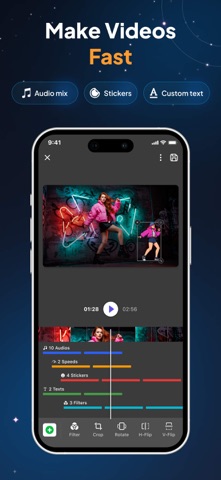
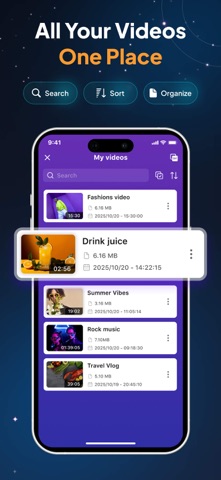
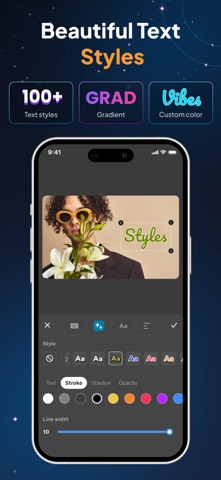
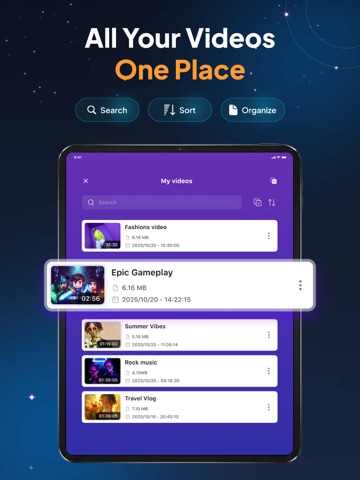
If you are need a tool that can help you record what you want on your phone screen, so this screen recorder application is truly an optimal choice to meet those needs. This application is one of the best screen video recorder applications on the app store today. With beautiful simple interface and advanced features such as : full HD screen recorder with audio , edit video, facecam, create gif, ... It will definitely bring you many great experiences. Especially, It’s is completely free! Main functions : * HD Screen recorder: - Can choose where to save the file: on the album / my files - Unlimited recorder time. - Screen recorder with sound : allow turning on / off the mic during screen video recorder. - A variety of screen resolutions, high quality : 240p, 360p, 480p, 720p, 1080p. - Video quality :1Mbps, 1.5Mbps, 2Mbps, …,8Mbps. - FPS index: 15FPS, 20FPS, 25FPS, 30FPS. * Edit video : - Useful manipulations and easy to use: cut, delete, edit videos. - Users can cancel this operation while application is saving editing file. * File: - Allows uploading files to iCloud, Google Drive, Dropbox, YouTube. - Easy to share with friends. * Facecam: - Screen recorder with facecam : allow users add their face to facecam by front camera. - Quality of facecam files is clear, not jerky. - Can choose range of the video you want to facecam. - Frame size ratio to facecam is diverse. - Automatically save to files when facecam is finish. * Create GIF - Can choose range of the video you want to create gif. - Fast gif create time. - Gifs are created give smooth images and automatically save to the files. This is really an extremely useful screen recorder application and easy to use. We believe that it will help you a lot in your work and relax. Download the screen video recorder right now to your phone to experience all the best screen video recorder features and more. It will definitely make you satisfied! If you love this HD screen recorder, please share it with your friends. Above all, we are excited and hope to receive your suggestions and ideas to help us perfect and develop this screen recorder application in the next versions . Any feedback please send to app@tohsoft.com
Latest release
What’s New
- Upgraded all-in-one video editing features - Updated app interface for a better experience - Fixed some bugs
Audience growth
Ratings growth
Baseline captured. Growth appears after the crawler observes a changed rating count.
Momentum comes from crawler snapshots for the tracked storefront. “Viral growth signal” means unusually fast recent rating gains; it is an indicator, not download data.
Price tracking
Price intelligence
First snapshot captured. The trend line starts after the next crawler price observation.
- First observed Aug 18, 2026 · 3:50 AM Free
Screenshots