About this app
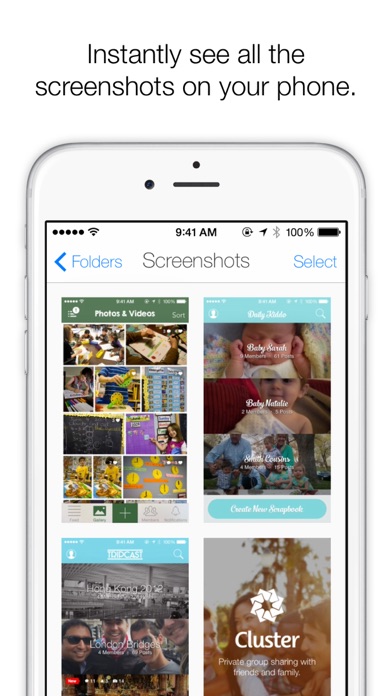
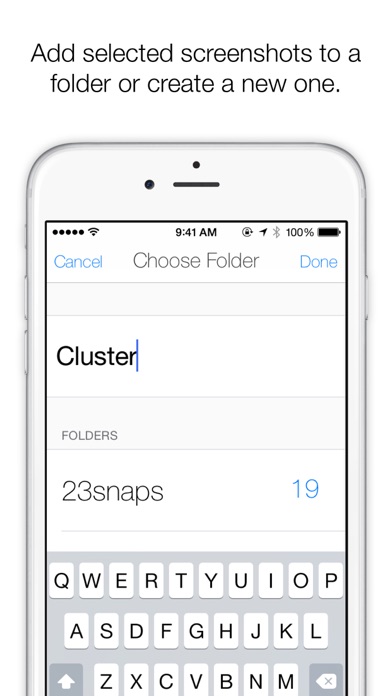
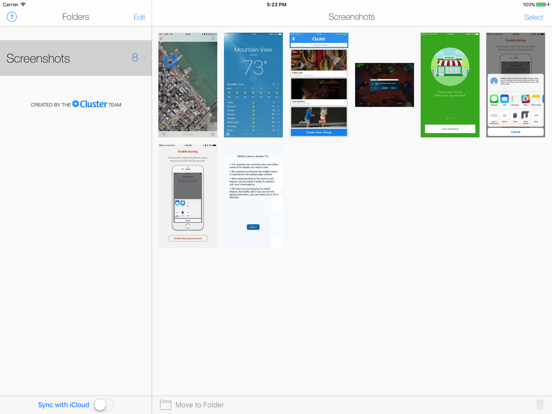
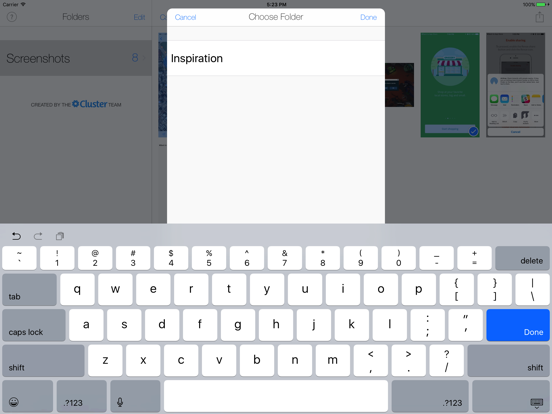
Screenshotter makes it incredibly simple to organize and manage the screenshots you take with your iPhone. It automatically identifies screenshots and makes it easy to organize them into folders. Here’s how it works: • Open the app and give it access to your camera roll. Screenshotter automatically displays your screenshots separate from your photos. • Tap select and choose multiple screenshots. • Tap “Move to Folder” and enter a name. The screenshots will be moved into a corresponding folder in iCloud Drive. It will now be magically available to all your devices and Mac computers. • For screenshots you don’t care about, tap the trash icon in the lower right. They will be removed from your Camera Roll. Created by the Cluster team
Latest release
What’s New
This update from Apple will improve the functionality of this app. No new features are included. * Yikes! Fixed a bug where you couldn't select multiple screenshots in iOS 10 * iOS 9 users and up will now be able to see cropped and modified screenshots
Audience growth
Ratings growth
Baseline captured. Growth appears after the crawler observes a changed rating count.
Momentum comes from crawler snapshots for the tracked storefront. “Viral growth signal” means unusually fast recent rating gains; it is an indicator, not download data.
Price tracking
Price intelligence
First snapshot captured. The trend line starts after the next crawler price observation.
- First observed Aug 19, 2026 · 5:22 AM Free
Screenshots