About this app
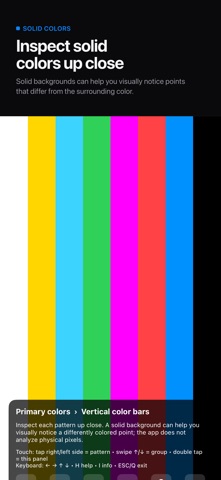
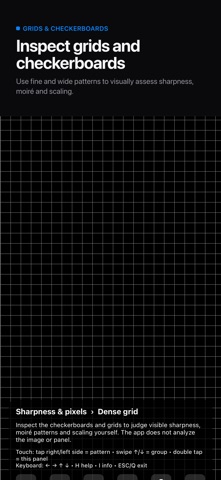
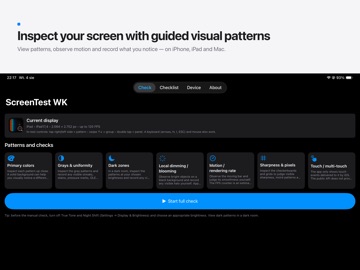
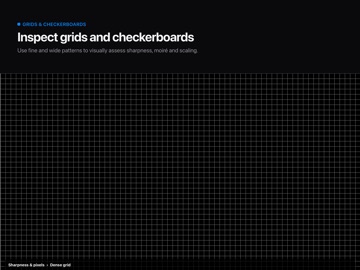
ScreenTest WK is a collection of guided visual patterns for manual screen observation on iPhone and iPad. The app presents patterns and system-reported information; you decide what you see and record your own observations. MANUAL OBSERVATION PATTERNS • Solid colors and vertical color bars • Gray levels, gradients and tonal steps • Dark-area patterns and bright objects on black • Checkerboards and grids • A moving pattern with an estimated app-rendering FPS counter TOUCH VISUALIZATION View direct touch events delivered to the app by iOS, see the simultaneous-contact count, or draw across the screen to observe how the on-screen trace follows your finger. iOS does not provide the app with an expected touch limit for a particular model, so the count is not used as a pass/fail result. DEVICE INFORMATION AND NOTES View device and display information reported through public iOS APIs. Record your own checklist selections and notes, then share a locally generated HTML observation summary. IMPORTANT LIMITATIONS ScreenTest WK does not inspect or analyze the physical panel, automatically detect faults, certify device condition, measure the display's physical refresh rate, or determine whether a part is genuine or has been replaced. The FPS value describes only the approximate rendering rate of the app's animation. What you can see depends on the device, brightness, viewing conditions and your own observation. PRIVACY The screen-observation features run locally. No account is required. The publisher does not receive your device information, touch positions, checklist choices or notes. The app has no advertising, analytics or tracking. The complete app is available without payment. Optional consumable in-app purchases are tips that support continued development and unlock no features or content. Available in English and Polish. Requires iOS or iPadOS 17 or later.
Audience growth
Ratings growth
Baseline captured. Growth appears after the crawler observes a changed rating count.
Momentum comes from crawler snapshots for the tracked storefront. “Viral growth signal” means unusually fast recent rating gains; it is an indicator, not download data.
Price tracking
Price intelligence
First snapshot captured. The trend line starts after the next crawler price observation.
- First observed Sep 1, 2026 · 1:54 PM Free
Screenshots