About this app
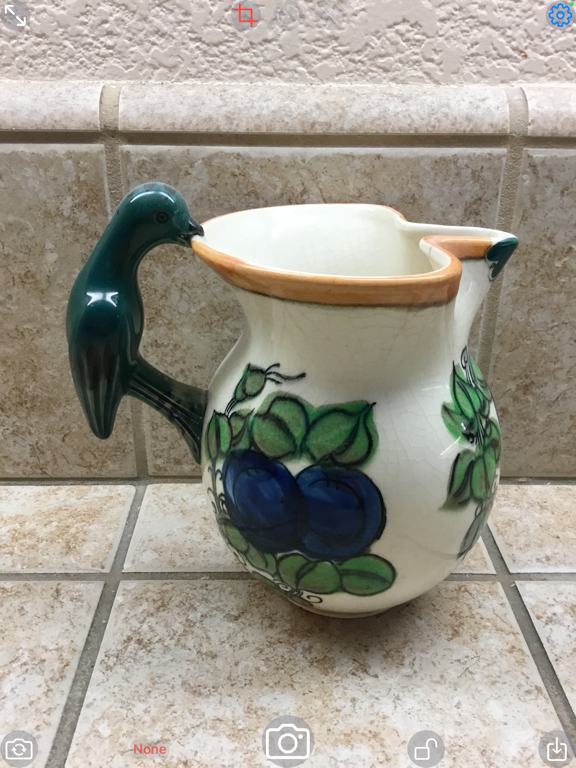
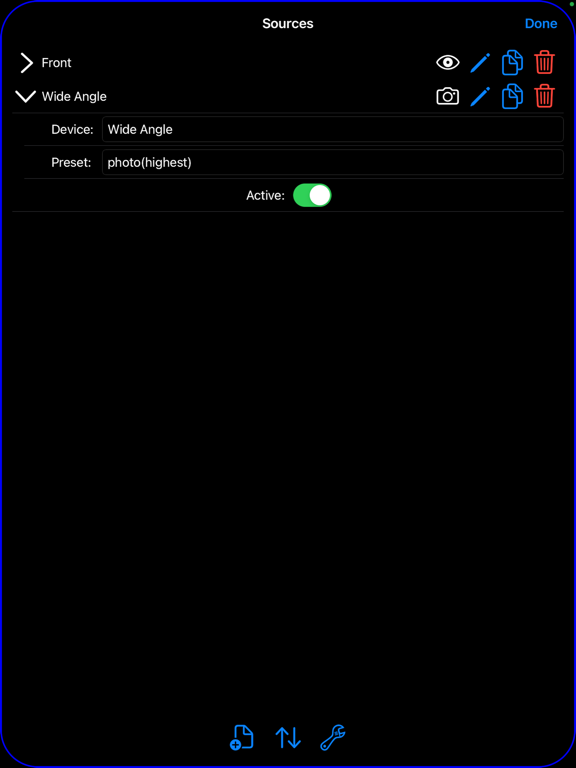
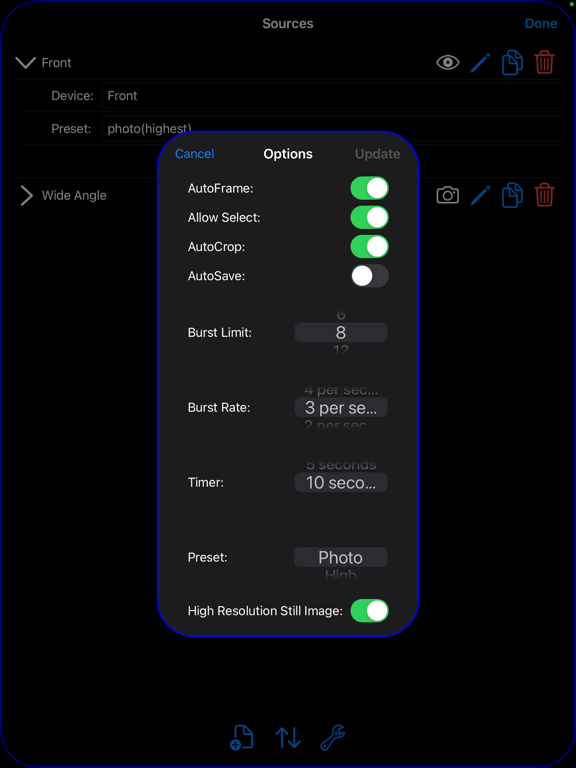
Basic photo application which allows for zooming, panning, and framing/cropping of both image preview and capture. Images can be cropped immediately after capture and before saving to Photos. Zooming is not limited to the center of the camera image, even while previewing - especially useful when device is mounted on a tripod. Allows burst capture of images (action shots) simply by pressing and holding the shutter. You can crop an image to the five standard frame sizes of 3x5, 4x6, 5x7, 11x14, 4x5, or dynamically create your own (long press then drag within image). Moreover, a frame can be adjusted for fine tuning. Lastly, image zoom, pan, and crop area can be locked to prevent accidental changes before saving image; long press either the frame or lock buttons to toggle between the locked and unlocked state. Captured images can be rotated and mirrored using simple gestures (rotation gesture and two-finger swipe either horizontally or vertically). Additionally, a two-finger double tap undoes any applied rotation or mirroring. Captured images automatically rotate with the device in addition to any applied rotation. Application provides the ability to select a camera preset to establish the preview quality - and thus control the memory impact of the app on the overall system. Moreover, an option has been added to request that the captured image be of photo quality, regardless of the preview preset being used - though it may not make a functional difference on some older iPhones/iPads. Lastly, it is possible to place a camera in 'select' mode, allowing full control over image compression, resolution, and frame rate. Single shot images (tapping the shutter button) are of a higher resolution typically (device dependent) than those produced by a set of action shots (shots taken by holding down on the shutter button). Single shots use the still image photo resolution while the action shots are produced via the video preview resolution. Single shots can be captured and first displayed and manipulated before saving, or automatically saved ('Settings' option 'AutoSave') which allows previewing to be uninterrupted. Action shots are always automatically saved, of course. The exposure and focus dynamically adjust relative to the area zoomed-in on, rather than the preview image as a whole. This results in better exposures and focus for that part of the image most important to you. SCSnapShot has been designed around the capturing of images which can subsequently be quickly rotated, mirrored, and cropped as needed. At this point separate image editing tools are necessary to perform all other image manipulation that might be desired after capturing and then saving images to Photos.
Latest release
What’s New
Provides a new interface 'look & feel'. No new features.
Audience growth
Ratings growth
Baseline captured. Growth appears after the crawler observes a changed rating count.
Momentum comes from crawler snapshots for the tracked storefront. “Viral growth signal” means unusually fast recent rating gains; it is an indicator, not download data.
Price tracking
Price intelligence
First snapshot captured. The trend line starts after the next crawler price observation.
- First observed Aug 20, 2026 · 3:59 AM Free
Screenshots