About this app
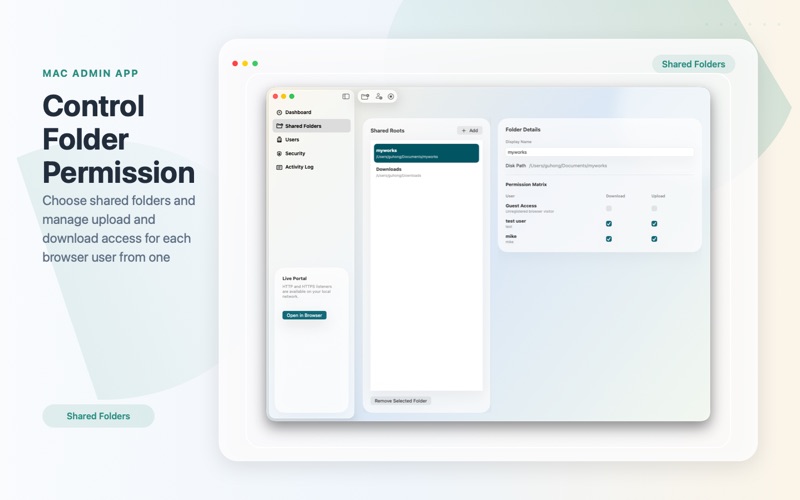
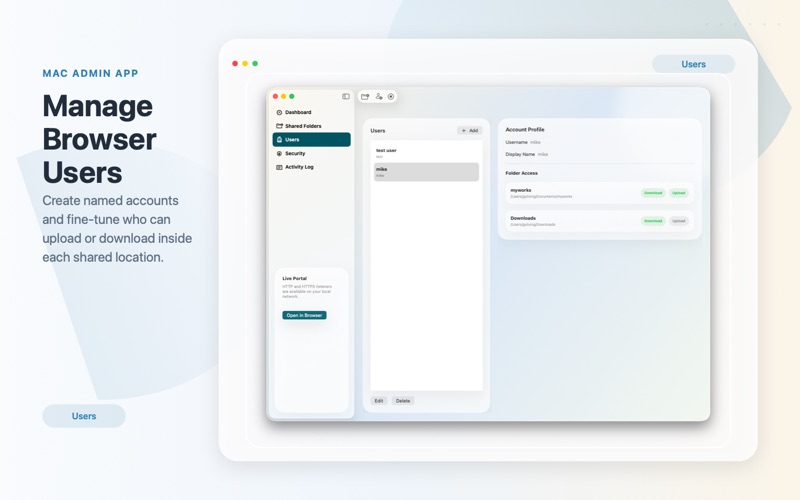
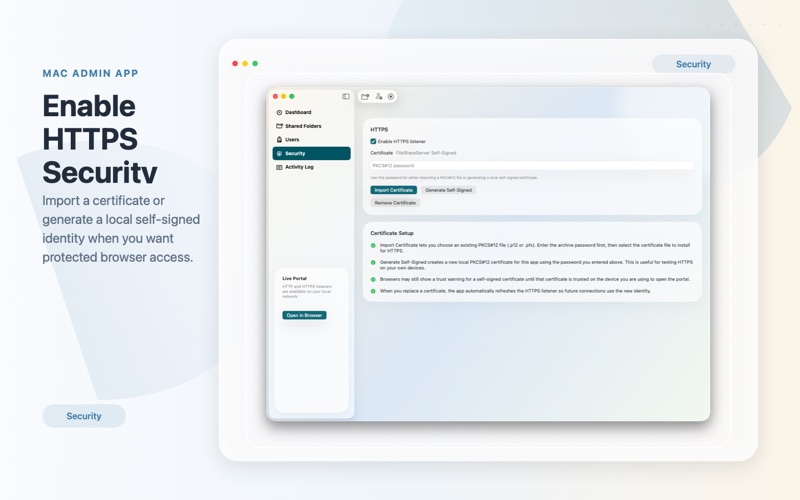
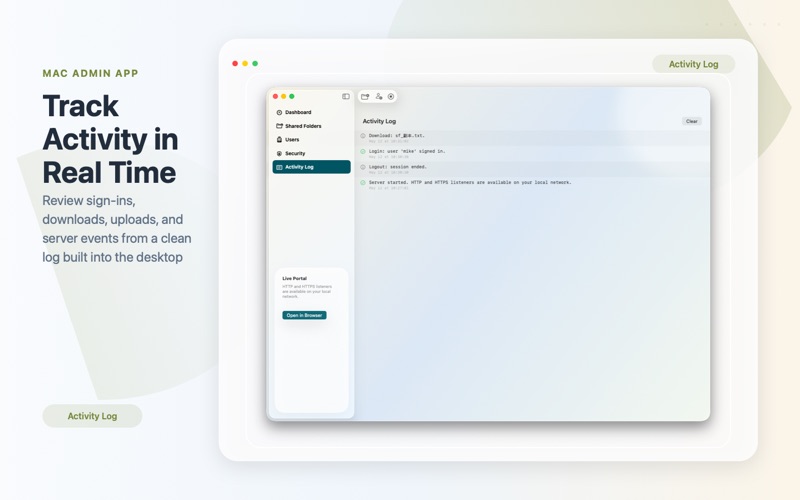
Secure File Share Server turns your Mac into a private file portal for your local network. Share selected folders, control who can upload or download, and let people access your files from a browser on iPhone, iPad or another Computer. Your files stay on your Mac. There is no external cloud storage required. Just choose the folders you want to share, create users, set permissions, and start your local web portal. Key features: Share selected folders from your Mac through a clean browser-based portal Create browser users and manage per-folder upload and download permissions Upload very large files with a streaming transfer system built for large media, archives, and project files Download files and folders from any device on your local network Edit supported text files directly in the browser Preview images and play videos online without downloading first Stream media with seeking support for a smoother playback experience Use HTTP or enable HTTPS for more secure local access Work with sandbox-approved folder access designed for macOS View activity logs to monitor server events and file actions Secure File Share Server is ideal for home, office, studio, lab, and classroom environments where you want fast local file access without relying on third-party cloud services.
Latest release
What’s New
New UI design Improve performance
Audience growth
Ratings growth
Baseline captured. Growth appears after the crawler observes a changed rating count.
Momentum comes from crawler snapshots for the tracked storefront. “Viral growth signal” means unusually fast recent rating gains; it is an indicator, not download data.
Price tracking
Price intelligence
First snapshot captured. The trend line starts after the next crawler price observation.
- First observed Aug 7, 2026 · 11:04 PM Free
Screenshots