About this app
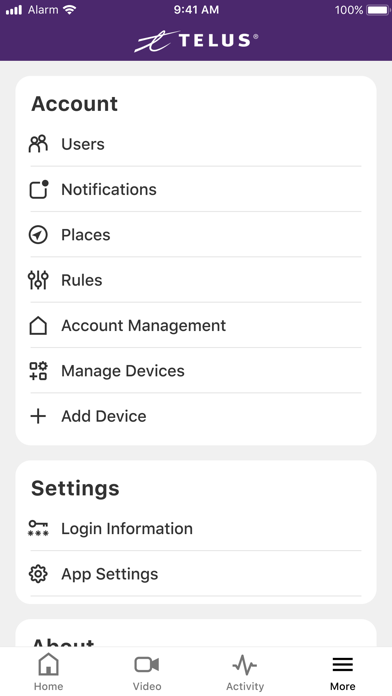
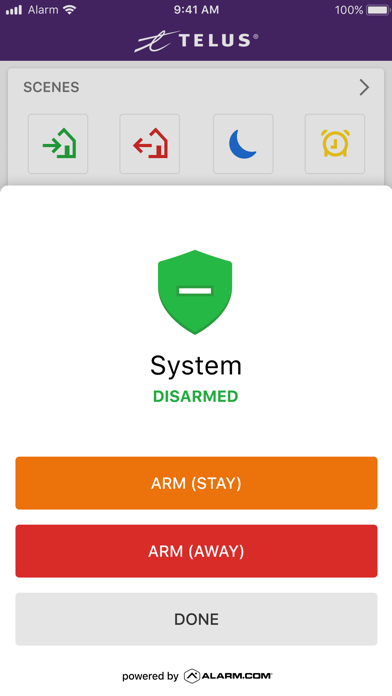
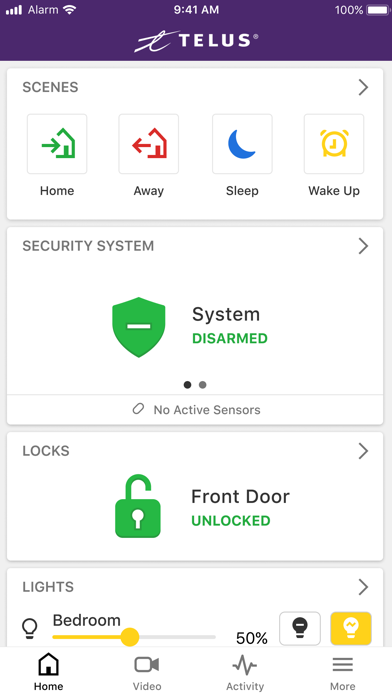
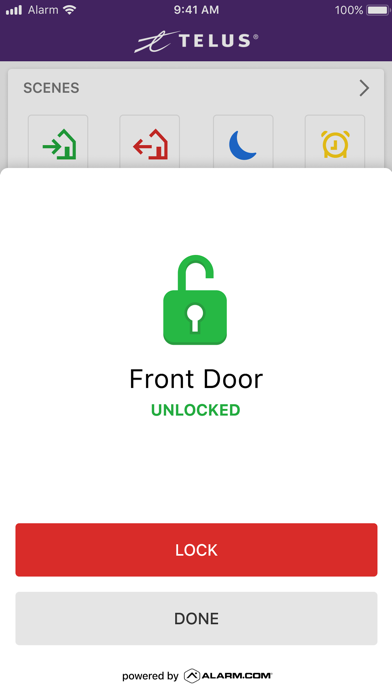
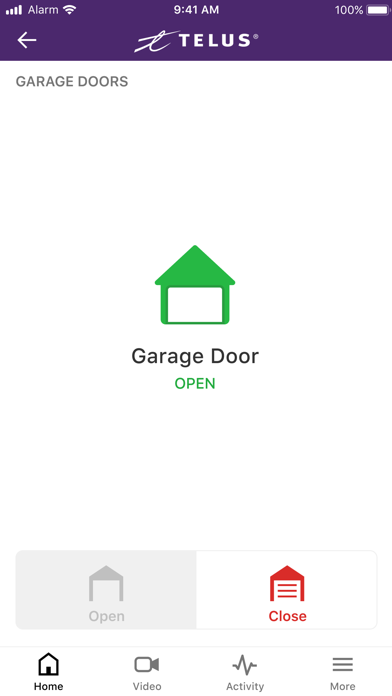
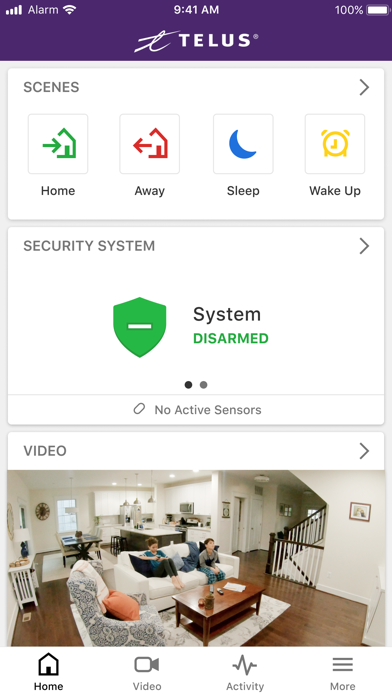
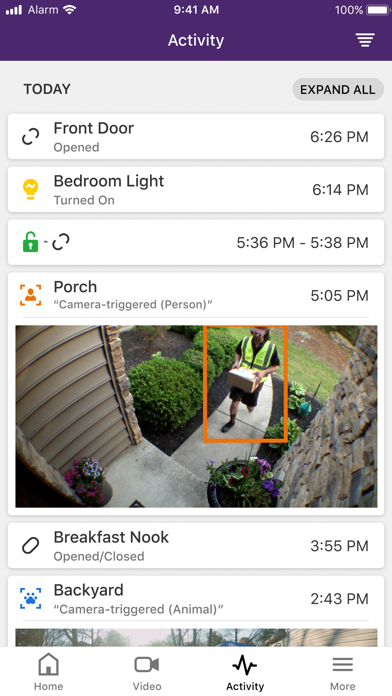
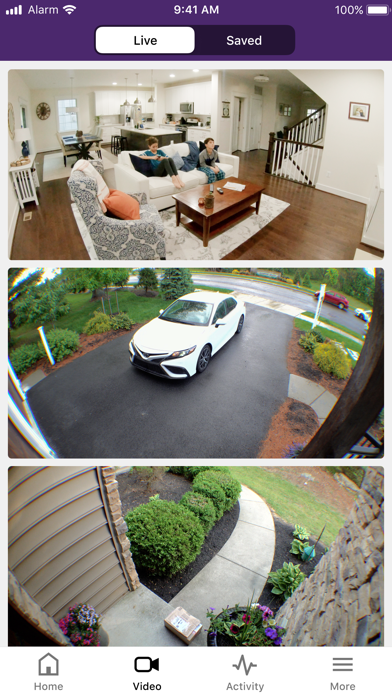
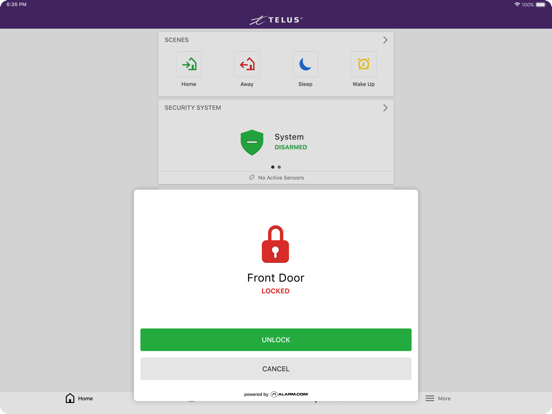
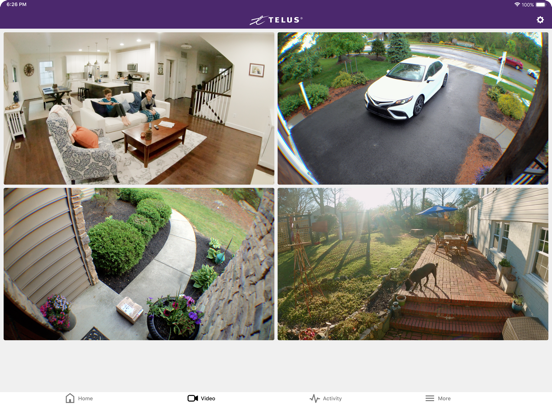
TELUS SmartHome is your simple all-in-one security, safety and smart home solution. Protect, automate and monitor your home in real-time from anywhere in the world, from any current mobile device. All you need is internet or mobile service, a TELUS SmartHome Security service plan and the smart devices you wish to install at home. The TELUS Security app offers solutions for: · Security and safety alerts · Interactive video monitoring · Energy efficiency management · Home automation Optimize your home from wherever you are. Just tap your app, and you’ll have real time access to what’s happening at home. View your video screens or clips, change and control settings and make your home the safest and smartest it can be. Whether you’re down the block or halfway around the world, still in bed or halfway through a busy day, TELUS SmartHome Security has you covered. The TELUS Security app can send you notifications, you can instantly view your front door or living room, make and change rules to maximize energy efficiency or improve comfort, and have direct access to every security and smart home device you’ve installed. Simple icons and easy-to-follow screens give you remote access and control. Guide a slider to dim a light, tap to chat with someone at your front door, or pre-program an early morning warm up of the house before you even open your eyes. Note: This TELUS Security app requires a compatible system, internet access and a TELUS SmartHome Security service plan. The app features and their usage varies based on the solution chosen, equipment and service plan. Visit telus.com/home-security for more information. With the TELUS Security app, you can: · Receive real-time emails, text messages and push notifications for unexpected activity and events that matter to you · View your property from installed video cameras · Watch live and recorded video clips from your security cameras · Pre-program or turn lights on or off · Set the ideal temperature on your smart thermostat · Search your complete event history · View and speak remotely to a visitor at your front door How the TELUS Security app helps you stay connected to home: · Know instantly when your kids are home from school · Arm your system and lock up from anywhere or automatically as you leave the house · Know when service people arrive or leave · Be alerted when the garage door is left open · Receive a notification your medicine or liquor cabinet has been opened · Know if someone changes your thermostat settings · Be alerted if someone attempts to log on to your account · And much more!
Latest release
What’s New
• Previously known as SmartHome; now Security • Improved Schedules for Smart Arming - The Smart Arming feature now allows custom schedules for different days of the week • Behind the scenes improvements to power future features • Minor enhancements and bug fixes
Audience growth
Ratings growth
Baseline captured. Growth appears after the crawler observes a changed rating count.
Momentum comes from crawler snapshots for the tracked storefront. “Viral growth signal” means unusually fast recent rating gains; it is an indicator, not download data.
Price tracking
Price intelligence
- First observed Aug 20, 2026 · 10:42 PM Free
Screenshots