About this app
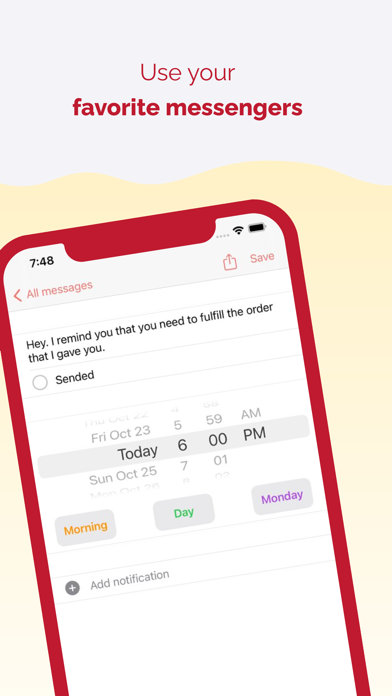
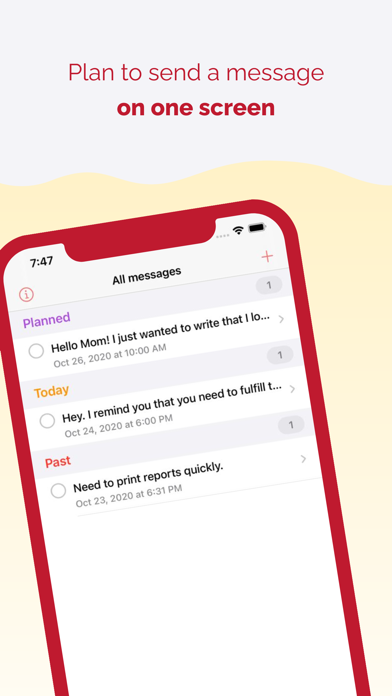
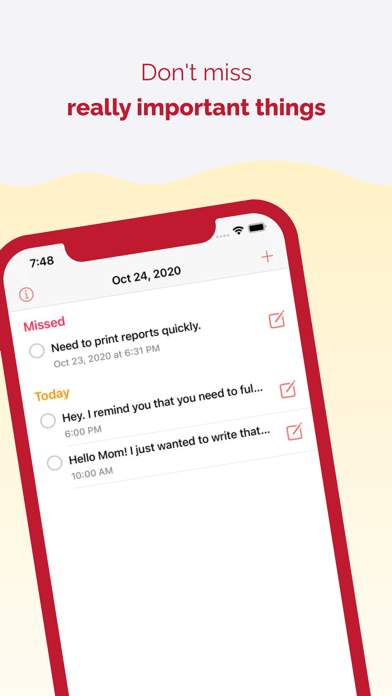
SendLater extends the functionality of your favorite messengers and allows you to plan messages with an accuracy of a minute. Good ideas don't always come in time - in order not to lose them, we came up with the SendLater application. — Write your ideas in the form of tasks - messages with files — Plan to send them for a time convenient for you to one or more recipients — Control the sending of messages and response to the — Manage already created messages on one screen Don't miss anything important - entrust SendLater to send everything for you. SendLater is ideal for: — Business, when you need to work with your team and clients — Freelancers, who finish their work too late or located in different time zones — Punctual people, who like to keep everything under control — Creators of ideas who can't wait to share them with others
Latest release
What’s New
The message text on the screen today can be displayed in 2 lines
Audience growth
Ratings growth
Baseline captured. Growth appears after the crawler observes a changed rating count.
Momentum comes from crawler snapshots for the tracked storefront. “Viral growth signal” means unusually fast recent rating gains; it is an indicator, not download data.
Price tracking
Price intelligence
First snapshot captured. The trend line starts after the next crawler price observation.
- First observed Aug 22, 2026 · 4:37 AM Free
Screenshots