About this app
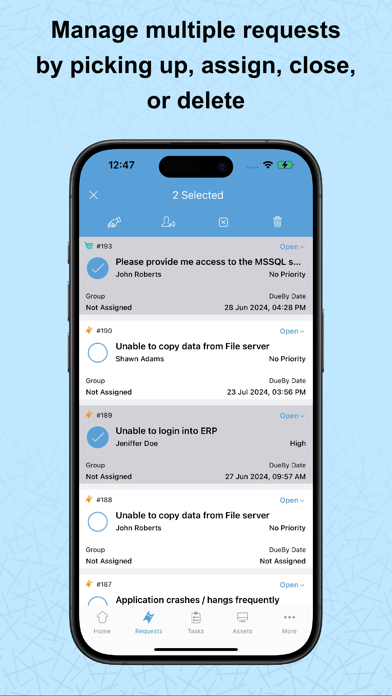
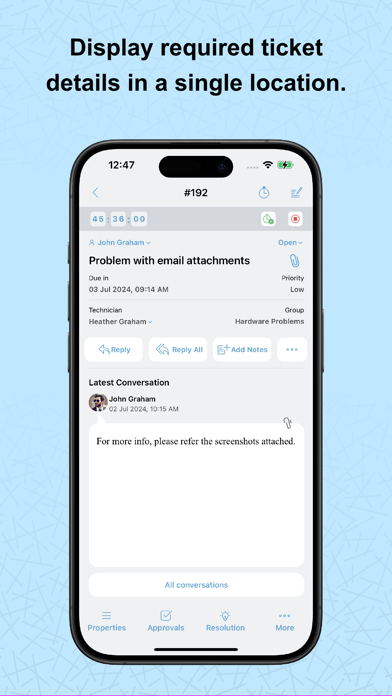
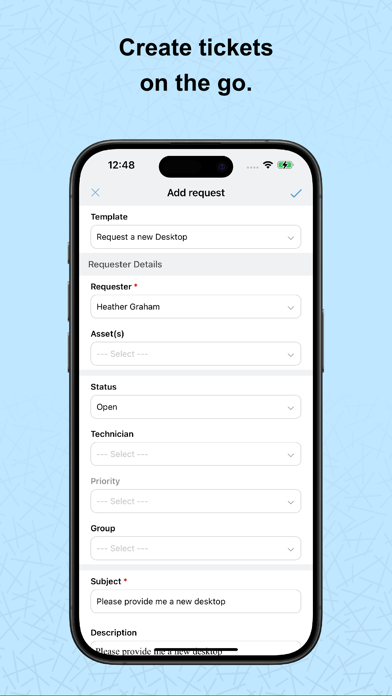
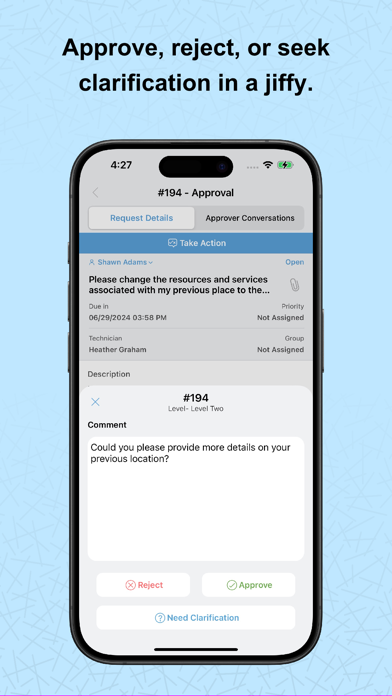
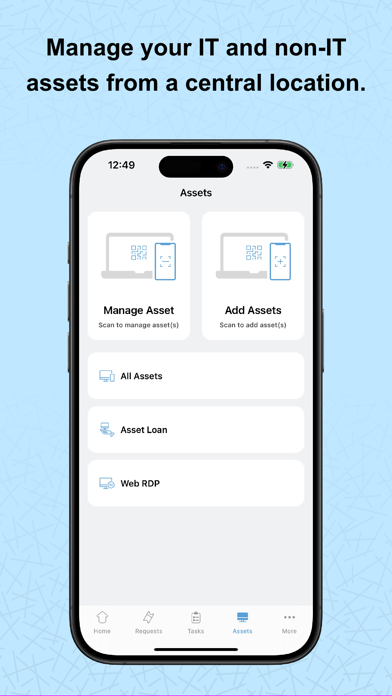
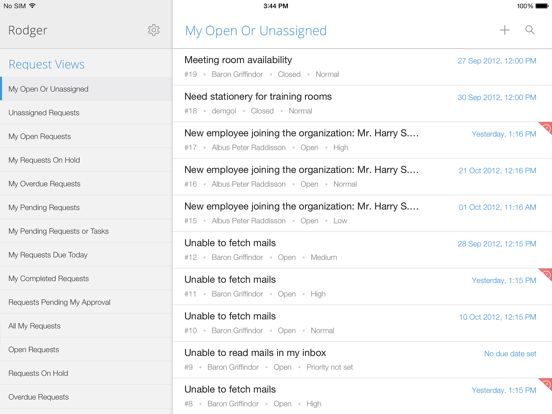
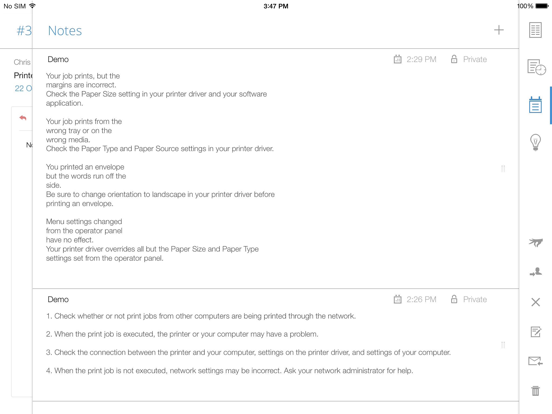
Employees can find answers or get the services they need, anytime and from anywhere, with the mobile app powered by ServiceDesk Plus. The platform combines ITSM essentials and ITAM with enterprise service management capabilities. Technicians can also manage requests, approvals, and tasks on the go, be it handling IT, HR, legal, or finance service desks. Here are some of the key features available in the app: Requests: Create, view, edit, and resolve requests. Track the status of tickets, assign technicians, and add notes. Tasks: Break down requests into tasks, assign them, and track progress. Attachments: Add files and images to requests for reference. Work logs: Record time spent on requests. Solutions: Access prerecorded solutions for common issues. Assets: Add assets through bar code/QR code scan, view details, and gain access to remote Windows machines. Calendar integration: View all your pending tickets as events on your mobile calendar app. Change approval: CAB members can quickly approve change requests. Additional features 1. Review and approve service requests and changes from your mobile device. 2. Receive real-time notifications on request assignments, replies, and approvals. 3. Chat with end users right from the app. 4. Create custom views and tailor the app to your preferences. If you haven't installed ServiceDesk Plus yet, go ahead and try out out the fully featured, 30-day, free trial at https://mnge.it/install-servicedesk. Note: This is not a stand-alone application. To log in, your organization must have downloaded and installed the ServiceDesk Plus app or must have an account with ServiceDesk Plus. The ServiceDesk Plus mobile app is only supported with ServiceDesk Plus On-premises version 14000 and above.
Latest release
What’s New
1. Enable two-factor authentication for module approval actions. This adds an extra layer of security by mandating an additional verification step using the OTP. This feature is portal-specific. 2. Base Site now serves as the default site across the application and is listed in the Sites list view. 3. Add a custom logo for the mobile application. 4. View the approval summary for approvals processed in bulk. 5. View the downtime of Changes synced with OpManager. 6. Deep link support is now available on the details pages of Requests, Changes, Tasks, Solutions, Assets, and Problems, and on the approval details pages of Requests, Changes, Releases, Purchase Orders (PO), and Purchase Requests (PR). 7. Added additional permission checks for the Submit for Approval feature.
Audience growth
Ratings growth
Baseline captured. Growth appears after the crawler observes a changed rating count.
Momentum comes from crawler snapshots for the tracked storefront. “Viral growth signal” means unusually fast recent rating gains; it is an indicator, not download data.
Price tracking
Price intelligence
- First observed Aug 7, 2026 · 10:37 PM Free
Screenshots