About this app
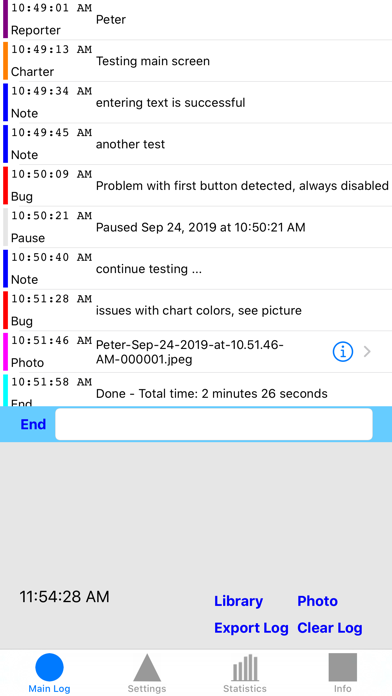
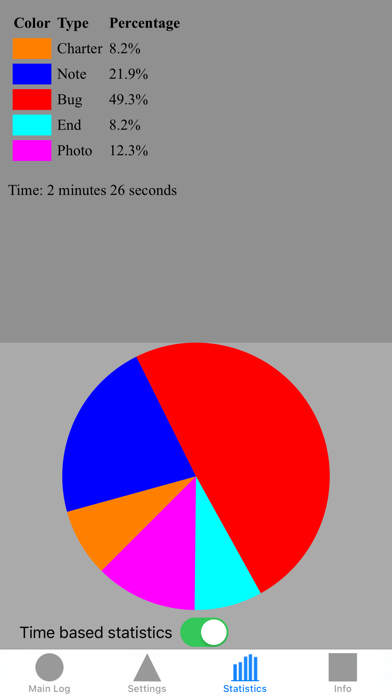
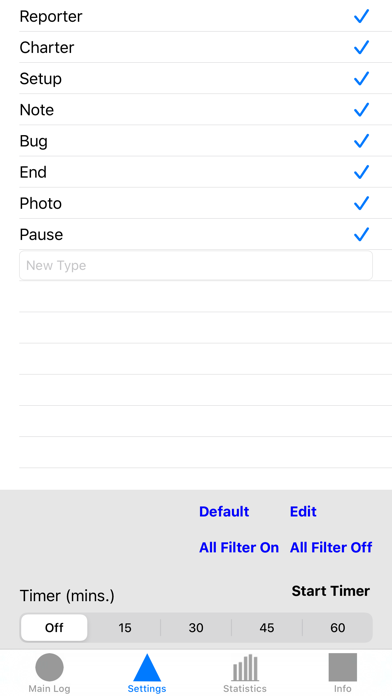
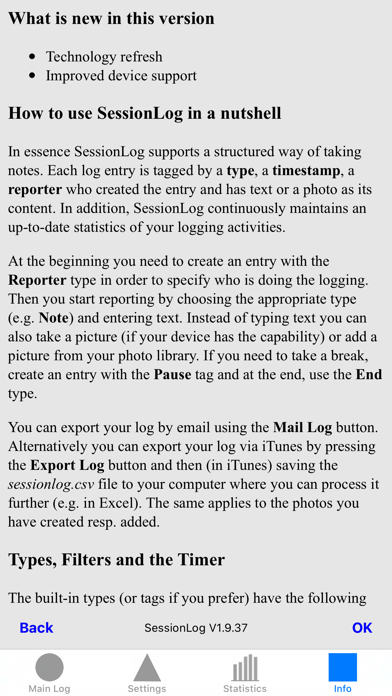
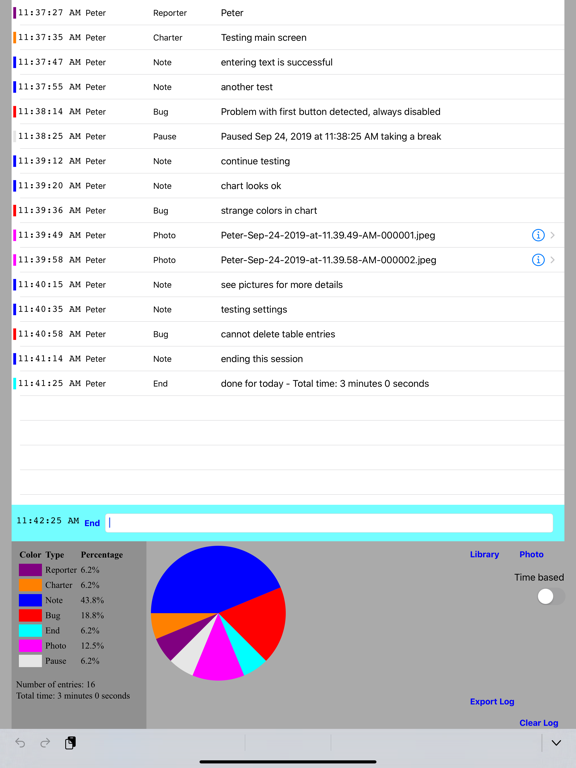
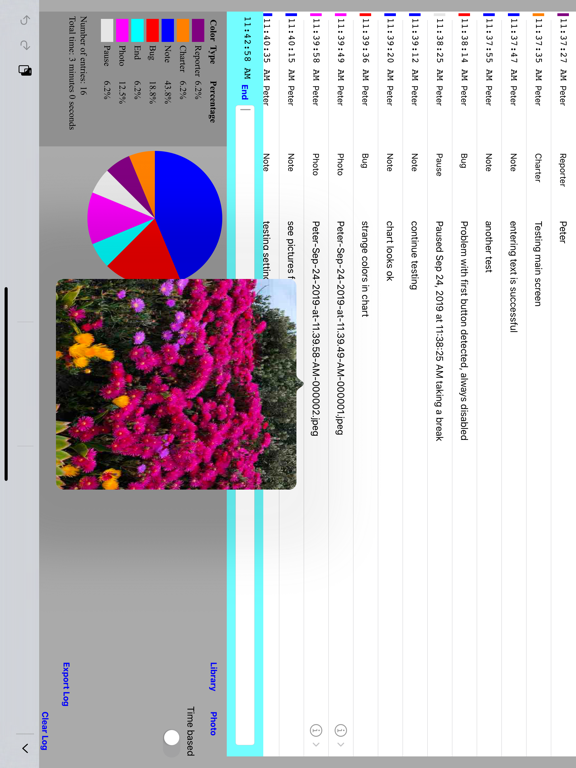
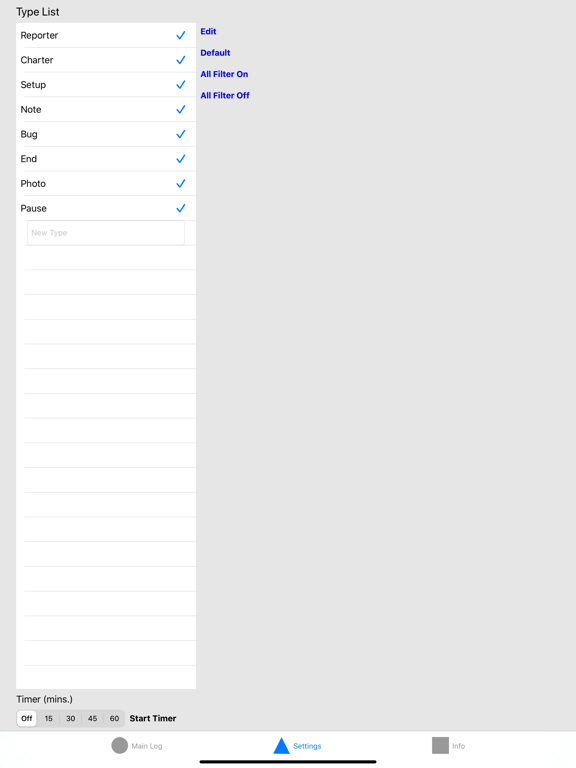
With Session Log you can efficiently create a structured log of a testing session (session based testing), a meeting (i.e. taking the minutes), a lecture, a sports event, or ... Each log entry has a tag, a timestamp and some text you enter or a picture from your library or device. You can add your own tags and the tags can be used for filtering the log entries. While you create the log, the application continuously maintains a statistic showing how time is spent. You can also start a count-down timer if you want to time-limit the logging session. The log and statistics together with the pictures and graphics can be exported by email or via the Finder for further processing.
Latest release
What’s New
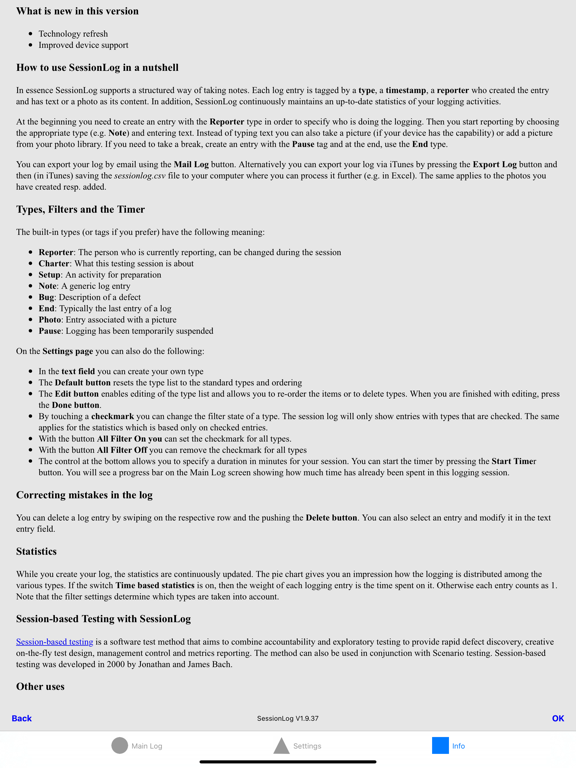
• Technology refresh
Audience growth
Ratings growth
Baseline captured. Growth appears after the crawler observes a changed rating count.
Momentum comes from crawler snapshots for the tracked storefront. “Viral growth signal” means unusually fast recent rating gains; it is an indicator, not download data.
Price tracking
Price intelligence
First snapshot captured. The trend line starts after the next crawler price observation.
- First observed Aug 19, 2026 · 6:30 AM Free
Screenshots