About this app
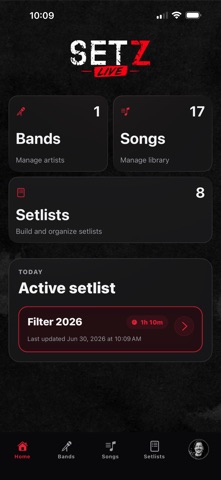
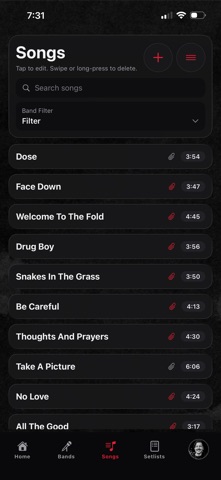
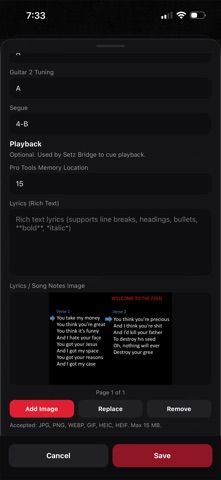
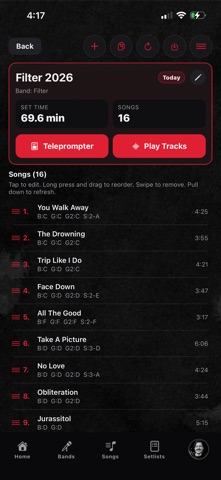
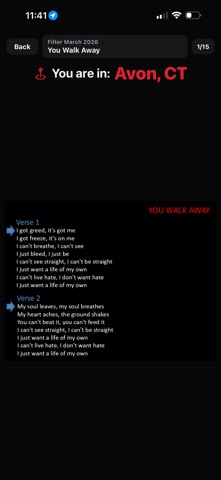
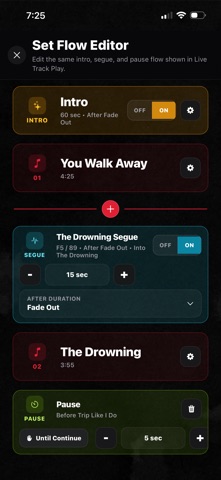
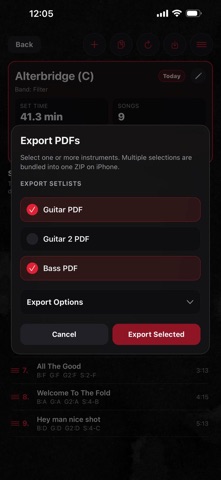
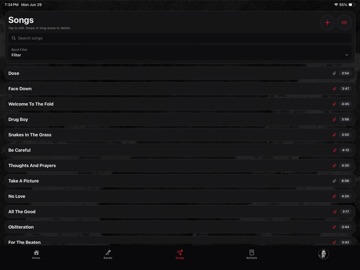
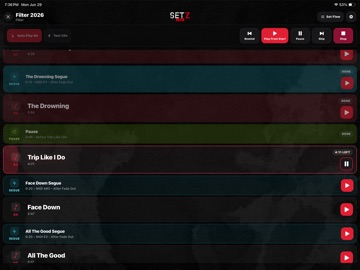
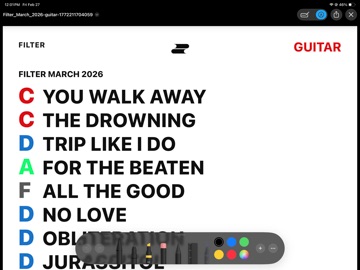
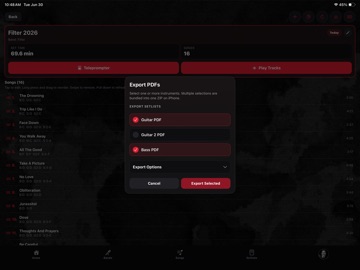
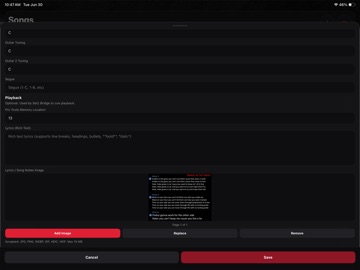
Setz is a fast, simple setlist manager built for musicians who need to stay organized before rehearsal, on stage, and on tour. Create bands, organize songs, build setlists, add lyrics, track tunings, manage segues, and keep your show ready from your iPhone or iPad. Now with Setz Live, your setlist can do more than keep you organized. Setz Live gives you access to live show automation by connecting with Setz Live Bridge for Mac, allowing you to control your DAW with MIDI commands directly from your setlist. Setz Live can automatically assign MIDI notes to your songs and segues, send them to Setz Live Bridge, and help you map those commands to Pro Tools, Ableton Live, Logic Pro, MainStage, Reaper, and other DAWs that support MIDI learn. Whether you are running tracks, triggering cues, managing segues, or building a more automated live show, Setz helps keep everything in one place. Features: - Create and manage bands - Build and reorder setlists - Add songs, notes, lyrics, and tunings - Use lyrics mode for live performance - Add segues between songs - Print and share setlists - Use footswitch controls for hands-free navigation - Connect Setz Live to Setz Live Bridge for Mac - Control supported DAWs using MIDI commands - Automatically assign MIDI notes to songs and segues - Prepare your show for rehearsal, one-off gigs, or tour Setz is built for working musicians who want a cleaner, faster way to manage their live show. Terms of Use (EULA): https://www.apple.com/legal/internet-services/itunes/dev/stdeula/ Privacy Policy: https://setz.app/privacy-policy
Latest release
What’s New
- More reliable cloud syncing helps keep setlist changes safe when saving is delayed. - Add multiple songs using checkboxes, then save them all at once. - Select multiple songs—or Select All—to remove them from a setlist in one step. - Improved song numbering after adding, removing, or reordering songs. - Set times now display in minutes and seconds, with a readable equivalent for longer sets. - New teleprompter controls let bands show all songs or only songs containing lyrics, notes, or lyric images. - Individual setlists can use the band default or choose their own teleprompter setting. - Renamed “Tours” to “Groups” for more flexible setlist organization. - Improved compatibility, performance, and overall reliability.
Audience growth
Ratings growth
Baseline captured. Growth appears after the crawler observes a changed rating count.
Momentum comes from crawler snapshots for the tracked storefront. “Viral growth signal” means unusually fast recent rating gains; it is an indicator, not download data.
Price tracking
Price intelligence
First snapshot captured. The trend line starts after the next crawler price observation.
- First observed Aug 19, 2026 · 7:38 PM Free
Screenshots