About this app
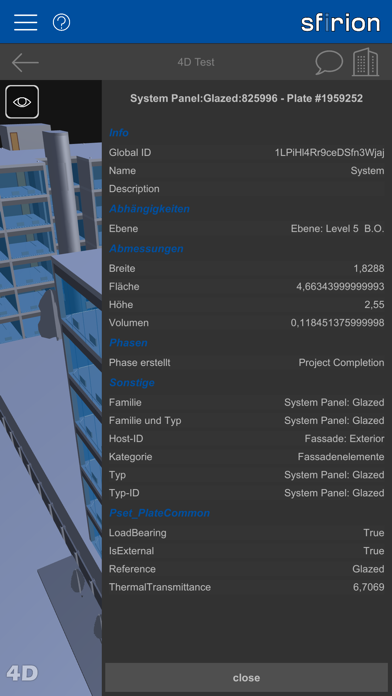
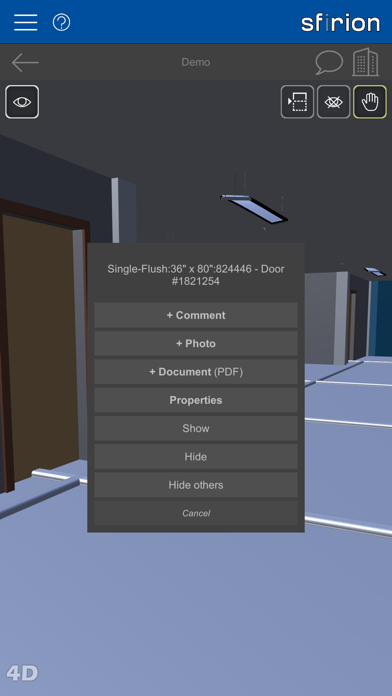
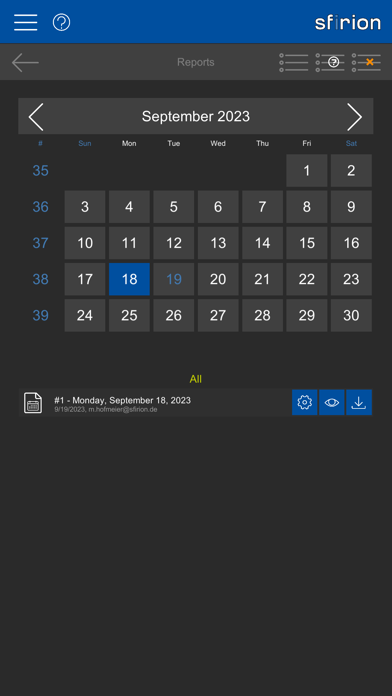
BIM Viewer for IFC files with photos, documents and 4D simulation. SFIRION BIM With the sfirion BIM app, you can import, view, share, comment on, and enrich IFC models with photos and documents. If the IFC file also contains schedule information and the corresponding links to the components, the 4D simulation can be played in the viewer. FEATURES - Compatible with IFC-2x3 and IFC-4 - Show/hide components - Examine element properties - Intuitive handling with gestures - Cutting face for cutting open the model - Placing comments with reply function in the model - Placing photos and documents in the model - Documents, photo list / GPS grid - Sharing projects with other users - 4D simulation (prerequisite: IFC model contains appointment links) - Daily Reports BIM MODEL VIEWER View the 3D model and inspect the building elements for their properties. Hide elements or insert a cutting plane to look inside the model. Use the hierarchical model structure to hide and show entire groups of elements. COMMENTS Pin comments to specific positions in the model and color them (red, yellow, green) or reply to comments already set by other users with access to the project. Involved persons are notified about your entry by e-mail. PHOTOS Attach photos to specific positions in the model or add them via the photo list. If no location has taken place via the model, but GPS coordinates are available, these are stored and GPS photos can be viewed in relation to each other on a corresponding grid. If you take a photo directly via the app, an attempt is made to address the GPS transmitter of your device. DOCUMENTS Pin documents in PDF format to specific positions in the model or add them via the document list. These documents can then be accessed by you or by users with the appropriate authorization. This can be done via the list or via the corresponding markers in the model. 4D VISUALIZATION If the IFC file provided contains schedule information including links to the construction elements, you can view this information as a 4D visualization. DAILY REPORTS Create daily reports for the planning or construction process. Depending on your role, you have the option to create or read and countersign reports. Reports are automatically distributed via the app and email as PDFs. OTHER Supported languages: English, German
Latest release
What’s New
BCF support and Daily Reports.
Audience growth
Ratings growth
Baseline captured. Growth appears after the crawler observes a changed rating count.
Momentum comes from crawler snapshots for the tracked storefront. “Viral growth signal” means unusually fast recent rating gains; it is an indicator, not download data.
Price tracking
Price intelligence
First snapshot captured. The trend line starts after the next crawler price observation.
- First observed Aug 20, 2026 · 5:06 AM Free
Screenshots