About this app
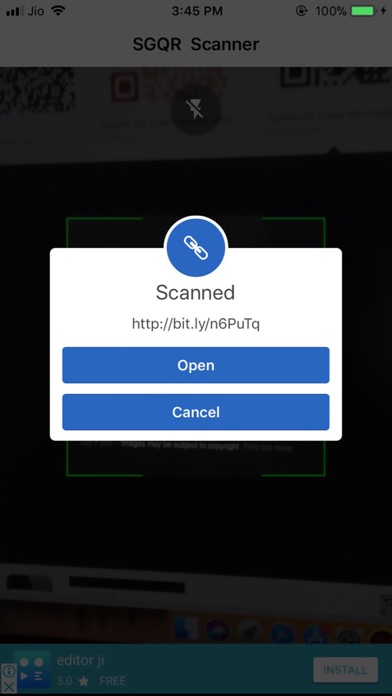
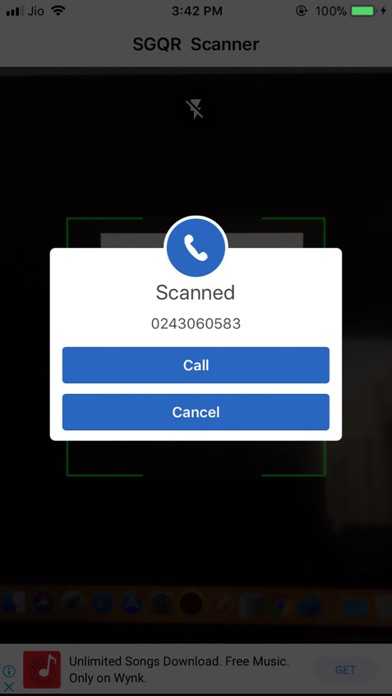
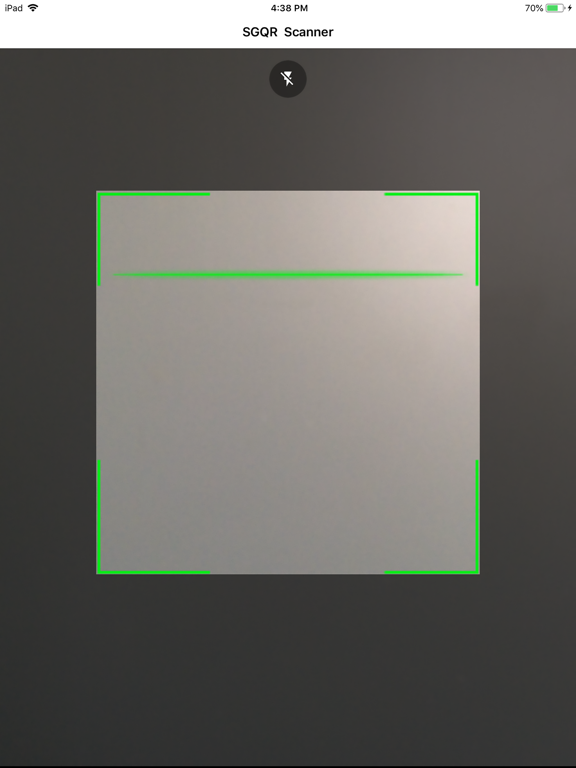
SGQR - All in one QR Scanner & Barcode Scanner is the new, speedy, and free application to scan the QR code and barcode for the iOS platform. This application uses your mobile phone camera to scan and read the information from all the majority of QR code and Barcode formats. Free application to scan the QR Code or Barcodes. Features : • Easy to Install and Simple to Use • QR code Reader. • Barcode Scanner. • Flashlight supported for low-light environments. • Wifi QR code supported, auto connect to Wifi hotspot without a password. It supports various formats like simple text, URL, product, contact, ISBN, calendar, email, location, Wi-Fi, and other formats. Once the scan completed, the user will be provided with the relevant options and actions according to each format. Support: For any kind of information or query, kindly drop an email on 'eryus@eryushion.com' with detailed description of the information required or the problem encountered. We will get back to you ASAP.
Latest release
What’s New
- Bug fixes
Audience growth
Ratings growth
Baseline captured. Growth appears after the crawler observes a changed rating count.
Momentum comes from crawler snapshots for the tracked storefront. “Viral growth signal” means unusually fast recent rating gains; it is an indicator, not download data.
Price tracking
Price intelligence
First snapshot captured. The trend line starts after the next crawler price observation.
- First observed Sep 19, 2026 · 11:46 AM Free
Screenshots