About this app
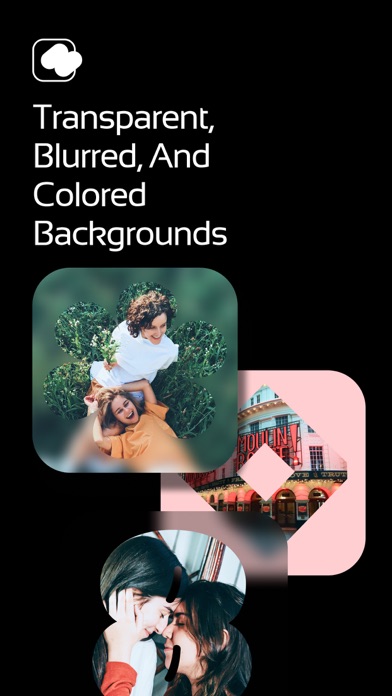
Crop photos with different shapes in Shable, customize the background of your photos with transparent, blurred, and colored backgrounds. ** HOW TO USE 1. select an image and choose a shape to automatically crop your photo. 2. Toggle the zoom mode to enlarge or reduce the size of the image and shape. 3. select Blur from the Background tab to give your photo a blurred background. You can change the amount of blur in the controls below. 4. On the Background tab, you can choose a color with the picker or set it to a transparent background color.
Latest release
What’s New
Significant addition of new shapes Improved background handling Added border line drawing
Audience growth
Ratings growth
Baseline captured. Growth appears after the crawler observes a changed rating count.
Momentum comes from crawler snapshots for the tracked storefront. “Viral growth signal” means unusually fast recent rating gains; it is an indicator, not download data.
Price tracking
Price intelligence
First snapshot captured. The trend line starts after the next crawler price observation.
- First observed Aug 19, 2026 · 11:46 PM Free
Screenshots