About this app
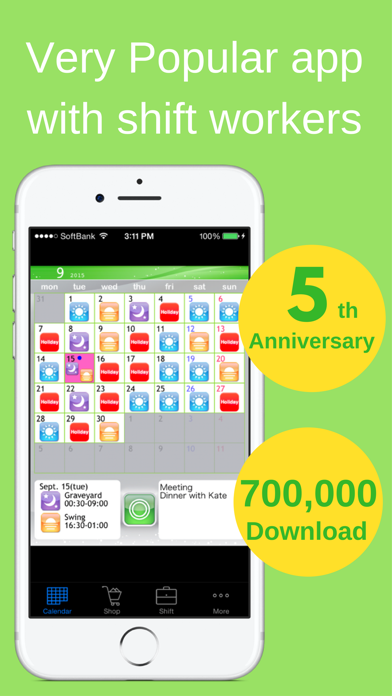
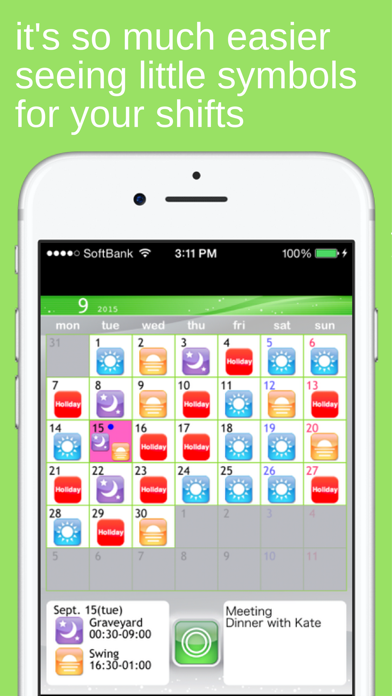
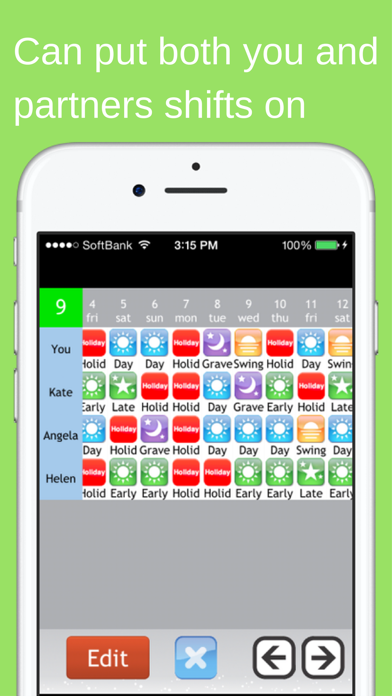
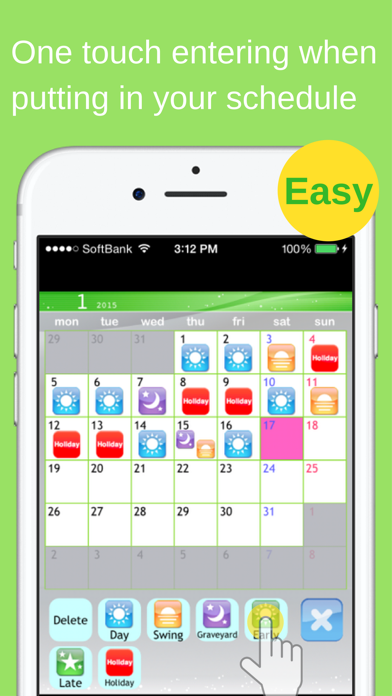
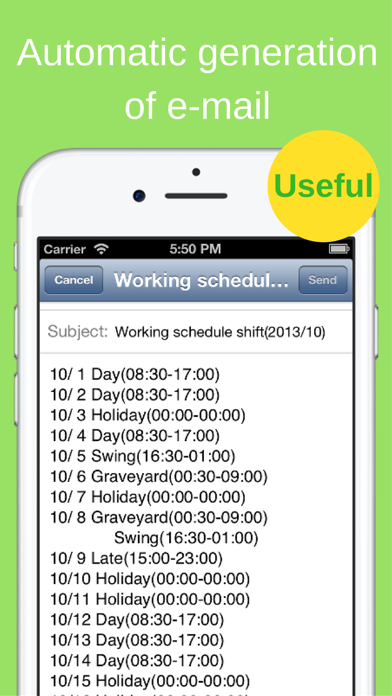
This app provides powerful support for people who do shift work. This app was created based on comments like these. • Entering shifts on the calendar one by one is a lot trouble. > By using the Shift Input Function, you can fill in shifts for a whole month in less than 30 seconds. • I want to view shifts for me and my friends side by side when we're planning a day to hang out together. > By using the Shift List Function, you can quickly find out which day is best for everyone. • Writing emails when I want to tell my friends and family my shifts is difficult. > With the Autocreate Email Function, you can automatically create an email of your shift schedule with one touch. • I want to check my shifts quickly on the lock screen. > With the Calendar Snapshot Function, you can easily create an image of your calendar that can be used for the standby display. *** Main Features *** * You can use all of the features right from the start without having to purchase any add-ons. • Shift Input Mode You can fill in shifts on the calendar with simple one touch controls using icons. • Shift List Function You can manage shifts for multiple other users, and compare shifts for you and your friends on a single list. • Autocreate Email Function Creates an email of your work schedule with one touch. • Link with GoogleCalendar Outputs your shift schedule to GoogleCalendar. • Bluetooth Shift Exchange Function Exchange your shift information by bringing your iPhone/iPod Touch close together, similar to IR communication. • Calendar Snapshot Function Creates an image of your calendar that you can use as your lock screen or wallpaper. You can check your shifts quickly on your lock screen. • Launch App with URL Scheme open:ShiftWorkingCalendar open:shift *** User Reviews *** * Very helpful app. Makes life easier for shift workers. * Easy to use. Great for odd shifts. Love the icons. * Thanks it's easy to use and free * Absolutely fantastic. * Very handy for me and quick to use Easy to email to others * Very convenient. Nice app. * Glad a shift planner is free, without any adverts. * Just what I have been waiting for. Up till now, I have had to write shifts on calendar for my wife to see, and help plan. A simple email now does it all, great!
Latest release
What’s New
Fixed some text disappearing when dark mode is on. Fixed a bug that could not scroll on the friend's shift screen.
Audience growth
Ratings growth
Baseline captured. Growth appears after the crawler observes a changed rating count.
Momentum comes from crawler snapshots for the tracked storefront. “Viral growth signal” means unusually fast recent rating gains; it is an indicator, not download data.
Price tracking
Price intelligence
- First observed Aug 10, 2026 · 11:31 AM $3.99
Screenshots