About this app
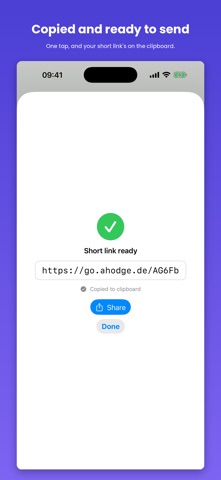
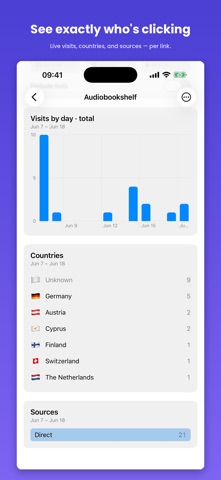
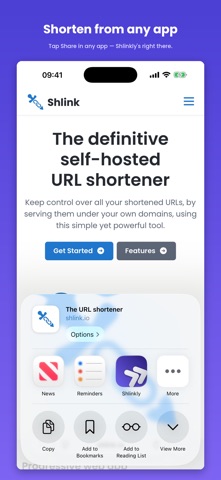
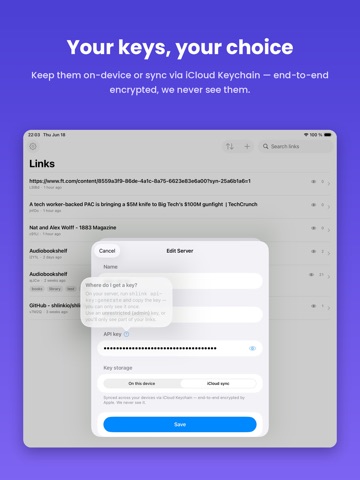
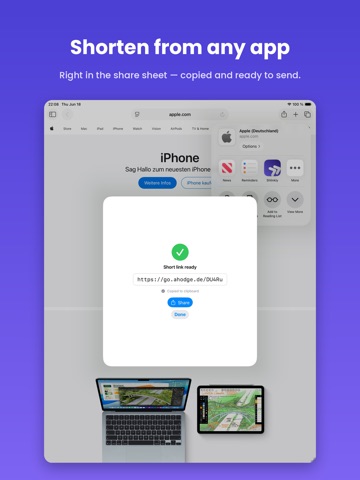
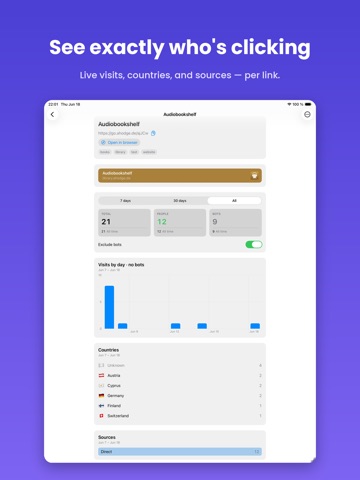
Shlinkly is a fast, native client for Shlink — the self-hosted URL shortener — built for iPhone, iPad, and Mac. Connect your own Shlink server and manage every short link, campaign, and click from one app that feels right at home on Apple platforms. Whether you're tracking marketing campaigns or just tidying up long URLs, Shlinkly gives you the full picture without leaving the Apple ecosystem. Shlinkly is an unofficial, open-source client for the self-hosted Shlink URL shortener. It is not affiliated with or endorsed by the Shlink project. Shlinkly requires a self-hosted Shlink server. WHAT YOU CAN DO - See all your short links in one place — search, tags, and sorting - Create links in seconds: custom slugs, tags, UTM forwarding, expiry dates, and visit limits - Track every click — real-time visits, people vs. bots, countries, and traffic sources, per link - Shorten straight from the share sheet in any app - On Mac, generate a short link from your clipboard right in the menu bar YOUR KEYS, YOUR CHOICE Your API keys never leave your control. Keep them on-device only, or sync them across your devices with iCloud Keychain — end-to-end encrypted by Apple. We never see them, and Shlinkly collects no data of its own. BUILT FOR APPLE Native on iPhone, iPad, and Mac, with the touches you'd expect — share extension, menu-bar quick actions, and a layout that adapts to each device. REQUIRES A SHLINK SERVER Shlinkly is a client for your own self-hosted Shlink instance (shlink.io). You'll need a running Shlink server and an API key to get started.
Latest release
What’s New
New in 2.1 - Home Screen widget. Tap to create a short link, or create one straight from your clipboard. Small and medium sizes. - Shortcuts and Siri. The new "Create short link" action works in the Shortcuts app and returns the short URL, so you can chain it into your own automations. Fixes - Date labels on the 30-day visits chart no longer get cut off. - The clipboard menu now opens from the + button instead of appearing detached, most noticeably on iPad.
Audience growth
Ratings growth
Baseline captured. Growth appears after the crawler observes a changed rating count.
Momentum comes from crawler snapshots for the tracked storefront. “Viral growth signal” means unusually fast recent rating gains; it is an indicator, not download data.
Price tracking
Price intelligence
First snapshot captured. The trend line starts after the next crawler price observation.
- First observed Aug 26, 2026 · 5:44 PM Free
Screenshots