About this app
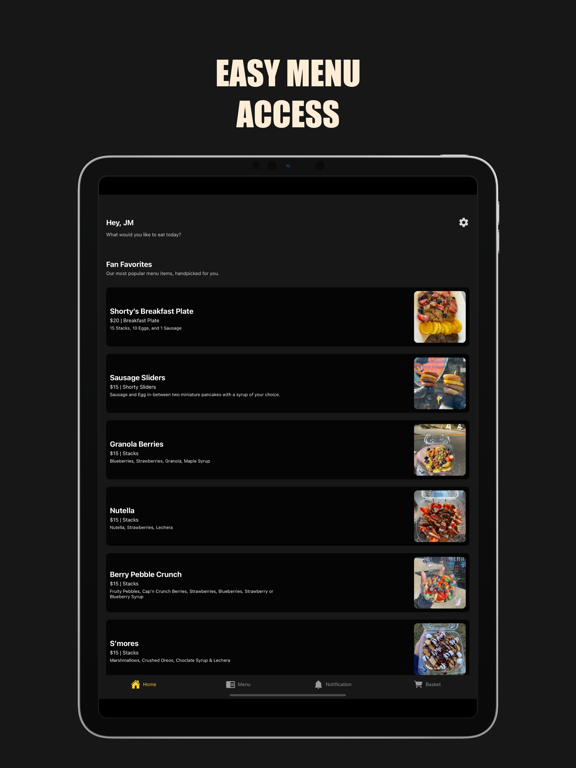
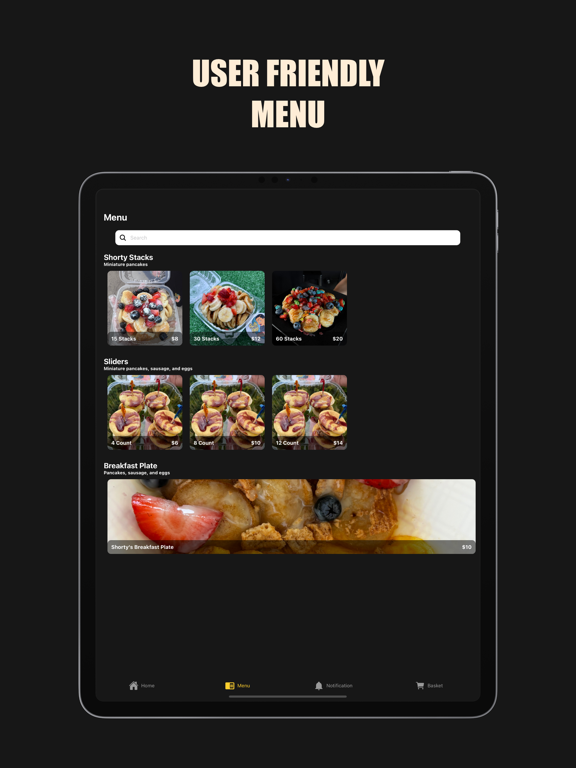
HOW TO USE THE APP: Menu Screen: Once you have chosen what you'd like, customize the order with the toppings of your choice and add them to your cart. Move over to the tab screen to complete your order. If you'd like to make changes to your profile simply tag the settings icon on the top right side of the screen. Notification Screen: Order Up! You'll receive a notification when your order is ready for pick up at our table or food truck location. Basket Screen: We process payments using Stripe's battle-tested checkout, making it easy to save your card or use other payment methods, such as CashApp.
Latest release
What’s New
- Performance updates - New menu items
Audience growth
Ratings growth
Baseline captured. Growth appears after the crawler observes a changed rating count.
Momentum comes from crawler snapshots for the tracked storefront. “Viral growth signal” means unusually fast recent rating gains; it is an indicator, not download data.
Price tracking
Price intelligence
First snapshot captured. The trend line starts after the next crawler price observation.
- First observed Aug 19, 2026 · 2:13 PM Free
Screenshots