About this app
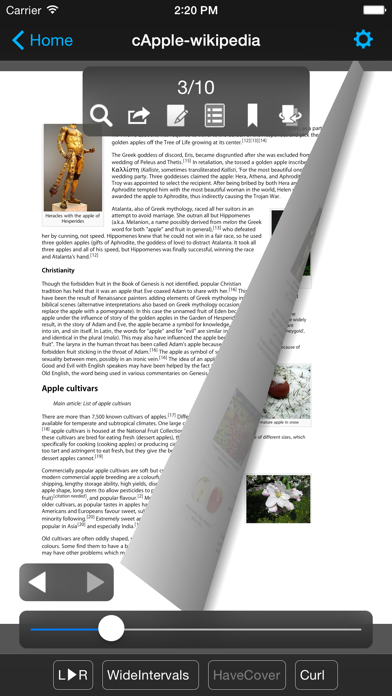
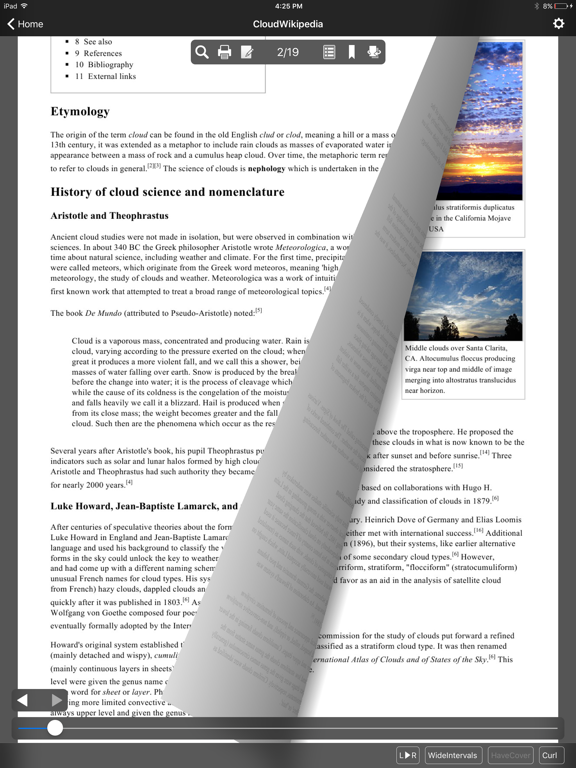
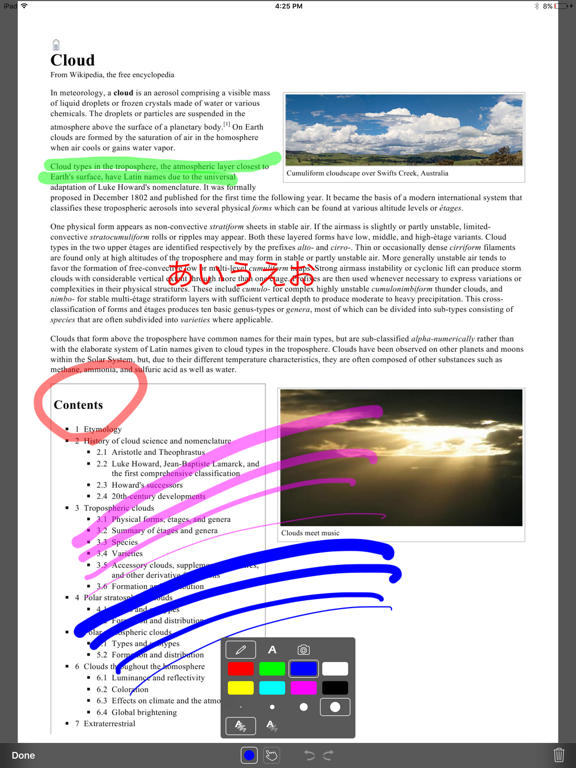
SideBooks is a high performance, high speed PDF viewer that allows you to enjoy reading with the feel of actual paper. =Features= Curl animation that simulates the actual turning of paper pages has been added to the standard page slide function. Supports viewing from 3 directions, documents that open left to right, right to left and vertically. It provides the optimal environment for viewing any book. All zoom rates have been optimized providing high speed, dynamic screen display. An infinite hierarchy of folders can be created, moved, deleted, renamed, etc. using the enhanced bookshelf management function. Real visual bookshelf function that corresponds to back cover style display. Files can be imported by 3 methods, Network transfer through Dropbox, USB transfer through iTunes and direct transfer from other applications. Books can be protected so others cannot view them by using the password protected locking function. This is a universal application that operates on the iPhone, iPod Touch and iPad. =Functions= Overall: *Brightness Adjustment *Screen rotates to match the orientation of the device *Screen Rotation Lock *Password Protected Start-up Lock Viewer: *Support PDF,ZIP,CBZ,RAR and CBR format *Page Turning: Choose from slide or curl *Viewing Directions: Choose from opening left to right / right to left / vertically *Page Spacing: Choose form wide / narrow / none *Facing Pages: Choose the pair of facing pages by setting the cover to on or off *Trim function within the range of page display *Cache pre-read function for the previous and next pages *Set the display for each book and remember the page number of the last page read *Text search function (list display type) *Contents function (also supports hierarchy type) *Bookmark function (with editable memos) *Edit handwritten notes *Send to other applications (Open-In) *Send by email *Printing function (Air Print) *In-page link function *Link to outside URL function (built-in browser / Safari / Printing) *Display / Don't Display link buttons *Page turning function using tap or swipe *Expansion / Contraction function using pinch and double tap (1-1024x zoom) *Viewing of encrypted PDF files with password protection *Display / non-display of statusbar when reading Bookshelf: *Display form: Choose form list bookshelf / visual bookshelf *Function to set theme of visual bookshelf with each folder *Bookshelf thema extension pack (Add-On) *Cover editing function (corresponds to the trim) *File editing function: create, move, delete, setting for all books in folder *Bookmark list *Reading history list *Unread list *Edit of mark choose form already read / unread *Book name search function *Network transfer through Dropbox *USB transfer through iTunes *Direct transfer from other applications Special thanks to, "Give My Regards to Black Jack" SHUHO SATO Manga on Web http://mangaonweb.com
Latest release
What’s New
*Minor functional adjustments and bug fixes.
Audience growth
Ratings growth
Baseline captured. Growth appears after the crawler observes a changed rating count.
Momentum comes from crawler snapshots for the tracked storefront. “Viral growth signal” means unusually fast recent rating gains; it is an indicator, not download data.
Price tracking
Price intelligence
First snapshot captured. The trend line starts after the next crawler price observation.
- First observed Aug 19, 2026 · 6:03 AM Free
Screenshots