About this app
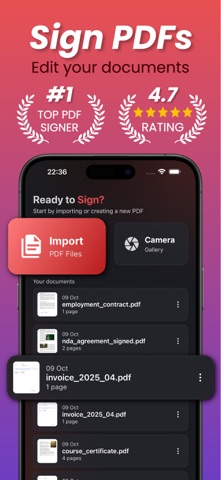
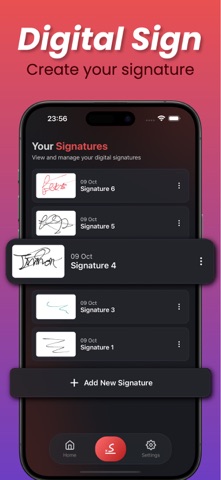
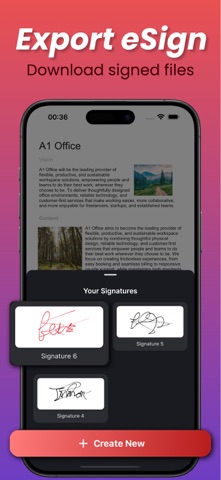
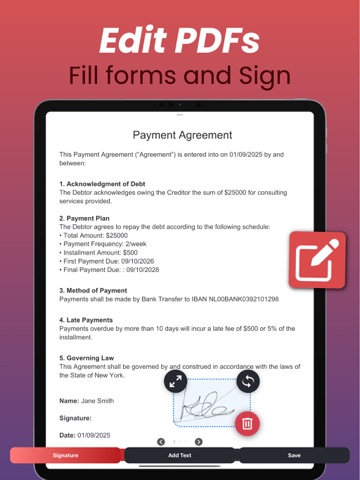
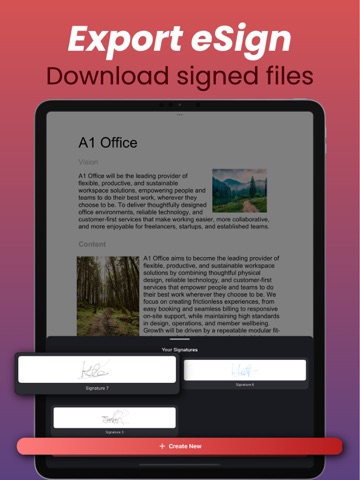
Sign PDF Documents – EasySigner is the easiest way to add your personal touch to digital files. Whether you need to sign a contract, fill out a form, or annotate an image, EasySigner lets you do it all with speed and precision, no printer, no paper, no hassle. Working with documents is simple: import any PDF or image, draw or upload your signature, and place it exactly where you need it. You can also add text fields, fill in details, and make quick edits directly on the page. Every change you make is saved automatically, so you can pick up right where you left off. EasySigner is designed for flexibility — create multiple reusable signatures, download them for later use, and manage all your files in one secure place. Whether you’re signing a work agreement, editing a scanned document, or approving forms on the go, EasySigner keeps everything organized and accessible. Key Features: -Add handwritten or digital signatures to PDF and image files -Insert text fields and fill out forms directly -Draw, upload, and manage multiple signatures -Download your saved signatures for future use -Automatically saves progress for every document -Edit both PDFs and images with precision placement -Securely store and access all signed files anytime Why EasySigner: 1. Clean, modern design that makes signing fast and intuitive 2. Works seamlessly with both PDFs and images 3. Lets you save, reuse, and download your own signatures 4. Keeps your documents and progress automatically saved 5. Perfect for contracts, forms, agreements, and daily paperwork 6. Secure and reliable, designed for professionals and everyday users alike With EasySigner, paperwork becomes effortless. Sign important PDFs, add text to scanned images, or fill forms in seconds — all from one simple app. No more printing or scanning. Just import, sign, and share. Bring convenience, control, and confidence to every document you handle. Privacy Policy: https://www.onerack.nl/apps/easysigner/privacy-policy Terms of Use: https://www.onerack.nl/apps/easysigner/terms-and-conditions
Latest release
What’s New
-Improved PDF signing performance for faster, smoother edits -Enhanced signature & text tools for more precise document filling -Bug fixes and stability improvements across all devices
Audience growth
Ratings growth
Momentum comes from crawler snapshots for the tracked storefront. “Viral growth signal” means unusually fast recent rating gains; it is an indicator, not download data.
Price tracking
Price intelligence
- First observed Aug 19, 2026 · 6:03 AM Free
Screenshots