About this app
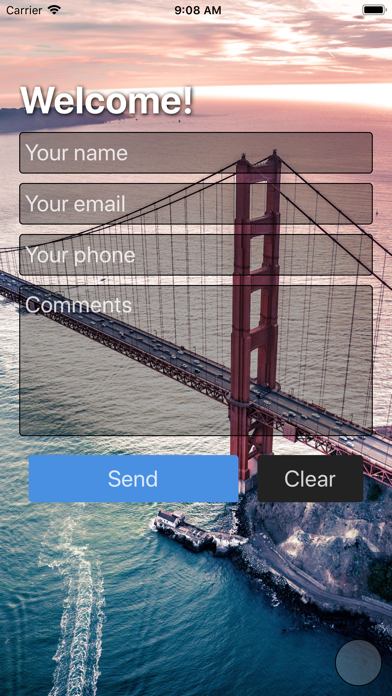
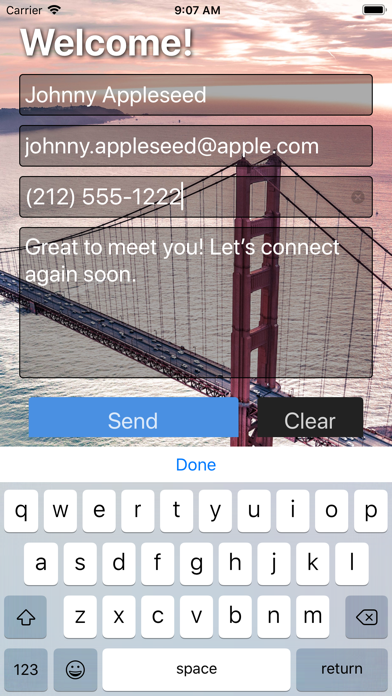
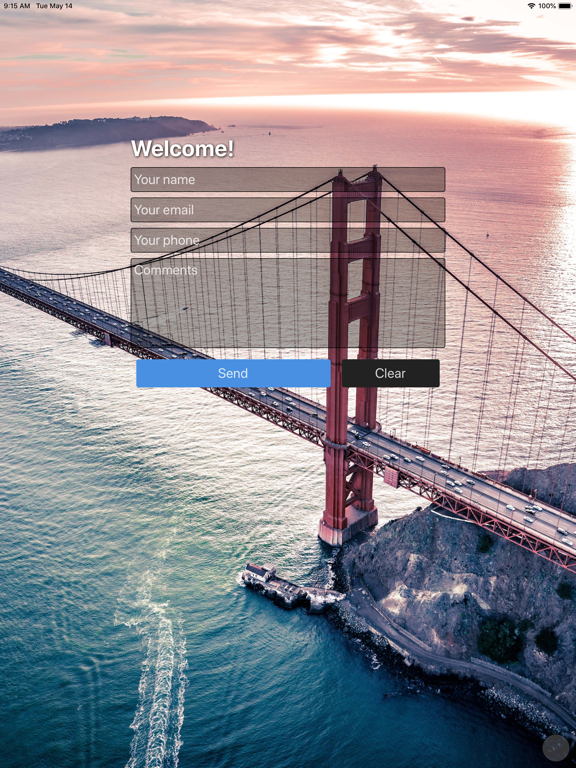
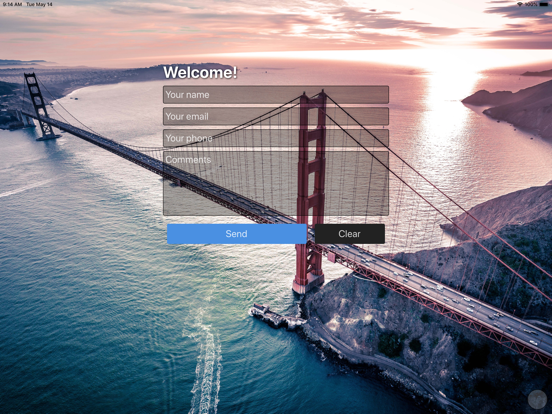
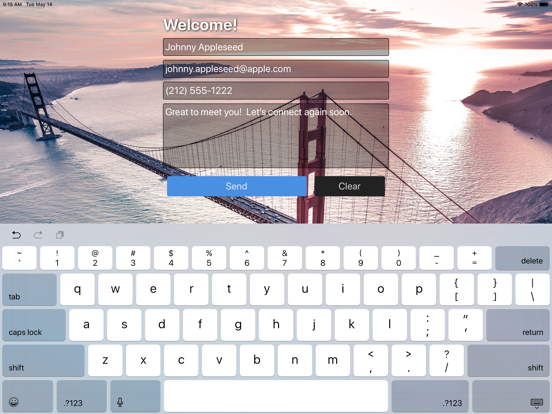
Sign Up Events turns the iPad at your front desk into a real office visitor check-in system. Visitors fill out your form, accept your NDA with a finger-signed signature, snap a quick photo, and you get a CSV log of who was in the building today. Built for offices, coworking spaces, clinics, schools, and job sites that need a serious visitor record without a $100/month subscription. WHAT IT DOES • NDA & waiver acceptance with timestamped digital signature • Visitor selfie capture on every record • Custom check-in form — your fields, not a template • Branded reception screen with your logo and background • On-device visitor log with built-in CSV viewer • CSV export for HR, security, or compliance • Works offline when reception Wi-Fi drops • Passcode protection — visitor data stays on the device WHO USES IT • Corporate office reception desks • Coworking and shared workspaces • Clinics, studios, and waiting rooms • Schools, gyms, and private clubs • Job sites and secure facilities • Trade show booths and field events PRICING One-time $5.99. No monthly subscription. No per-visitor fees. No accounts to manage. Buy it once, run it for years. PRIVACY Visitor data is stored on the device. You decide when to export it. Sign Up Events does not send visitor records to a cloud service. IMPORTANT — MANAGE YOUR DEVICE STORAGE Because every record stays on the iPad, your visitor log will grow over time — especially if you collect signatures and photos, which take up far more space than text fields alone. To keep the app running smoothly and to leave room for future check-ins, export your visitor log to CSV regularly and then delete older entries from the device. We recommend exporting at the end of each week or month and clearing records once you have a saved copy somewhere safe (email, cloud drive, HR system). Sign Up Events cannot recover entries after they are deleted from the device, so always export first. FORGOT YOUR PASSCODE? You can reset the passcode without losing your forms or visitor records. On the passcode entry screen, press and hold the prompt text ("Enter the passcode to continue") for about 5 seconds — a red progress bar will fill, and you'll be asked to confirm the reset. Your saved forms and visitor log are kept; only the passcode is cleared. Replace the paper sign-in sheet — and the overpriced SaaS visitor app — with one tablet at the front desk.
Latest release
What’s New
NDA & signature capture Visitors can now read your NDA or visitor agreement and sign with a finger before check-in completes. Every signature is timestamped and stored with the record. Visitor selfie Snap a photo at sign-in for the visitor log, useful for security review, badge printing, or simply knowing who walked in. Edit & delete records Need to fix a typo or remove a test entry? You can now edit and delete records directly from the visitor log on the device. Reception background library A polished new library of starter backgrounds for your reception screen. Pick one in seconds, or keep using your own image. iPad-first layout The whole app has been retuned for iPad: wider forms, calmer spacing, more readable from a few feet away at the front desk. About screen A new About screen with quick reference tips, an "Email these instructions" shortcut, and easy ways to request features or rate the app. Forgot your passcode? On the passcode entry screen, press and hold the prompt text ("Enter the passcode to continue") for about 5 seconds. A red progress bar fills, and you can clear the passcode without losing your forms or visitor records. Behind the scenes CSV export improvements, error-reporting, and general stability work. Thanks for sticking with Sign Up Events, we're still here, still maintained, and still improving it.
Audience growth
Ratings growth
Baseline captured. Growth appears after the crawler observes a changed rating count.
Momentum comes from crawler snapshots for the tracked storefront. “Viral growth signal” means unusually fast recent rating gains; it is an indicator, not download data.
Price tracking
Price intelligence
First snapshot captured. The trend line starts after the next crawler price observation.
- First observed Aug 18, 2026 · 7:40 PM Free
Screenshots