About this app
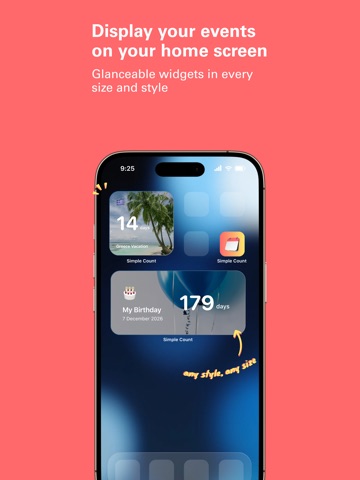
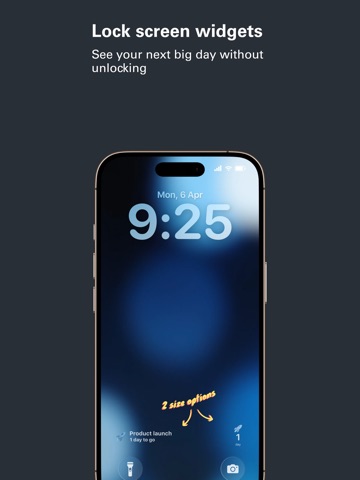
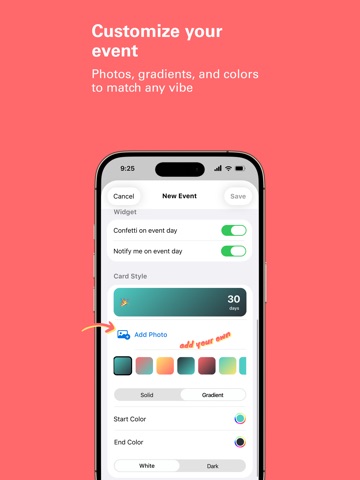
Simple Count is the easiest way to count down to the moments you're looking forward to most — vacations, birthdays, weddings, concerts, holidays, and everything in between. Every widget is free — Home Screen, Lock Screen, and Dynamic Island. Nothing to unlock, nothing to subscribe to. Add a photo, choose an emoji, and bring your countdowns to life with beautiful widgets on your Home Screen. Every time you unlock your phone, you'll see exactly what you're excited about next. SHARE THE EXCITEMENT Count down together. Share any event as a beautifully designed card, perfect for social media or sending to friends and family. You can also share a link so others can instantly add the event to their own Simple Count app. Need to share multiple events? Select several countdowns and send them all at once. FEATURES • Every widget free — no ads, no subscription, nothing to unlock • Beautiful Home Screen widgets in multiple sizes • Lock Screen widgets and Live Activities with Dynamic Island support • Notifications on the day of your event • Celebrate past events instead of hiding them away • Available in 12 languages, switch anytime in Settings • No account required — your data stays on your device and your own private iCloud backup; we never see it • iCloud backup — your countdowns survive app deletion and new phones, automatically • Repeating events — daily, weekly, monthly, yearly, or custom patterns like "the 3rd Sunday of each month" • Countdown reminders — days, hours, or minutes before each event • Notes on events — keep tickets, addresses, or plans right with the countdown; they travel with shared events • Search — find any countdown by name, note, or emoji (use the same emoji as a tag to group events) • Pro: Custom photo backgrounds for every event card Whether you're counting down to your dream vacation, a special celebration, or your best friend's birthday, Simple Count keeps the excitement alive every day.
Latest release
What’s New
Past events now keep their own colors and photos in the list, instead of fading to grey once the day has gone by.
Audience growth
Ratings growth
Baseline captured. Growth appears after the crawler observes a changed rating count.
Momentum comes from crawler snapshots for the tracked storefront. “Viral growth signal” means unusually fast recent rating gains; it is an indicator, not download data.
Price tracking
Price intelligence
First snapshot captured. The trend line starts after the next crawler price observation.
- First observed Sep 14, 2026 · 6:25 PM Free
Screenshots