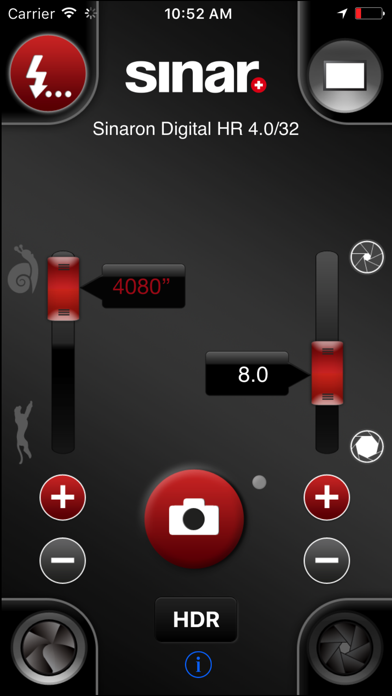
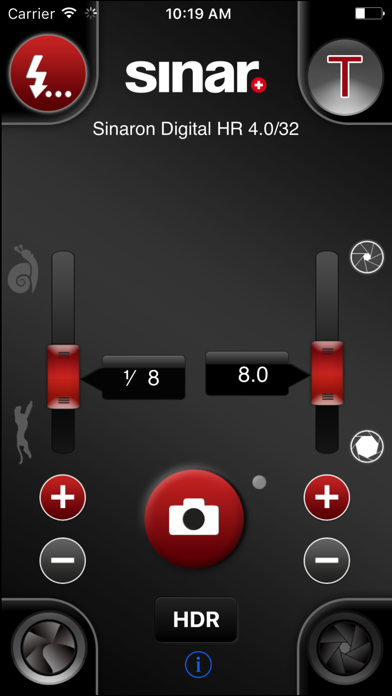
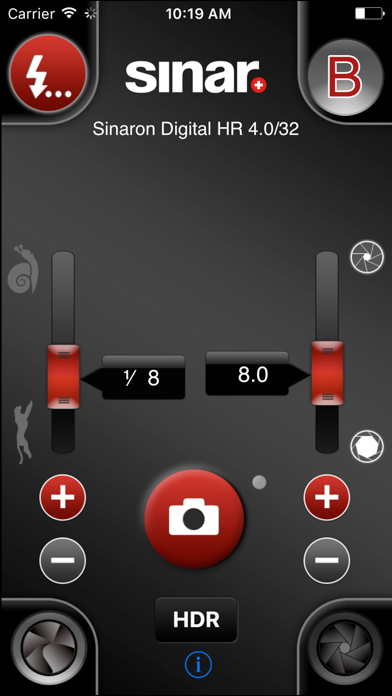
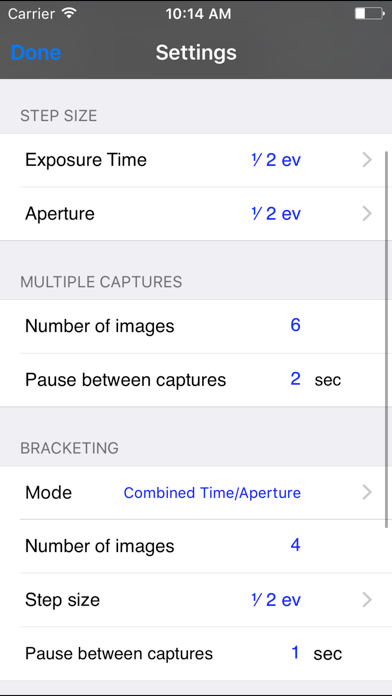
About this app
Sinar eShutter Remote is the comfortable remote control for the Sinar eShutter system. It replicates all actions, that are possible with the desktop applications Sinar eShutter Control for Mac and Sinar eShutter Control for Windows. These desktop applications can be downloaded from the Sinar Photography AG homepage (http://www.sinar.swiss/downloads). Setup and instructions are included in the download package of the desktop application.
Latest release
What’s New
This update from Apple will improve the functionality of this app. No new features are included. - New Timer function! Maximum exposure time that is set with the slider is 64 s. If you would like to take images with longer exposure times, click on the exposure time displayed in the slider and a timer opens, and the value can be added. - New B-Mode and T-Mode (available with button “Picture Mode”, top right) Sinar eShutter Remote requires Sinar eShutter Control 2.2 for Windows or Mac OS X on host-computer in order to access all new features.
Audience growth
Ratings growth
Baseline captured. Growth appears after the crawler observes a changed rating count.
Momentum comes from crawler snapshots for the tracked storefront. “Viral growth signal” means unusually fast recent rating gains; it is an indicator, not download data.
Price tracking
Price intelligence
First snapshot captured. The trend line starts after the next crawler price observation.
- First observed Aug 5, 2026 · 11:01 AM Free
Screenshots
5 screenshots · scroll for more