About this app
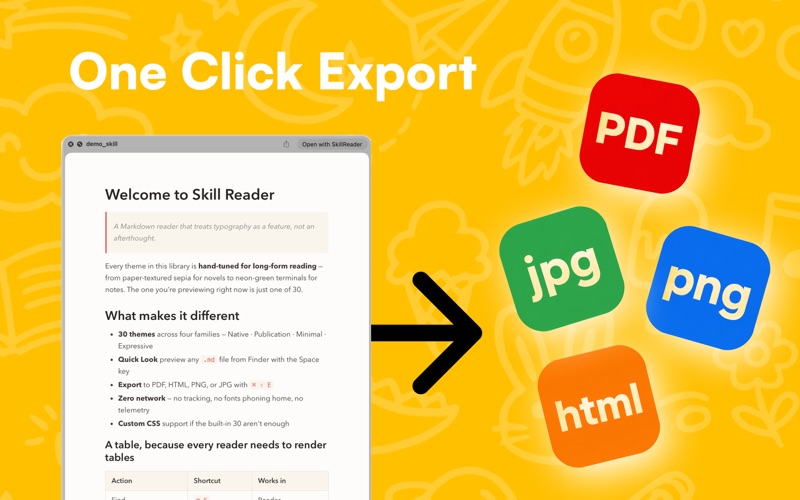
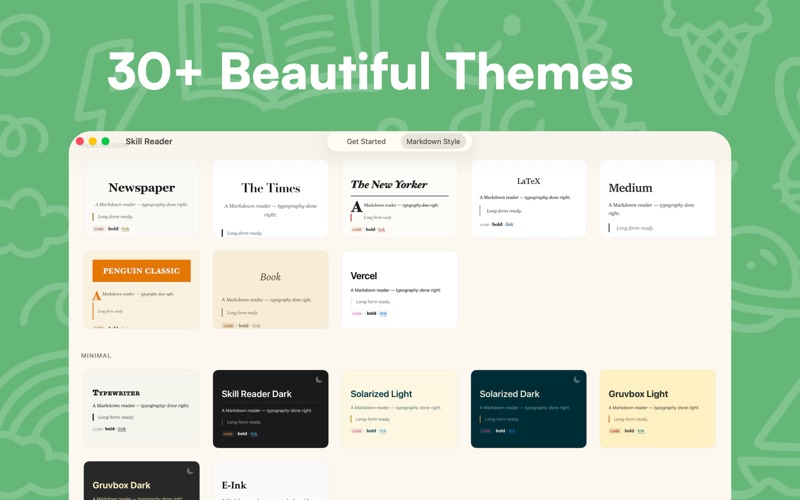
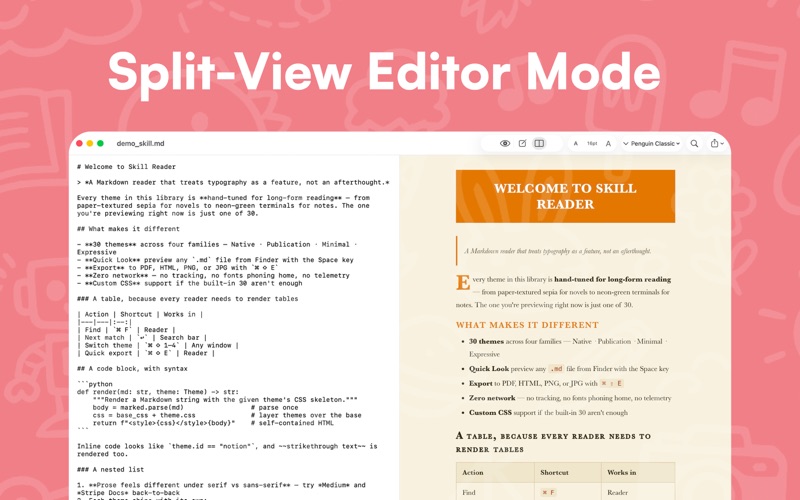
Your AI agent writes thousands of words a day. So do you, in prompts, skills, and rules. Skill Reader is for both sides of that conversation. Markdown is the shared language between you and your AI. The prompts, skills, and rules you write are Markdown. So are the reports, plans, and answers your agent sends back. It's a two-way conversation. But while everyone is obsessing over how to write better prompts, nobody's optimizing the reading side, and that's where the feedback loop breaks. Skill Reader is a macOS-native Markdown reader built for people who talk to AI every day. Press Space on any .md file in Finder. It renders instantly, typeset and styled, with code syntax highlighting and proper typography. Export an AI's answer as PDF, HTML, PNG, or JPG, so you can archive, share, or review it later. ⌘⇧E jumps straight to PDF export. A Markdown viewer that feels native to macOS, because it is. • Native Quick Look: Space key in Finder, no app to open • 30 crafted themes across Native, Publication, Minimal, and Expressive families. Includes GitHub, Notion, Stripe, The New Yorker, NYT, Medium, Dracula, Tokyo Night, Nord, Sakura, and more. • Live editor with synchronized preview • Export to PDF, HTML, PNG, or JPG (⌘⇧E for PDF) • Share extension: export straight from Finder's Quick Look • Custom CSS: drop in your own stylesheet • Fully localized in 29 languages Built for engineers, researchers, and writers who ship with AI. Also great for README files, technical docs, and everyday notes. The Pro upgrade unlocks all 30 themes, HTML / PNG / JPG export, and custom CSS. A one-time purchase. No subscription. No data collected. No cloud. Works fully offline. Your files stay yours. Works on macOS 14 and later.
Latest release
What’s New
Skill Reader 1.1 Update • Translate any .md into your native language with one tap. The tool for reading AI answers well in the AI era keeps getting smoother. • Drag images directly into the editor: a dropped image is written as Markdown and displays correctly in preview, QuickLook, and PDF export.
Audience growth
Ratings growth
Baseline captured. Growth appears after the crawler observes a changed rating count.
Momentum comes from crawler snapshots for the tracked storefront. “Viral growth signal” means unusually fast recent rating gains; it is an indicator, not download data.
Price tracking
Price intelligence
First snapshot captured. The trend line starts after the next crawler price observation.
- First observed Aug 8, 2026 · 11:21 AM Free
Screenshots