About this app
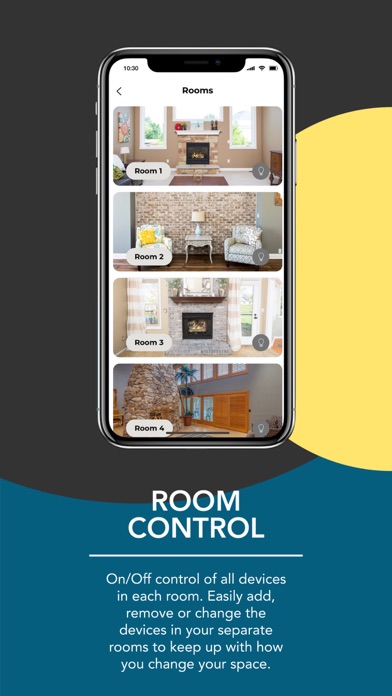
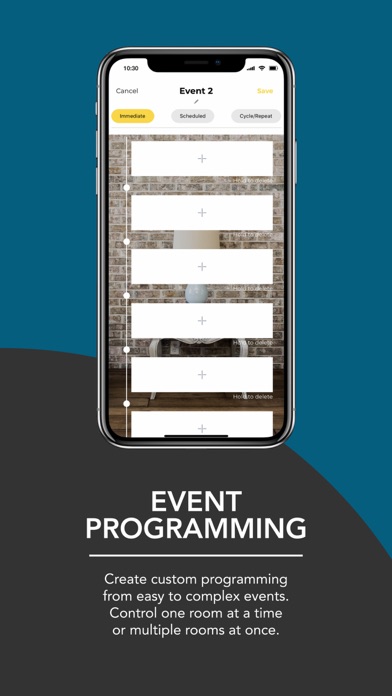
Take control of your home with the SkyBridge App System. By pairing the app with Skytech products you are able to control the on & off functionality of your fireplace, lamps, heaters & more! Room Control: On/Off control of all devices in each room. Easily add, remove or change the devices in your separate rooms to keep up with how you change your space. Device Control: Turn your fireplace, lamp or heater on or off independently from all other devices. Add and remove devices as you see fit. The app will control up to 64 different devices throughout your home. Event Programming: Get the exact programming you want with three different modes of programming. Set single time, set scheduled, or weekly cycles to truly master your home. Product Compatibility: The SkyBridge App must be used with the Skytech 7000 Series Remote Systems. You can learn more about Skytech Products by going to www.skytechpg.com/skybridge
Latest release
What’s New
In this version we have added the ability to update the firmware of your SkyBridge via OTA update
Audience growth
Ratings growth
Baseline captured. Growth appears after the crawler observes a changed rating count.
Momentum comes from crawler snapshots for the tracked storefront. “Viral growth signal” means unusually fast recent rating gains; it is an indicator, not download data.
Price tracking
Price intelligence
First snapshot captured. The trend line starts after the next crawler price observation.
- First observed Aug 19, 2026 · 10:06 AM Free
Screenshots