About this app
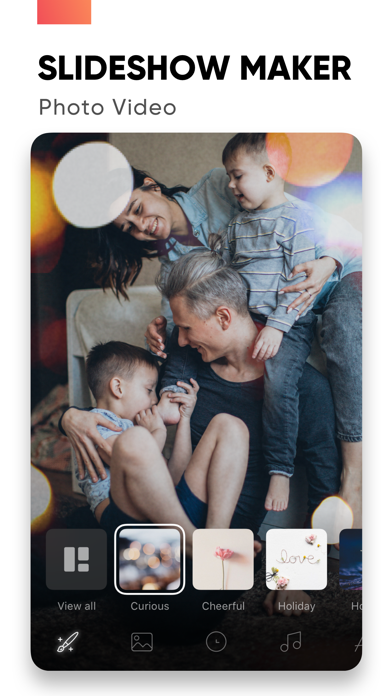
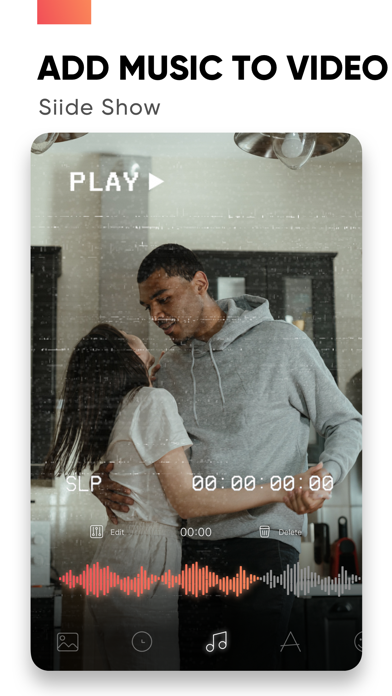
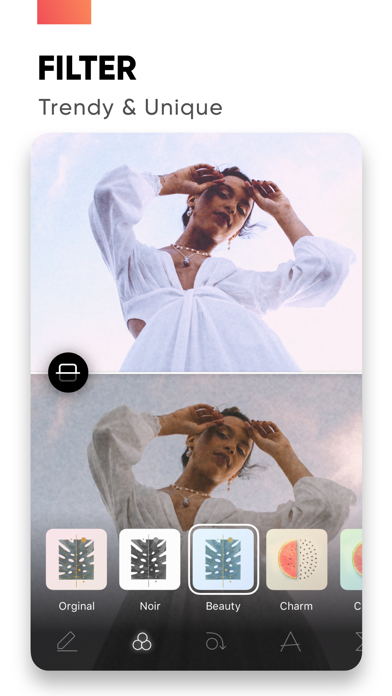
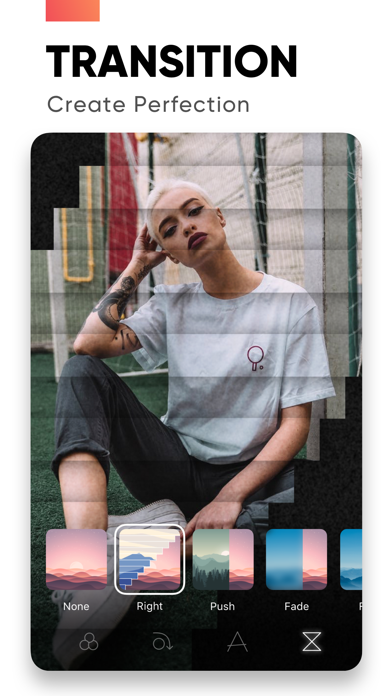
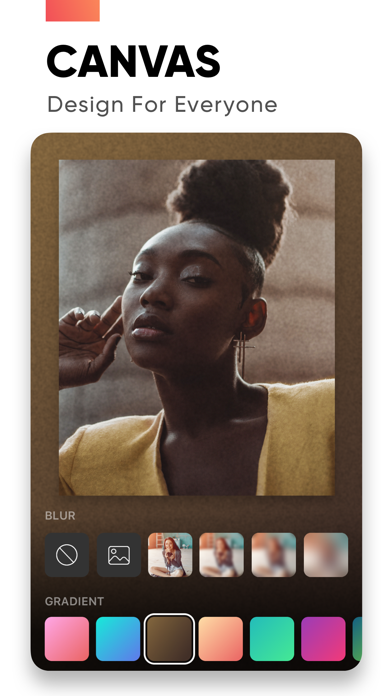
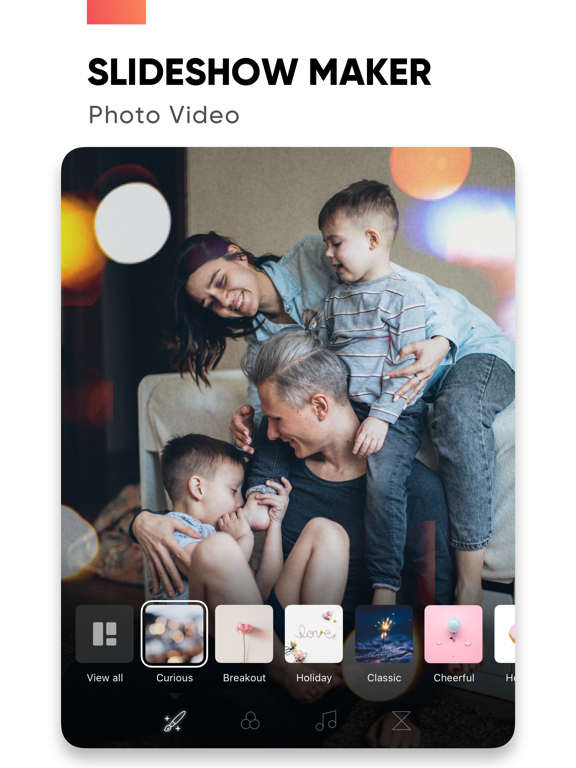
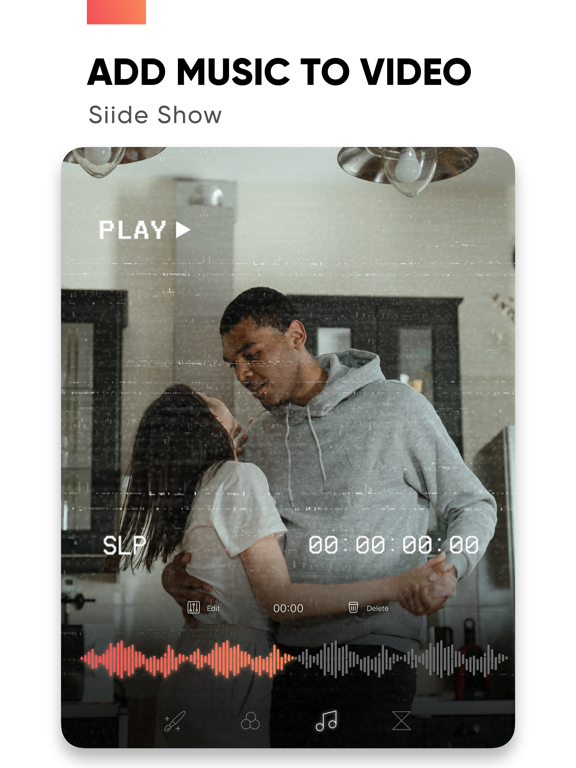
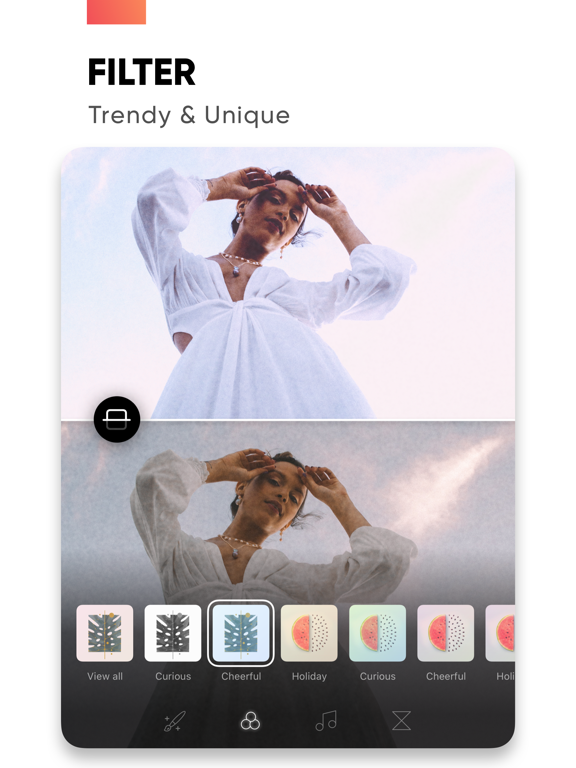
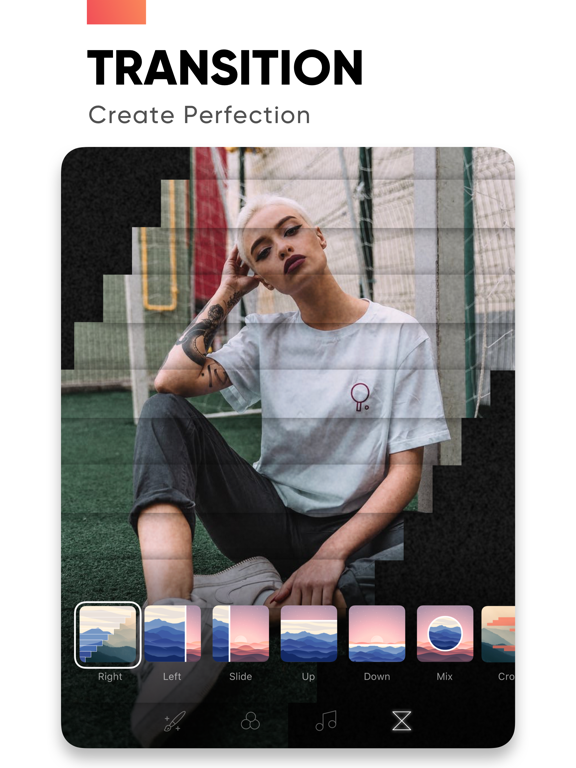
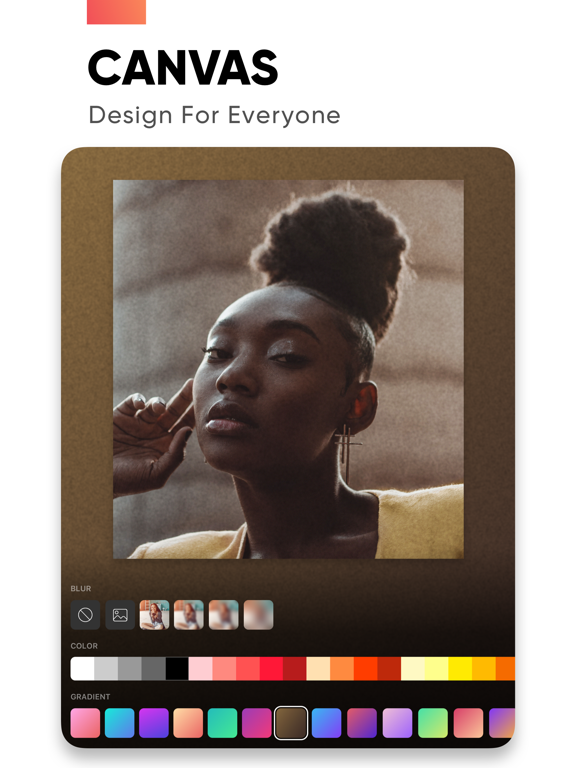
Create slideshows with SlideShow Maker Photo Video using your own photos & videos from your camera roll and add music to your video slide show! Make your own slideshow in just a few taps choosing from a great mood collection - from happy birthday to Mother's day, celebration or family, find your own style! Add photo, video, and music to your slideshow movie creation and share it with friends and family. FEATURES: 1) Slideshow maker : - Add your photos to video - Add music to video - Add transition, overlay and trendy filter to your slideshow video - Change duration per photo 2) Powerful Photo Editor: - Edit frame rate of photos, flip and rotate photos, add filters effects per photo in your slideshow - Reorder all your photos and delete or add more photos in your video slideshow - Using the Canvas feature to enhance your photo - Unique movement effect for your video slideshow. 3) Perfect Customize Music: - Import music from the music library to make a slideshow with or use a song from your own iTunes collection (subject to iTunes terms). - Remove or cut any part of audio with precision - Adjust your audio duration for a perfect result. - Trim, fade-in, fade-out for audio, music. 4) High-quality slideshow video for sharing: - Save slideshow to your library in up to HD 1080p. - Share with your friends on Facebook, Instagram, YouTube, or other social media, and get likes from them PREMIUM SUBSCRIPTION - Subscription start from USD 2.99. - a 1-week subscription with 3 days free trial - a 1-month subscription - a 1-year subscription • Check in app for exact pricing in your region • Payment will be charged to your iTunes account at confirmation of purchase and will automatically renew (at the duration/price selected) unless auto-renew is turned off at least 24 hours before the end of the current period. • Account will be charged for renewal within 24-hours prior to the end of the current period, and identify the cost of the renewal. • Any unused portion of a free trial period, if offered, will be forfeited when the user purchases a subscription to that publication, where applicable • You can manage your subscription and/or turn off auto-renewal by going to your iTunes Account Settings, but refunds will not be given for any unused portion of the term. Terms of Service: https://www.maplelabs.co/policies/#terms Privacy: https://www.maplelabs.co/policies/#terms For complete access to all app features, you will need to allow access to the following: - Photos library – so you can pick photos to slideshow maker and save slideshow video when you finish - Music library - so you can pick favourite songs or attractive songs to slideshow maker and make slideshow lively. If you have any feedback, please send us your email to support@maplelabs.co Please leave a review on the App Store if you love using the app. We cannot wait to hear from you and we always appreciate your support.
Latest release
What’s New
Hi Friends, we update to serve you better! In this version: - Fix bugs - Enhance UI and app performance Thank you for choosing us! Leave us your feedback at support@maplelabs.co
Audience growth
Ratings growth
Momentum comes from crawler snapshots for the tracked storefront. “Viral growth signal” means unusually fast recent rating gains; it is an indicator, not download data.
Price tracking
Price intelligence
- First observed Aug 9, 2026 · 12:22 PM Free
Screenshots