About this app
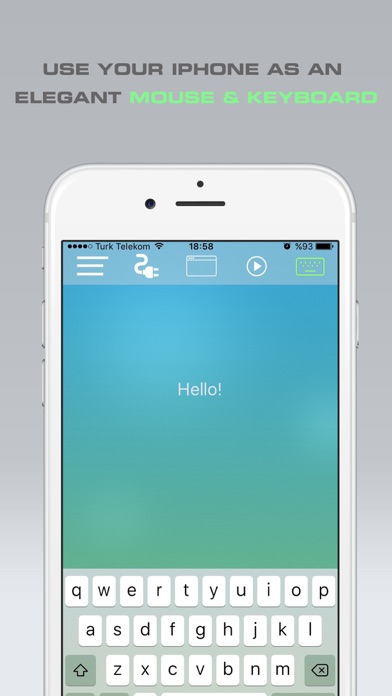
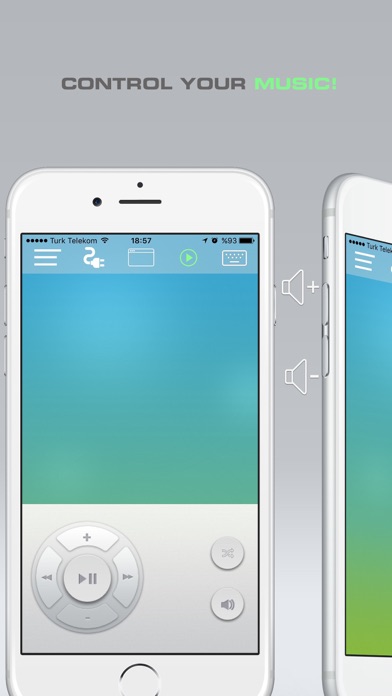
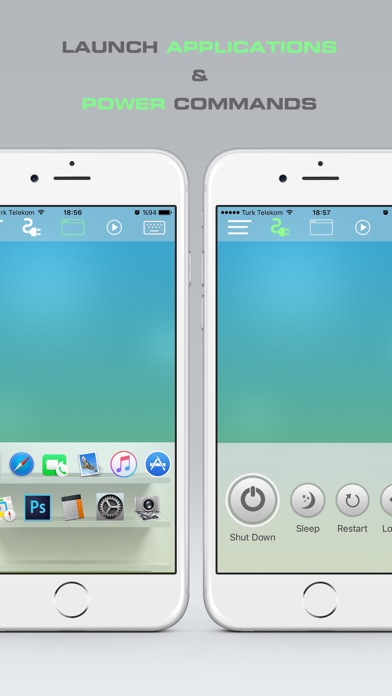
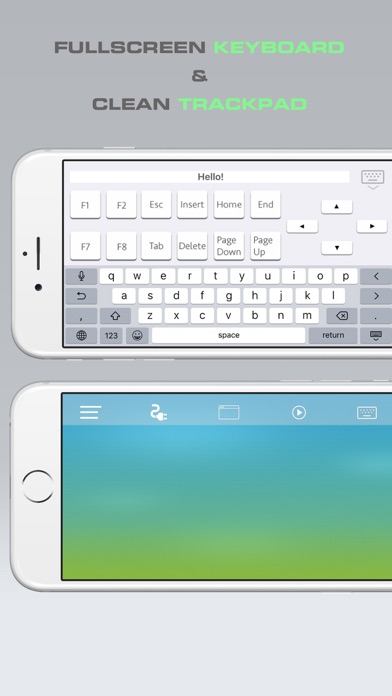
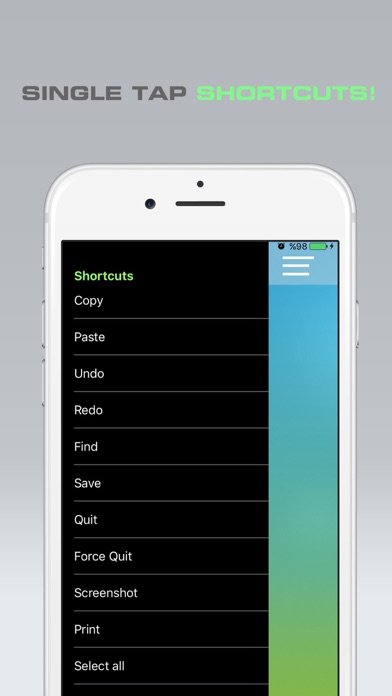
This app turns your iPhone into a magical wireless remote control for your Mac. An elegant wireless mouse and keyboard! You can control your presentations, music or even other applications with just a few simple touches or finger gestures. The app comes with the full packet and doesn't require any in-app purchase. ** FEATURES ** • Fully Simulated Mouse • Fullscreen Keyboard in Landscape Mode • Trackpad • Multi-Touch Gestures • Media Remote • Key Combination shortcuts • Physical Volume Buttons Control to adjust computer volume • Application Launcher & Switcher • Shut Down / Sleep / Restart / Log Off Remotely • Remotely Typing with Voice (need Siri) • Seamless connection • Works under Wi-Fi • Mac OSX 10.6+ (Windows support very soon) ** IMPORTANT ** For now, the app is only supported for Mac. We will publish the Windows version very soon. To be able to use the app, you will also need to install Mouse application on your Mac! 1. Visit bit.ly/39HaBYE1 with your Mac. Download & install Mouse application. 2. Make sure that your mobile device is connected to the same Wi-Fi as your computer. 3. Open Mouse App and that's all. The app will connect seamlessly to your Mac.
Latest release
What’s New
New launch screen
Audience growth
Ratings growth
Baseline captured. Growth appears after the crawler observes a changed rating count.
Momentum comes from crawler snapshots for the tracked storefront. “Viral growth signal” means unusually fast recent rating gains; it is an indicator, not download data.
Price tracking
Price intelligence
First snapshot captured. The trend line starts after the next crawler price observation.
- First observed Aug 11, 2026 · 7:55 AM $0.99
Screenshots