About this app
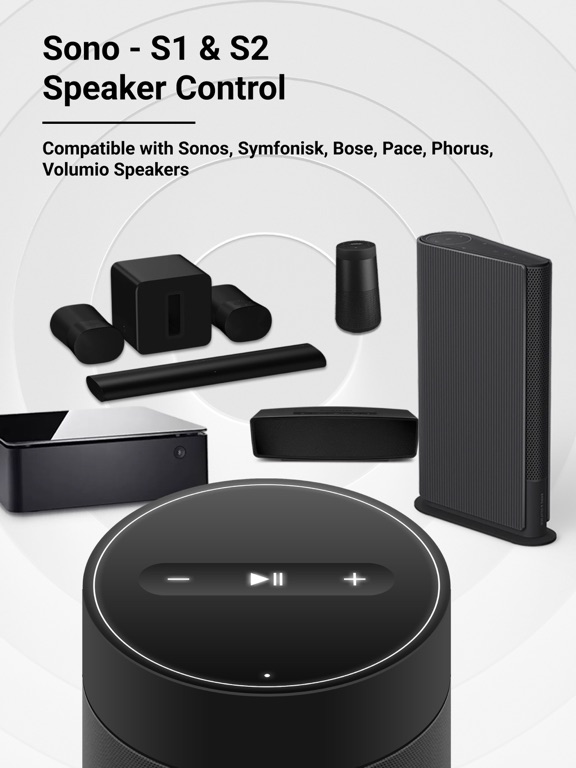
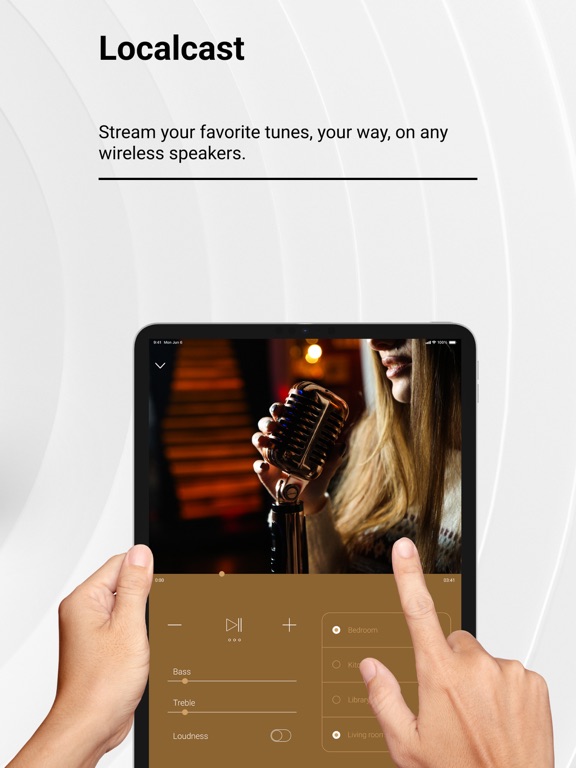
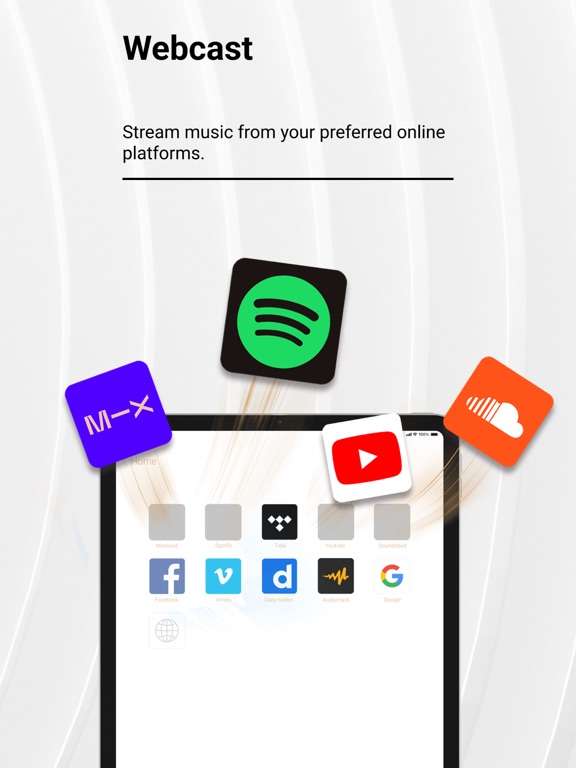
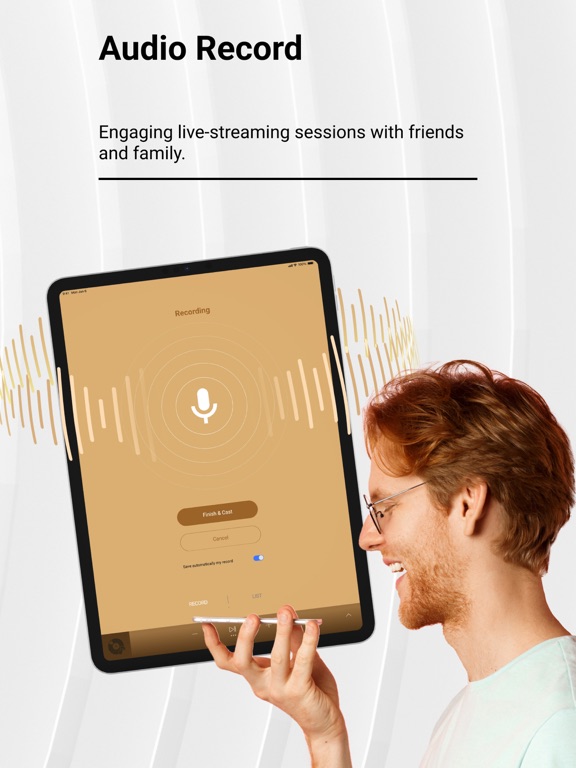
GIVE OUR APP A TRY IF YOU WANT TO: • Connect, control, group, and ungroup all nearby AirPlay speakers, amplifiers, and smart TVs. • Boost and sync multiple speakers to deliver high-quality sound at extra-high volumes for loud music. • Enhance your music experience with our bass booster, treble booster, volume booster, and full-range equalizer, including presets such as Acoustic, Dance, Electronic, Jazz, Pop, R&B, and more. • Manage and enjoy your all-time favorite songs, artists, and personalized playlists for every occasion with our Localcast feature. • Use our all-in-one music hub to access multiple streaming services — Apple Music, YouTube, Dailymotion, Vimeo, Audiomack, SoundCloud, and more — and seamlessly switch between them without leaving the app. • Instantly turn your iPhone into a microphone to record and stream your voice. • Discover trending songs updated daily. • Enjoy our ad blocker to watch your favorite YouTubers’ content and cast YouTube Music to your speakers without limitations or interruptions. • Use a private, secure, and fast built-in web browser to access your favorite online audio content providers with no tracking and no personal data stored during browsing. 1. Detect & Connect • Detect and connect to any nearby Wi-Fi or AirPlay speakers and amplifiers, such as: - Sonos Era 100, Sonos One (S1 & S2), Sonos Play, and more. - DENON, HEOS, Marantz, and Naim. - B&O Beoplay, and B&O Beosound. - Many other brands. • Detect and pair with any Bluetooth speakers, amplifiers, headphones, or earbuds, such as: - Bose Home Speaker, Bose Smart Soundbar, and more. - Harman Kardon Aura, Harman Kardon AVR, JBL, and more. - Logitech UE Boom 2. Control • Bass booster, treble booster, volume booster, and equalizer. • Adjust bass and treble output; enable or disable loudness. • Play / Pause / Next Track / Previous Track / Seek. 3. Offline Music Player / Online Music Streaming • Stream music from Apple Music, YouTube, Dailymotion, Vimeo, Audiomack, SoundCloud, and more. • My Local music library: Import music files in various formats into your library, download your favorite tracks, and enjoy high-quality offline playback. • Cast music to your speakers without Wi-Fi. • Voice recorder: Create and amplify your voice with our VoiceCast. HOW IT WORKS • Getting started is simple — download the Smart Speakers Remote Control app. • Join our Annual Premium Membership gives you access to: - A free 3-day trial — cancel any time. - Unlimited connection and casting of audio to speakers and headphones. - Ad-free YouTube listening & streaming. - Full control over your sound quality. - Dedicated customer support just an email away. • In addition to the annual plan, we offer more budget-friendly weekly and monthly options — cancel anytime. • If you choose not to become our Premium member, that’s okay too! You can still enjoy our Premium Features using your iPhone’s built-in speaker all day long. DOWNLOAD Smart Speakers Remote Control NOW! PAYMENT AND SUBSCRIPTIONS • Pricing may vary by country, and actual charges may be converted to your local currency based on your country of residence. • Payment will be charged to your iTunes Account at the time of purchase confirmation. • Subscriptions automatically renew unless auto-renew is turned off at least 24 hours before the end of the current period. • Your account will be charged for renewal within 24 hours prior to the end of the current period, and you will be informed of the renewal cost. • Manage your membership in your account settings, including the option to disable auto-renewal. If a free trial is offered, any unused portion will be forfeited once you purchase a membership to the applicable publication. Privacy Policy: https://fiisionstudio.com/privacy-policy/ Terms of Use: https://fiisionstudio.com/terms-and-conditions/ For assistance, contact us at support@fiisionstudio.com. Questions or suggestions? Just send us an email.
Latest release
What’s New
Improve user experience.
Audience growth
Ratings growth
Baseline captured. Growth appears after the crawler observes a changed rating count.
Momentum comes from crawler snapshots for the tracked storefront. “Viral growth signal” means unusually fast recent rating gains; it is an indicator, not download data.
Price tracking
Price intelligence
First snapshot captured. The trend line starts after the next crawler price observation.
- First observed Aug 19, 2026 · 4:01 PM Free
Screenshots