About this app
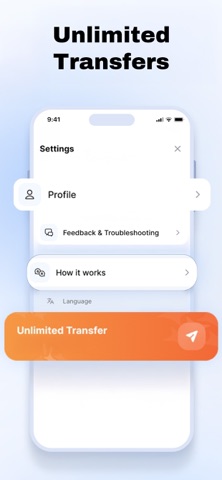
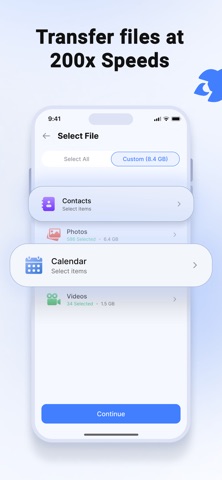
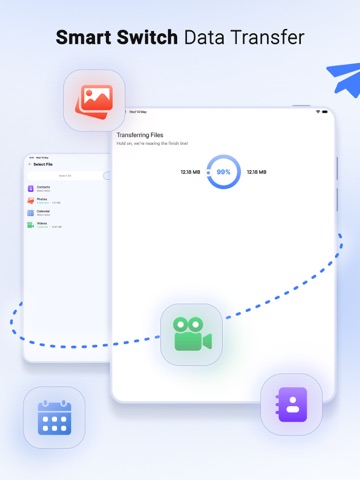
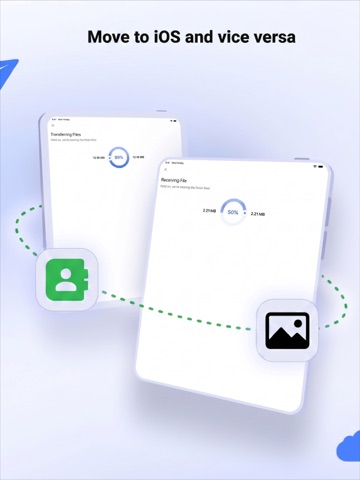
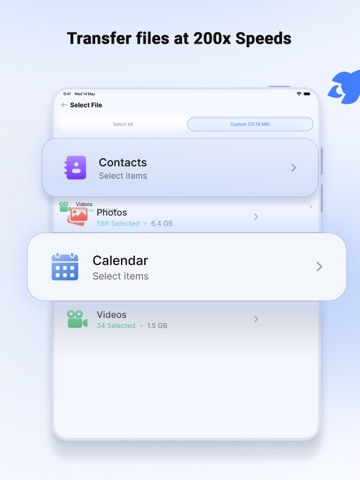
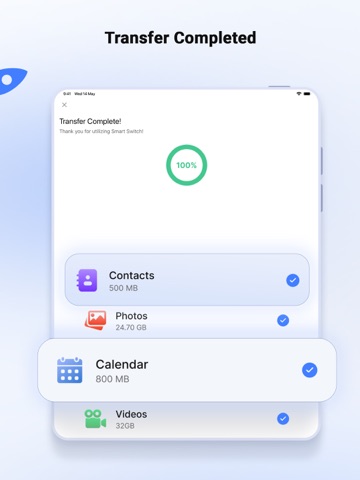
All users look for apps to solve everyday problems: using a GPS to get to another place, playing games to kill time on the subway, knowing how many calories they have burned exercising, etc. But what happens when we have changed mobile phones and we don't want to lose any contacts, documents, photos or videos? From Zed Italia we give you the solution! Smart Switch my Phone allows you to transfer data from your old phone to the new one. This app works by creating a WiFi hotspot, no internet, cables or Bluetooth needed. With Smart Switch my Phone, you can move your contacts, photos, videos, messages and music with just a few taps. Simply copy all your data from your old phone and transfer it to your new phone using one of the most cutting-edge apps on the market. The data being transferred is secure with end-to-end encryption. Transfer large amounts of data in minutes. You don't want to copy all the data, you want to transfer just some files? Smart Switch also has a single file sharing module, it copies a single file and sends it only. Transfer the files you want to transfer. Characteristics ⇄ Move all your data to your new smartphone. ⇄ Works with internet, cables or Bluetooth. Transfer data without any interference. ⇄ Data transfer is secure at both ends. Simply scan the QR code to start the transfer. ⇄ Transfer speeds are up to 200 times faster than Bluetooth. ⇄ The application allows you to select the data you need to transfer. ⇄ Once you select everything you need to transfer, the app shows you an estimated completion time. ⇄ Show your transfer history in one place. ⇄ The app shows the free and used space on your phone. ⇄ Comes with a well-designed and easy-to-use user interface. ⇄ Single file sharing module, it is also possible to share a single file. ⇄ Cross-platform file sharing ⇄ Smart Switch now allows users to transfer and move data from any device to iPhone and vice versa. It's perfect for people who have upgraded to a phone with a different operating system. The procedure for sending and receiving remains practically identical. However, as always, both devices must have the latest respective version of Smart Switch my Phone installed. How to use: 1. After installation, the user must give the Smart Switch my Phone app all the permissions it requires. 2. As a sender, simply select the files you want to transfer and press "Share". 3. The app will create a personal hotspot and a QR code will be displayed on the screen. 4. To start the transfer by creating a connection, the receiver must scan the QR code. 5. User can find all their transferred files on the transfer history page. Some of the data we collect - Device-specific information, such as the device model and the version of the operating system being used. This provides insight into how our app is used so we can improve the user experience and the app itself. - We collect anonymous data such as statistics, analytics and information about your activity to provide you with a high-quality and reliable experience. - Payment details and an optional email (if you use Paid Services). ----------- Privacy Policy and Terms of Use Privacy Policy: https://www.zedit.info/PrivacyPolicy.html Terms of use: https://www.zedit.info/Service_Terms.html
Latest release
What’s New
Hi there! In this update, we optimized Smart Switch my Phone to make your transfers faster and smoother. We improved your account connection for a more personalized service and enhanced overall stability to guarantee an interruption-free experience. Are you finding our app helpful? We would appreciate it if you could leave us a review. Thanks for choosing us!
Audience growth
Ratings growth
Baseline captured. Growth appears after the crawler observes a changed rating count.
Momentum comes from crawler snapshots for the tracked storefront. “Viral growth signal” means unusually fast recent rating gains; it is an indicator, not download data.
Price tracking
Price intelligence
- First observed Aug 20, 2026 · 11:16 AM Free
Screenshots